EasyManua.ls Logo

Vivitek D366 Series - User Manual

Vivitek D366 Series
56 pages
Print Icon
To Next Page IconTo Next Page
Loading...
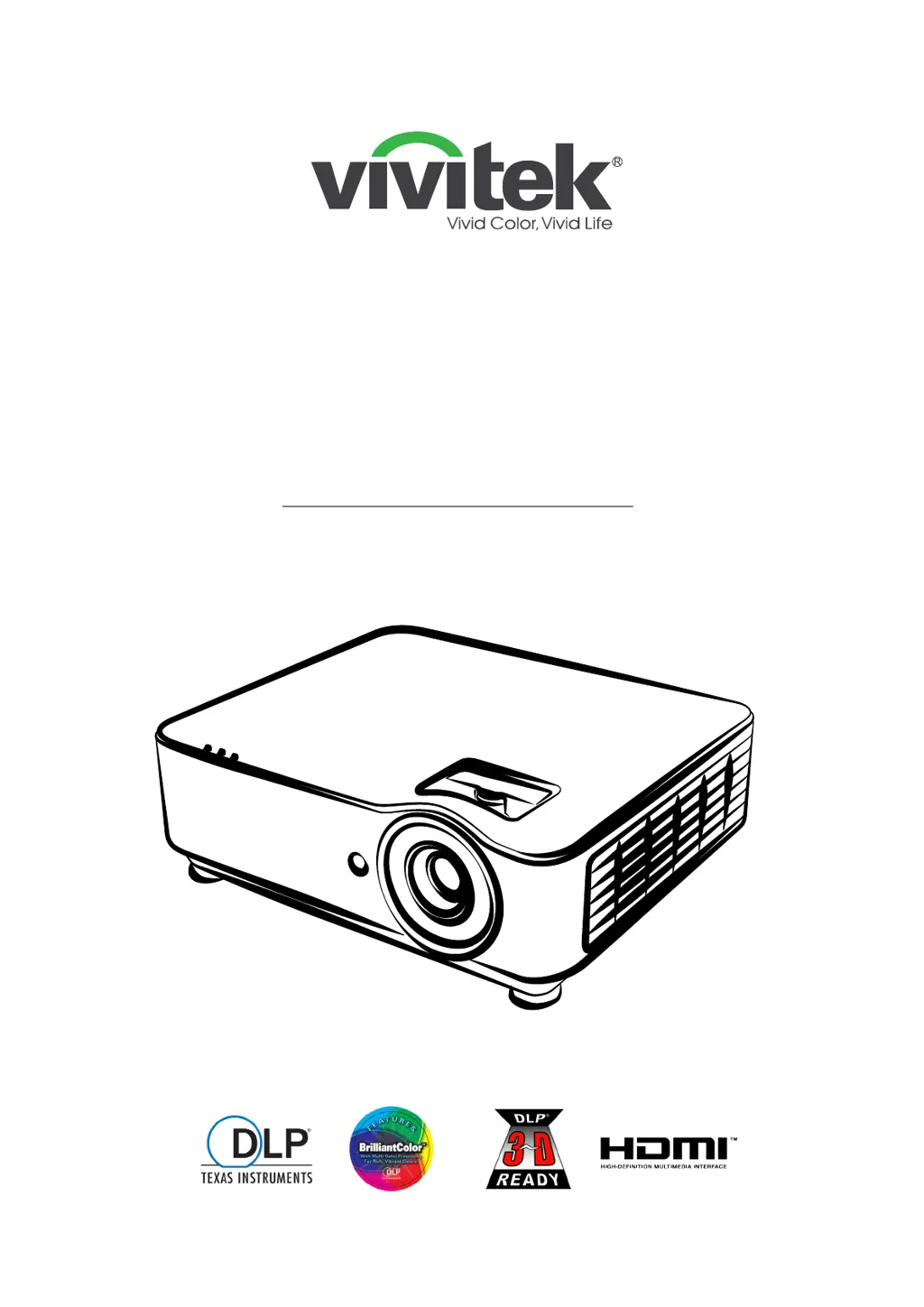
D366 Series
Digital Laser Projector
USER MANUAL

Table of Contents

Questions and Answers

  • S
    stephenmillerAug 14, 2025
    How to fix a Vivitek D366 with no image on the screen?
    • C
      Christian DiazAug 14, 2025
      If your Vivitek Projector displays no image, first verify the settings on your notebook or desktop PC. If that doesn't resolve the issue, turn off all equipment and power it up again in the correct order.
  • H
    Hannah WhiteAug 17, 2025
    What to do if Vivitek Projector remote control not working?
    • H
      Holly RodriguezAug 17, 2025
      If your Vivitek Projector doesn't respond to the remote control, try these steps: First, point the remote control directly at the remote sensor on the projector, ensuring nothing is blocking the path. Then, turn off any fluorescent lights or other Infrared-enabled devices nearby. Check the battery polarity and replace the batteries if needed. If problems persist, have the remote control serviced.
  • R
    Robin ParkAug 20, 2025
    How to fix blurred image on Vivitek D366 Projector?
    • S
      Shane LesterAug 21, 2025
      If the image on your Vivitek Projector is blurred, try the following: Adjust the focus on the projector. Ensure the projector-to-screen distance is within the specified range. Also, check that the projector lens is clean.
  • D
    Douglas SnowAug 25, 2025
    Why is there no light from my Vivitek Projector?
    • V
      Vernon WebsterAug 25, 2025
      If there is no light from the Vivitek Projector, check that the power cable is securely connected and that the power source is working by testing it with another electrical device. Then, restart the projector in the correct order and make sure the Power LED is on.
  • M
    Matthew HickmanAug 27, 2025
    How to troubleshoot no sound on Vivitek Projector?
    • E
      Erika RamosAug 27, 2025
      If you are not getting any sound from your Vivitek Projector, try these steps: Adjust the volume on the remote control and the audio source. Check the audio cable connection. Test the source audio output with other speakers. If the problem persists, have the projector serviced.
  • P
    Paul WilliamsAug 30, 2025
    How to adjust color on Vivitek D366?
    • P
      paula88Aug 31, 2025
      If the color of the projected image from your Vivitek Projector doesn't match the source image, adjust the Color Temperature and Gamma settings on the PICTURE > Advanced menu of the OSD.
  • S
    Samantha VillarrealSep 3, 2025
    How to resolve streaked image on Vivitek D366 Projector?
    • G
      Gabrielle SimpsonSep 3, 2025
      If the image on your Vivitek Projector is streaked, set the Phase and Clock settings on the Input -> Analog menu of the OSD to the default settings. To ensure the problem is not caused by your PC’s video card, connect to another computer.
  • K
    Kevin HerreraSep 6, 2025
    How to correct a reversed image on a Vivitek D366?
    • L
      Lee CooperSep 6, 2025
      If the image on your Vivitek Projector is reversed, check the Projection setting on the ALIGNMENT menu of the OSD.
  • C
    Christine ParkerSep 10, 2025
    What to do if Vivitek D366 Projector image is flat with no contrast?
    • A
      Allison FlemingSep 10, 2025
      To adjust a flat image with no contrast on your Vivitek Projector, adjust the Contrast setting on the PICTURE menu of the OSD.

Summary

General Information

Important Safety Information

Provides guidelines and warnings for safe projector operation.

Laser Warning and Parameters

Details about the Class 2 laser product and its emission parameters.

Warning Labels on Unit

Location and explanation of safety hazard and warning labels on the projector.

General Notices and Warnings

Includes power, cleaning, laser beam, and sun light warnings.

Getting Started

Projector Features and Functions

Highlights key features and identifies physical controls on the projector.

Connecting Source Devices (DH3660 Z)

Details input/output ports and control keypad for the DH3660Z model.

Remote Controller Operation

Explains the remote control layout, connectivity, and functions.

Installation Guide and Cooling

Guidelines for installation location, verification, and cooling requirements.

Adjusting Projector Tilt and Lens

Instructions for adjusting tilt, keystone, zoom, focus, and lens shift.

On-Screen Display (OSD) Menu Settings

PICTURE Menu: Modes and Adjustments

Settings for Picture Mode selection and basic image tuning.

Troubleshooting

Common Problems and Solutions

General tips for diagnosing and solving common projector issues.

Troubleshooting Tips and Methodology

Advice on how to approach troubleshooting effectively.

LED Error Messages

Table of LED error codes and their corresponding meanings.

Image Problem Diagnosis

Answers to frequently asked questions about image display issues.

Specific Troubleshooting Areas

Troubleshooting steps for light source, remote control, and audio problems.

Specifications

Projector DataSheet

Comprehensive technical specifications for DH3660Z and DU3661Z models.

RS-232 Communication

RS232 Operation Commands

Syntax and examples for RS232 serial control commands.

RS232 Command Reference

Detailed list of RS232 commands and their parameters/values.

Vivitek D366 Series Specifications

General IconGeneral
ResolutionXGA (1024 x 768)
Projection TechnologyDLP
Native ResolutionXGA (1024 x 768)
Contrast Ratio22000:1
Weight2.6 kg
ConnectivityHDMI, VGA, USB, Audio In/Out

Related product manuals