EasyManua.ls Logo

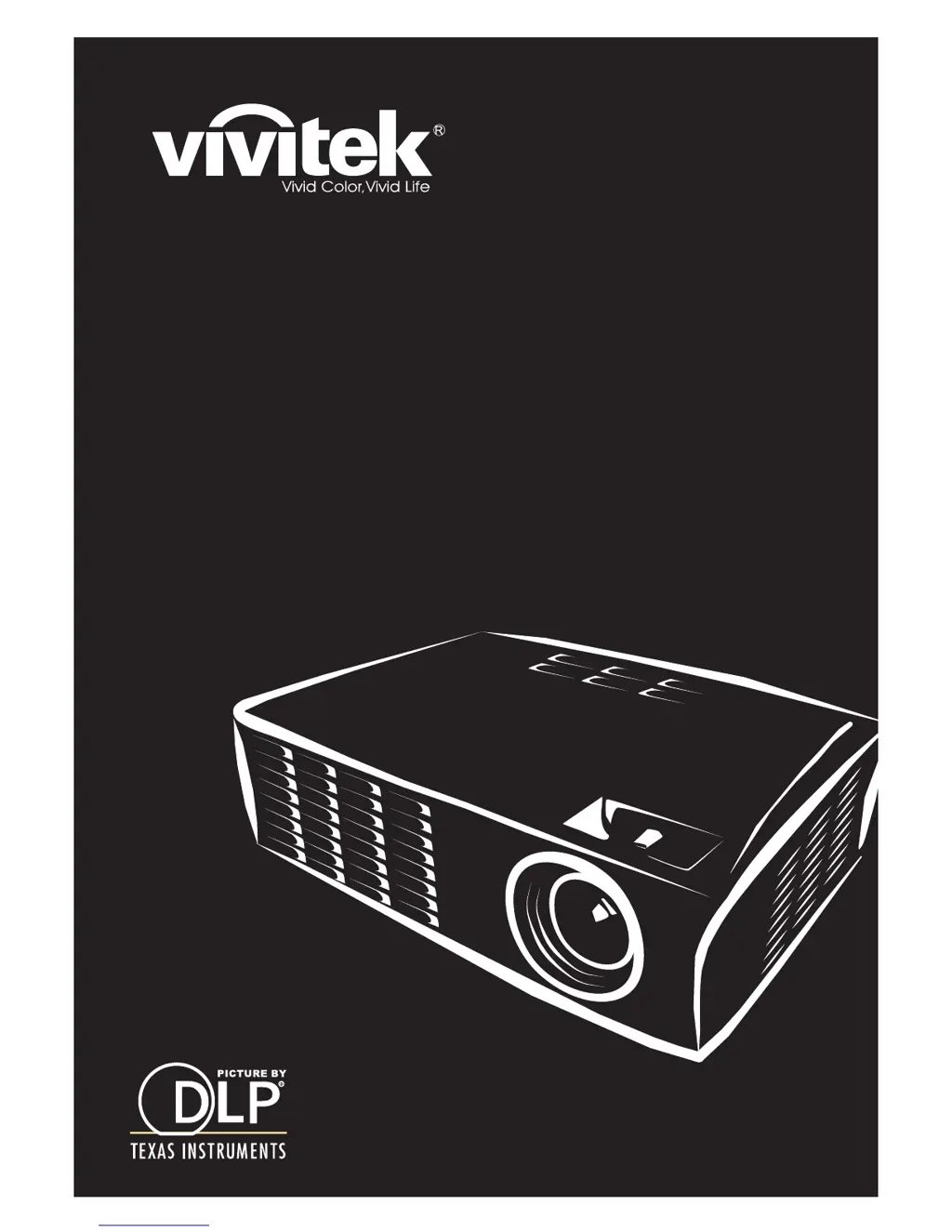
Vivitek D330MX - User Manual

Vivitek D330MX
62 pages
Print Icon
To Next Page IconTo Next Page
Loading...
D3 Series
User Manual
ϡΊ
⫼᠋᠟ݠ
Manuel de l'utilisateur
Benutzerhandbuch

Questions and Answers

  • S
    Samantha HughesAug 18, 2025
    What to do if there is no light from my Vivitek D330MX?
    • M
      Mary GallegosAug 18, 2025
      If there is no light coming from your Vivitek Projector, try these steps: * Ensure the power cable is securely connected. * Test the power source with another electrical device. * Restart the projector and check that the Power LED is green. * If you've recently replaced the lamp, reset the lamp connections. * Replace the lamp module. * If none of the above steps work, put the old lamp back in and have the projector serviced.
  • J
    Jennifer PhamAug 20, 2025
    Why does the Vivitek D330MX Projector lamp go off?
    • J
      John MorrisAug 20, 2025
      If your Vivitek Projector lamp goes off, it might be due to power surges. Try re-plugging the power cord and, when the Ready LED is on, press the power button. If the problem persists, consider replacing the lamp module or having the projector serviced with the old lamp re-installed.
  • R
    Rachel WintersAug 22, 2025
    How to fix Vivitek D330MX if remote control is not working?
    • J
      Jessica SalinasAug 23, 2025
      If your Vivitek Projector's remote control isn't working, try these steps: 1. Make sure you're pointing the remote at the projector's remote sensor. 2. Clear any obstructions between the remote and the sensor. 3. Turn off fluorescent lights in the room. 4. Check the battery polarity and replace the batteries if needed. 5. Turn off other Infrared-enabled devices nearby. 6. If none of these steps work, have the remote control serviced.
  • T
    traceywoodAug 26, 2025
    How to fix a blurred image on Vivitek D330MX Projector?
    • B
      Bruce KnappAug 26, 2025
      To fix a blurred image on your Vivitek Projector: * Adjust the focus on the projector. * Press the Auto button on the remote control or projector. * Make sure the projector is within 10 meters (33 feet) of the screen. * Check that the projector lens is clean.
  • S
    Sydney RayAug 28, 2025
    How to correct trapezoid effect on Vivitek D330MX Projector?
    • P
      Parker MillerAug 28, 2025
      To correct a trapezoid effect (image wider at the top or bottom) on your Vivitek Projector: * Position the projector so it is as perpendicular to the screen as possible. * Use the Keystone button on the remote control or Quick Menu on the projector.
  • M
    Mark BrownAug 30, 2025
    What to do if there is no sound from Vivitek D330MX?
    • R
      Robert WashingtonAug 30, 2025
      If there is no sound from your Vivitek Projector, you can try the following: * Adjust the volume on the remote control. * Adjust the volume of the audio source. * Check the audio cable connection. * Test the source audio output with other speakers. * If the issue persists, have the projector serviced.
  • B
    Brittany EdwardsSep 1, 2025
    How to fix a streaked image on Vivitek D330MX?
    • C
      Christopher MorrisonSep 2, 2025
      If the image on your Vivitek Projector is streaked, try setting the Frequency and Tracking settings on the Computer menu of the OSD to the default settings. Also, connect to another computer to rule out a problem with the connected PC’s video card.
  • S
    stevenharrisSep 4, 2025
    What to do if the sound is distorted on Vivitek Projector?
    • V
      Victoria ArnoldSep 4, 2025
      If the sound from your Vivitek Projector is distorted, check the audio cable connection and test the source audio output with other speakers. If the problem continues, have the projector serviced.
  • M
    Michaela CummingsSep 6, 2025
    What to do if no image appears on Vivitek Projector?
    • R
      robinsonkimSep 6, 2025
      If no image appears on the screen from your Vivitek Projector, verify the settings on your notebook or desktop PC. Also, try turning off all equipment and powering it up again in the correct order.
  • L
    Lynn NobleSep 9, 2025
    How to fix a reversed image on Vivitek Projector?
    • S
      Stacey NobleSep 9, 2025
      If the image on your Vivitek Projector is reversed, check the Projection setting on the Installation I menu of the OSD.

Vivitek D330MX Specifications

General IconGeneral
BrandVivitek
ModelD330MX
CategoryProjector
LanguageEnglish

Related product manuals