EasyManua.ls Logo

Vivitek DS262 - User Manual

Vivitek DS262
69 pages
Print Icon
To Next Page IconTo Next Page
Loading...
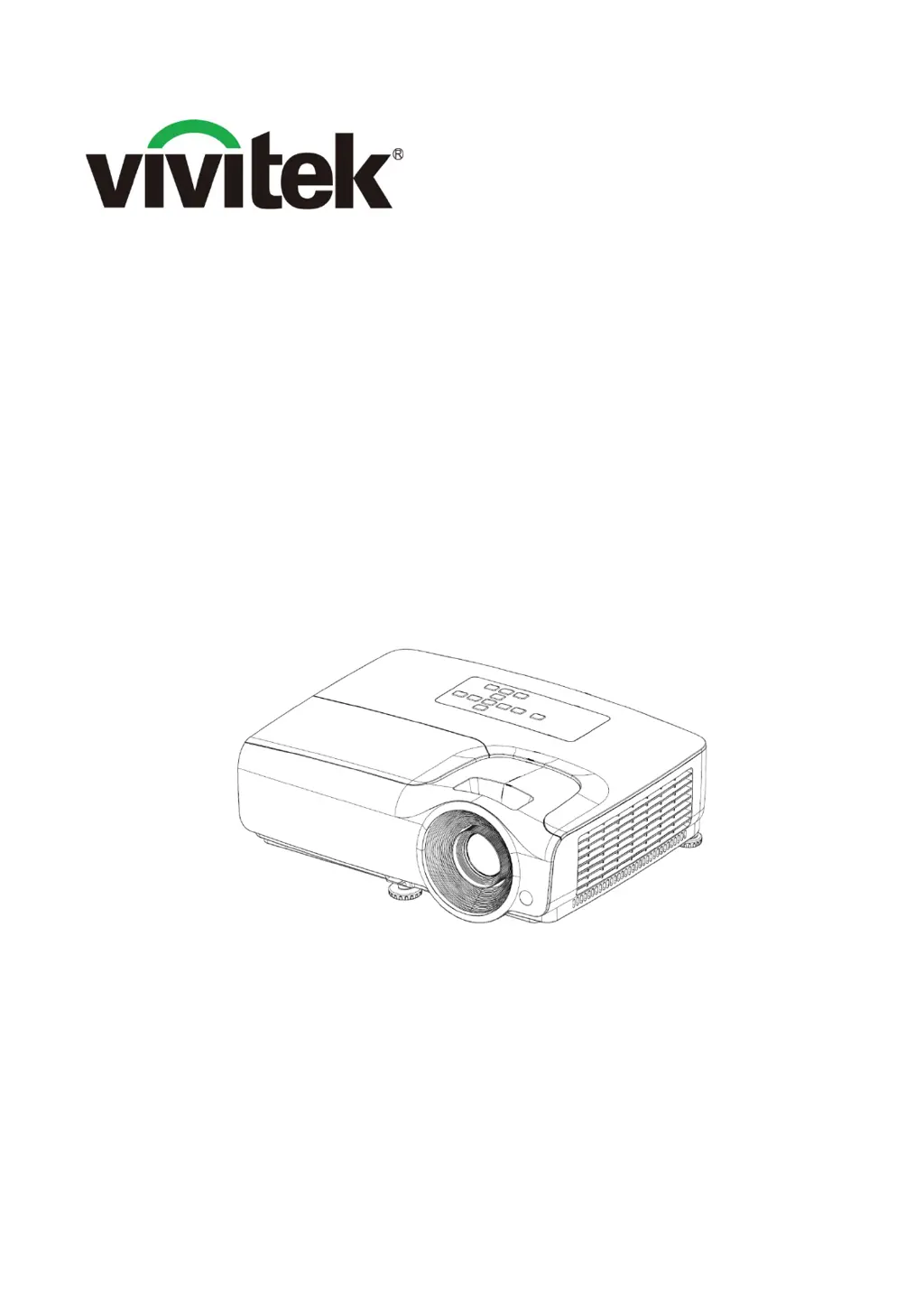
DS262/DX263/DW265
DH268/DX281-ST/DW282-ST
Projector
Service Manual
Version: A
Date: 2017/07/06

Questions and Answers

  • G
    Gerald SanchezAug 3, 2025
    What to do if my Vivitek Projector has no power after turning on?
    • E
      Elizabeth DownsAug 3, 2025
      If your Vivitek Projector has no power, check the AC socket. If the socket is OK, replug the AC socket connection. If it's still not working, the AIO power may need replacing. Also, check the 9 pin power output board. If that's OK, replace the main board. Check the fan connection, if it's NG, reconnect the fan; if it's OK, replace the fan. Finally, check the Main board.
  • J
    Jason HutchinsonAug 8, 2025
    Why does my Vivitek DS262 Projector fail to light up?
    • S
      Shane McbrideAug 8, 2025
      If your Vivitek Projector fails to light up, check the LED indicator and follow the indicative actions. If it’s OK, replace the Lamp Module. If it’s NG, replace the Main board. If it’s OK, check the AIO Power board 380V output. If it’s NG, replace the CW Color Wheel. Also, use a multimeter to test the voltage between the lamp wire pins which port connect the AIO POWER TO LAMP, when another port connect the AIO POWER board.
  • W
    William RodriguezAug 13, 2025
    What to do if my Vivitek Projector shows no video signal?
    • T
      Timothy IbarraAug 13, 2025
      If your Vivitek Projector displays 'No Signal', first turn on the source. If the issue persists, replace the cable. Also, check the monitor out signal on the Main board.
  • L
    Lori MitchellAug 17, 2025
    Why is the color abnormal on my Vivitek DS262 Projector?
    • A
      Anne BoydAug 17, 2025
      If the color appears abnormal on your Vivitek Projector, adjust the Color Wheel Index. If that doesn't solve the issue, the Main board may need to be replaced. Alternatively, the Optical Engine might need replacement.
  • S
    spencerlaurenAug 23, 2025
    How to fix image if it is abnormal on Vivitek DS262 Projector?
    • D
      Drew GarciaAug 23, 2025
      To fix an abnormal image on your Vivitek Projector, power it on again and reset the OSD. If the issue persists, and the input signal is NG, adjust the input signal. If the input signal is OK, replace the Main board. If that doesn't work, the Optical Engine may need replacement.
  • H
    hbrownAug 28, 2025
    What to do if Vivitek Projector fan fails after turning on?
    • H
      Henry ButlerAug 28, 2025
      If the fan fails after turning on your Vivitek Projector, replug the AC socket connection if AC socket is NG. If it's OK, replace the AIO power. Check the 9 pin Power output board. If it's OK, replace the main board. If the fan connection is NG, reconnect the fan. Check the fan connection. If it's OK, replace the fan.

Summary

Chapter 2 Machine Disassembly

2.2 Disassembly Process

Step-by-step guide for safely disassembling the projector.

Chapter 3 Troubleshooting

3.1 LED Lighting Message

Interpreting LED status indicators for diagnosing projector issues.

3.2 Main Procedure

General troubleshooting procedures for power and fan issues.

Chapter 4 Function Test & Alignment Procedure

4.3 Image Quality Inspection

Procedures for checking image clarity, noise, and color fidelity.

4.7 How to Enter Factory Mode

Steps to access and navigate the projector's factory service menu.

Chapter 5 Firmware Upgrade

5.2 Upgrading Procedure

Detailed steps for updating the projector's firmware using software.

Vivitek DS262 Specifications

General IconGeneral
Native aspect ratio4:3
Projection distance1.6 - 11.3 m
Projection technologyDLP
Contrast ratio (typical)15000:1
Screen size compatibility40 - 240 \
Projector native resolutionSVGA (800x600)
Keystone correction, vertical-40 - 40 °
Offset105.7 %
Throw ratio1.94 - 2.32:1
Focal length range21.8 - 25.6 mm
Aperture range (F-F)2.46 - 2.66
DVI portNo
HDMI version1.4
AC (power) inYes
Serial interface typeRS-232
USB 2.0 ports quantity0
S-Video inputs quantity1
Component video (YPbPr/YCbCr) in-
Power sourceAC
AC input voltage100 - 240 V
AC input frequency50 - 60 Hz
Power consumption (standby)0.5 W
Power consumption (typical)240 W
Power consumption (economy mode)203 W
Light source typeLamp
Service life of light source5000 h
Service life of light source (economic mode)7000 h
RMS rated power2 W
Noise level31 dB
Noise level (economic mode)28 dB
Cables includedAC, VGA
PlacementDesktop
Product typeStandard throw projector
Product colorWhite
Supported graphics resolutions800 x 600 (SVGA), 1920 x 1200 (WUXGA)
Weight and Dimensions IconWeight and Dimensions
Depth243 mm
Width332 mm
Height107 mm
Weight2600 g

Related product manuals