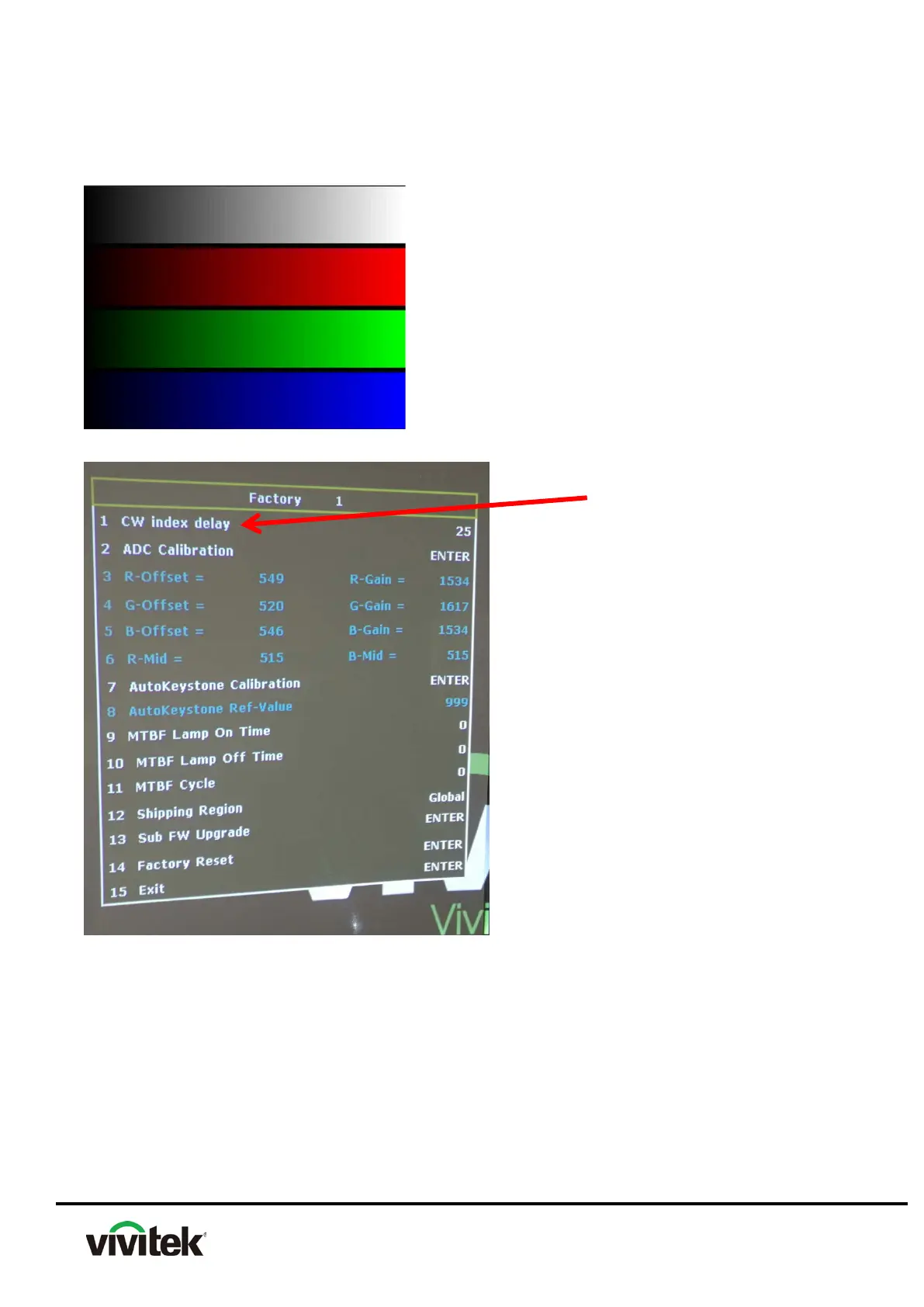
4.8 Color Wheel Index Adjust
Step 1: Test Image: 256 level RGB.
Step 2: Enter the Engineering Mode.
Step 3: 1. Move the highlight bar to the CW index delay.
2. Press the button (Right or Left) with Remote control to adjust the value of CW
Index
.
3. Notice the changing of color till the RGB colors are distinguishable.
NOTE:
1. The CW Index of each CW is not all the same.
2. Adjusting the CW Index till the R, G, B colors are distinguishable will be fine.



 To Next Page