DLP Projector – User’s Manual
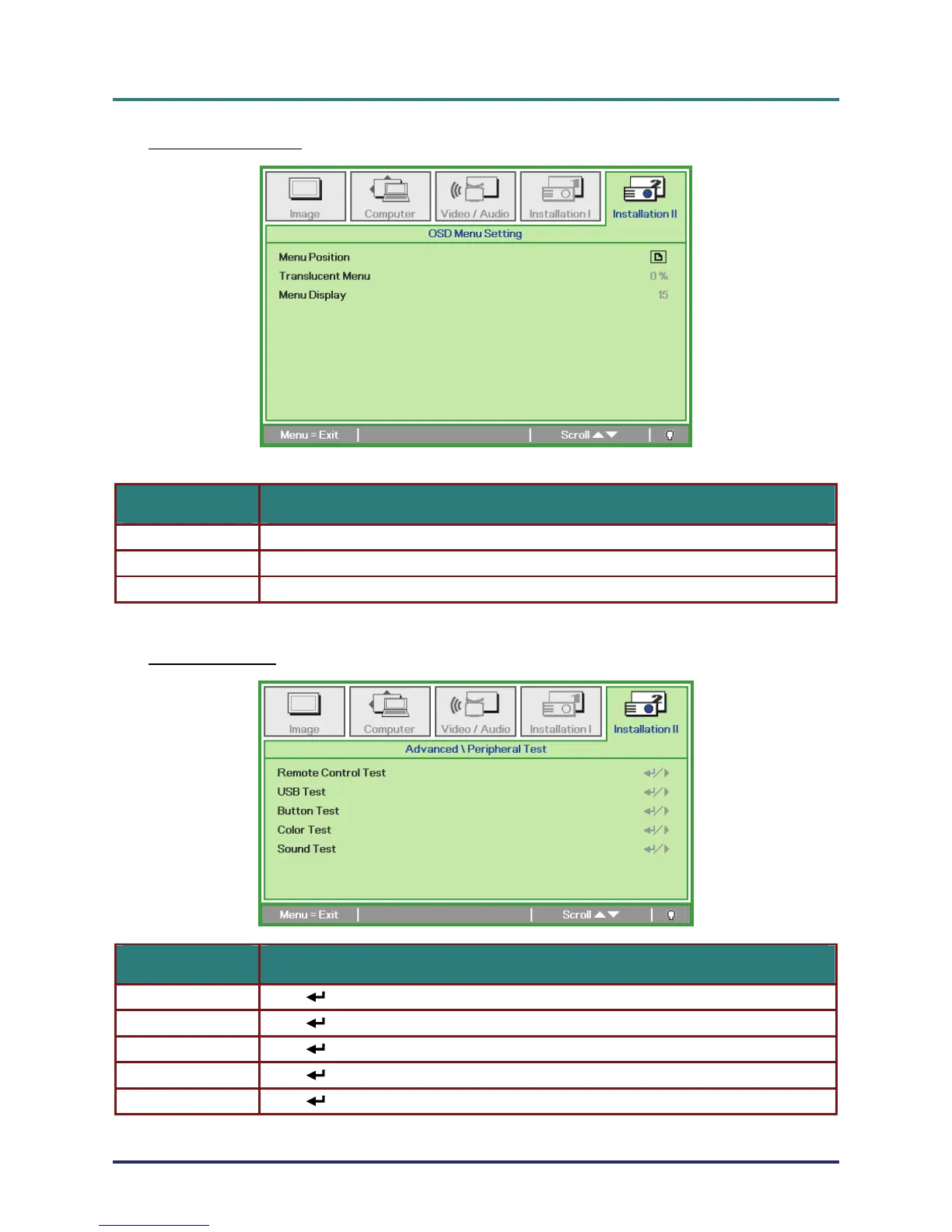
OSD Menu Setting
ITEM DESCRIPTION
Menu Position Press ◄► button to select different OSD location.
Translucent Menu Press ◄► button to select OSD background translucent level.
Menu Display Press ◄► button to select OSD timeout delay.
Peripheral Test
ITEM DESCRIPTION
Remote Control Test Press (Enter) / ► to test the IR remote controller for diagnostic.
USB Test Press (Enter) / ► to test the USB connection with connected PC.
Button Test Press (Enter) / ► to test the button on keypad.
Color Test Press (Enter) / ► to select different colors on screen.
Sound Test Press (Enter) / ► to test sound output.
– 33 –



 To Next Page