EasyManua.ls Logo

Vivo DESK-V100EW - User Manual

Vivo DESK-V100EW
12 pages
Print Icon
To Next Page IconTo Next Page
Loading...
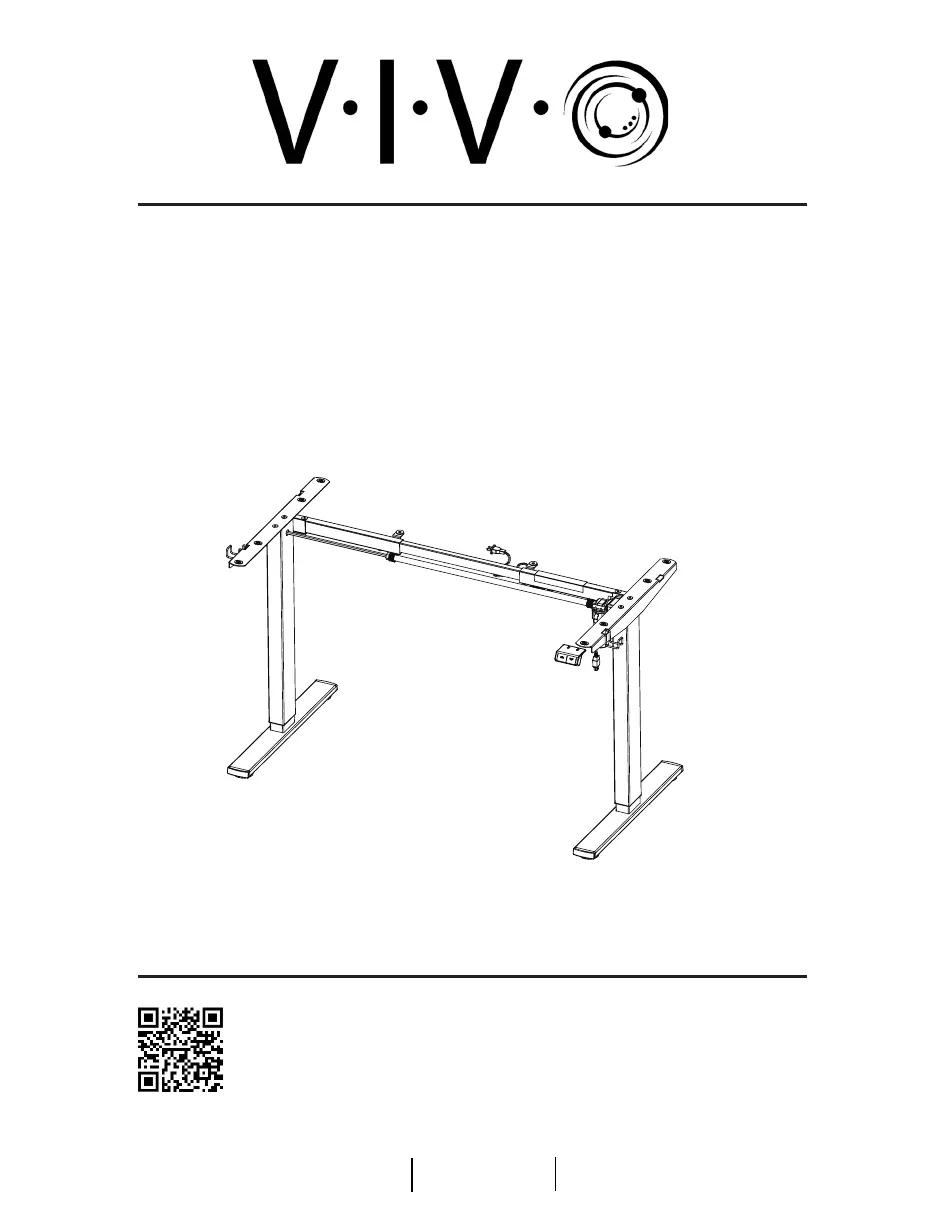
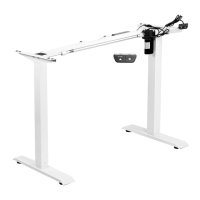
Black Electric Single Motor Desk Frame
Follow along step-by-step with our video walk through by scanning
the QR code with your mobile device or by following the product
link: vivo-us.com/products/desk-v100eb
Instruction Manual
SKU: DESK-V100EW
ASSEMBLY VIDEO AVAILABLE:
help@vivo-us.com
www.vivo-us.com
309-278-5303

Questions and Answers

  • P
    Paul LeeAug 5, 2025
    What to do if my Vivo DESK-V100EW desktop cannot be lifted?
    • M
      Michael BarnesAug 5, 2025
      If your Vivo Indoor Furnishing desktop isn't lifting, ensure that the combined weight of the desktop and any items on it does not exceed the weight limit of 154lbs.
  • R
    Ray CameronAug 15, 2025
    What to do if Vivo DESK-V100EW Indoor Furnishing exceeded duty cycle?
    • J
      Jeffrey TerrellAug 15, 2025
      If the duty cycle is exceeded on your Vivo Indoor Furnishing (max. 2min operating), allow the desk to rest for 30 minutes.
  • H
    Haley VegaAug 26, 2025
    What to do if Vivo DESK-V100EW button not working?
    • J
      justinhoustonAug 26, 2025
      If you experience no response when pressing a button on your Vivo Indoor Furnishing, check to ensure all cables are fully connected.

Summary

Contact and Support Information

Personable Customer Support

Details on customer support availability and contact methods for assistance.

Missing or Damaged Parts Policy

Procedure for reporting missing or damaged parts within 30 days of delivery.

Pre-Assembly and Safety Guidelines

General Safety Warnings

Covers choking hazards, electrical safety, and weight limits for safe operation.

Product Warranty and Returns

Information on warranty claims and the 30-day return policy for products.

Package Contents and Tools

Tools Required for Assembly

Lists the necessary tools, including Phillips screwdriver and drill.

Component Identification

Detailed list and visual guide to all parts included in the package.

Initial Assembly Steps

Mount Crossbar

Attaching the crossbar to the legs using specific screws and wrench.

Install Feet

Securing the desk feet to the legs with screws and the Allen wrench.

Intermediate Assembly Steps

Install Side Brackets

Attaching side brackets to the legs using M8x12 screws.

Fit Desktop

Positioning and securing the frame to the desktop.

Final Assembly Steps

Attach Frame to Desktop

Securing the frame assembly to the desktop using ST4.2x16 screws.

Install Sync Rod

Connecting the sync rod between the two legs for synchronized movement.

Electrical and Cable Management

Install Controller and Connect Cables

Mounting the controller and connecting power and leg cables.

Cable Management

Organizing cables using management clips and hooks.

Operation and Initialization

Controller Setup and Initialization

Plugging in the power cable and following the reset process to initialize the desk.

Troubleshooting and Support

Troubleshooting Common Issues

Resolutions for common problems like no response or inability to lift.

Reset Process Guide

Step-by-step instructions for resetting the desk's control system.

Company Information and Resources

About VIVO

Overview of VIVO as a brand of ergonomic office furniture.

Contact and Assistance Details

Detailed contact information and average resolution times for support.

Vivo DESK-V100EW Specifications

General IconGeneral
BrandVivo
ModelDESK-V100EW
CategoryIndoor Furnishing
LanguageEnglish

Related product manuals