VIVOTEK
User's Manual - 117
Applications > Package management - a.k.a., VADP (VIVOTEK
Application Development Platform)
Users can store and execute VIVOTEK's or 3rd-party software modules onto the camera's ash
memory. These software modules can apply in video analysis for intelligent video applications
such as license plate recognition, object counting, or as an agent for edge recording, etc.
• Once the software package is successfully uploaded, the module conguration (vadp.xml)
information is displayed. When uploading a module, the camera will examine whether the
module ts the predened VADP requirements. Please contact our technical support or the
vendor of your 3rd-party module for the parameters contained within.
• Users can also run VIVOTEK's VADP packages as a means to access updated functionality
instead of replacing the entire rmware.
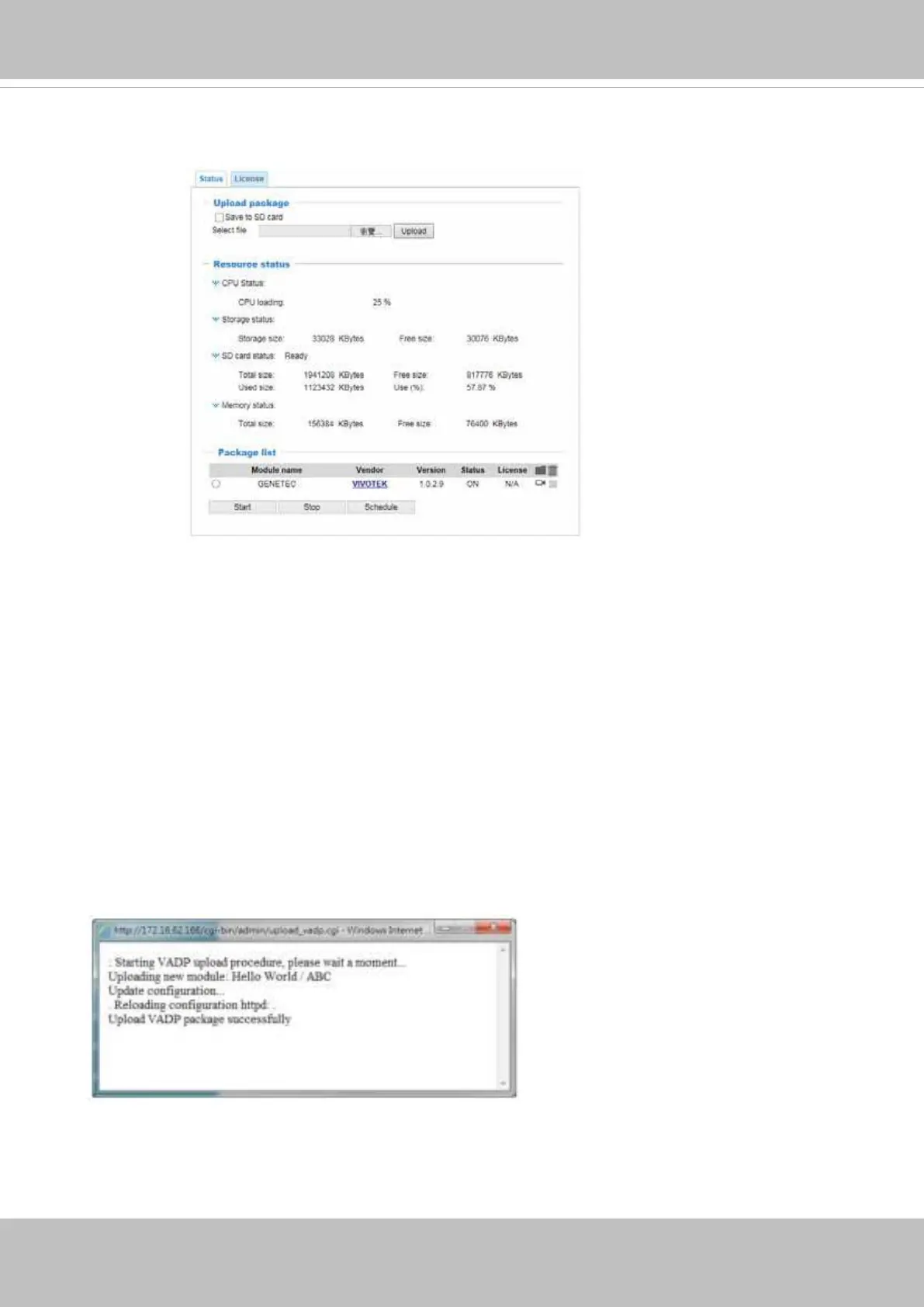
To utilize a software module, acquire the software package and click Browse and Upload
buttons. The screen message for a successful upload is shown below:














 To Next Page