VIVOTEK
User's Manual - 201
custombutton_manualtrig
ger_show
<boolean> 1/6 Show or hide manual trigger (VI) button in
homepage
0 -> Hidden
1 -> Visible
theme_option 1~4 1/6 1~3: One of the default themes.
4: Custom definition.
theme_color_font string[7] 1/6 Font color
theme_color_configfont string[7] 1/6 Font color of configuration area.
theme_color_titlefont string[7] 1/6 Font color of video title.
theme_color_controlback
ground
string[7] 1/6 Background color of control area.
theme_color_configbackg
round
string[7] 1/6 Background color of configuration area.
theme_color_videobackgr
ound
string[7] 1/6 Background color of video area.
theme_color_case string[7] 1/6 Frame color
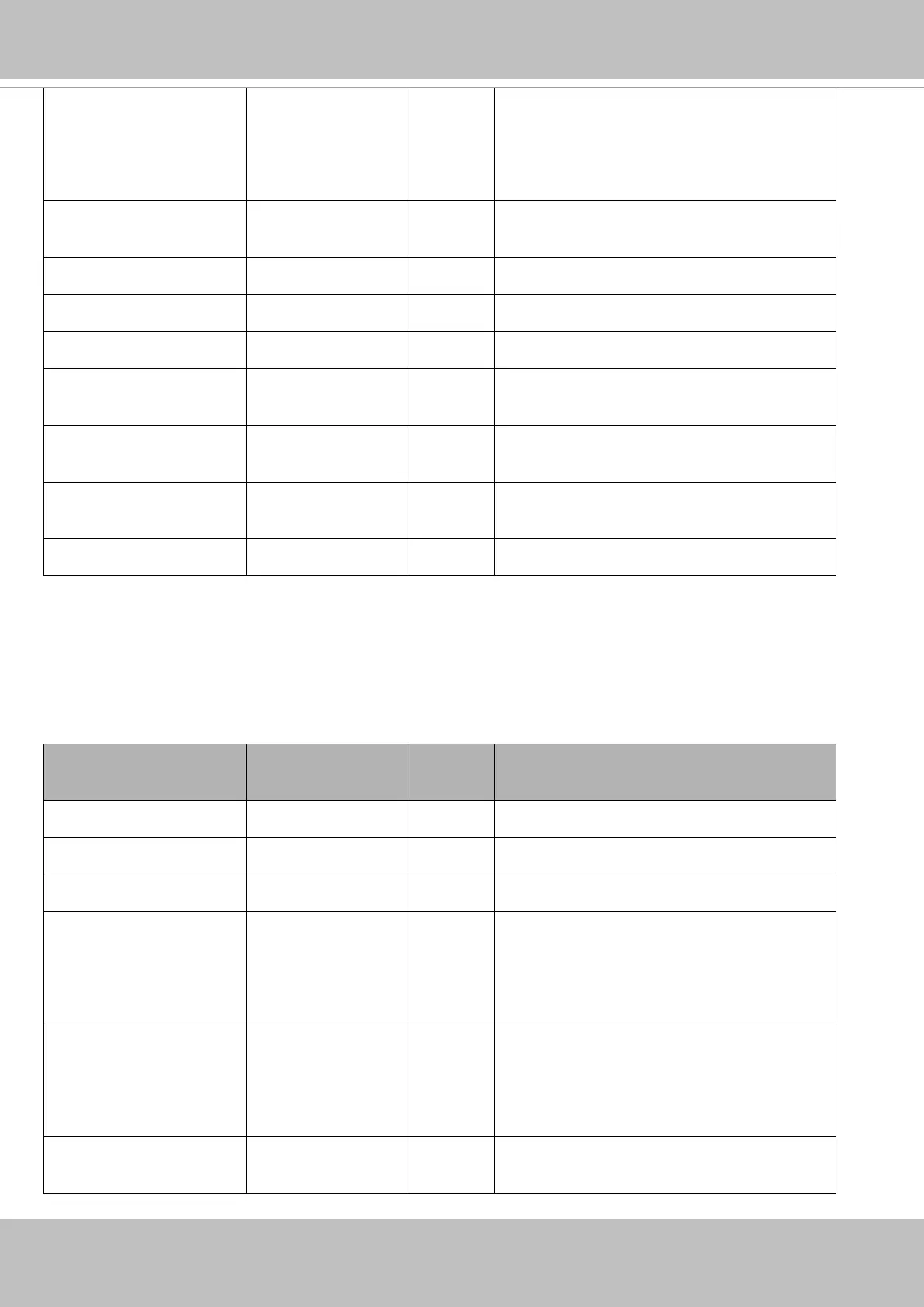
7.23 Privacy mask
Group: privacymask_c<0~(n-1)> for n channel products and m privacy mask window.
n denotes the value of "capability_nvideoin" and m denotes the value of
"capability_videoin_c<0~(n-1)>_nprivacymask"
NAME VALUE SECURITY
(get/set)
DESCRIPTION
enable <boolean> 4/4 Enable privacy mask.
win_i<0~(m-1)>_enable <boolean> 4/4 Enable privacy mask window.
win_i<0~(m-1)>_name string[14] 4/4 Name of the privacy mask window.
win_i<0~(m-1)>_left 0 ~ 320 4/4 Left coordinate of window position.
* Only available when
"capability_image_c<0~(n-1)>_privacymask
_wintype" = rectangle.
win_i<0~(m-1)>_top 0 ~ 240 4/4 Top coordinate of window position.
* Only available when
"capability_image_c<0~(n-1)>_privacymask
_wintype" = rectangle.
win_i<0~(m-1)>_width 0 ~ 320 4/4 Width of privacy mask window.
* Only available when














 To Next Page