VIVOTEK
24 - User's Manual
Resize Buttons
:
Click the Auto button, the video cell will resize automatically to t the monitor.
Click 100% is to display the original homepage size.
Click 50% is to resize the homepage to 50% of its original size.
Click 25% is to resize the homepage to 25% of its original size.
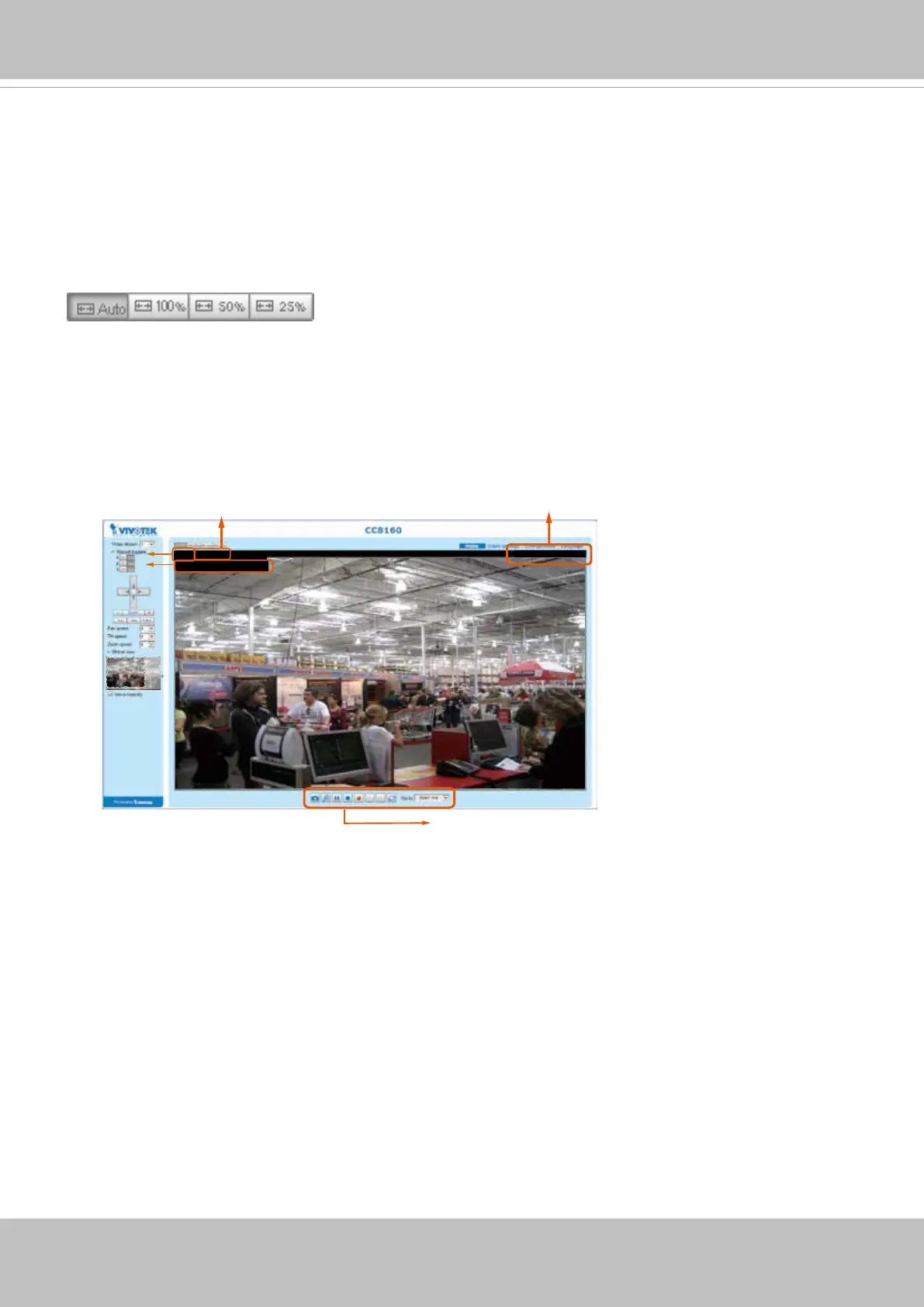
Live Video Window
■ The following window is displayed when the video mode is set to H.264:
Video 13:59:05 2017/07/04
Video and Audio Control Buttons
Video (TPC-AV)
H.264 Protocol and Media Options
Video 13:59:05 2017/07/04
Title and Time
Video Title
Once started, you can use the Stop button to stop the current action. A click on the screen can also stop
the tracking action.
Another key concept is that the camera only detect movements within the current eld of view.














 To Next Page