VIVOTEK
User's Manual - 89
Download: Click on a search result to highlight the selected item in purple as shown above� Then click
the Download button and a le download window will pop up for you to save the le.
JPEGs to AVI: This functions only applies to “JPEG“ format files such as snapshots. You can select
several snapshots from the list, then click this button. Those snapshots will be converted into an AVI le.
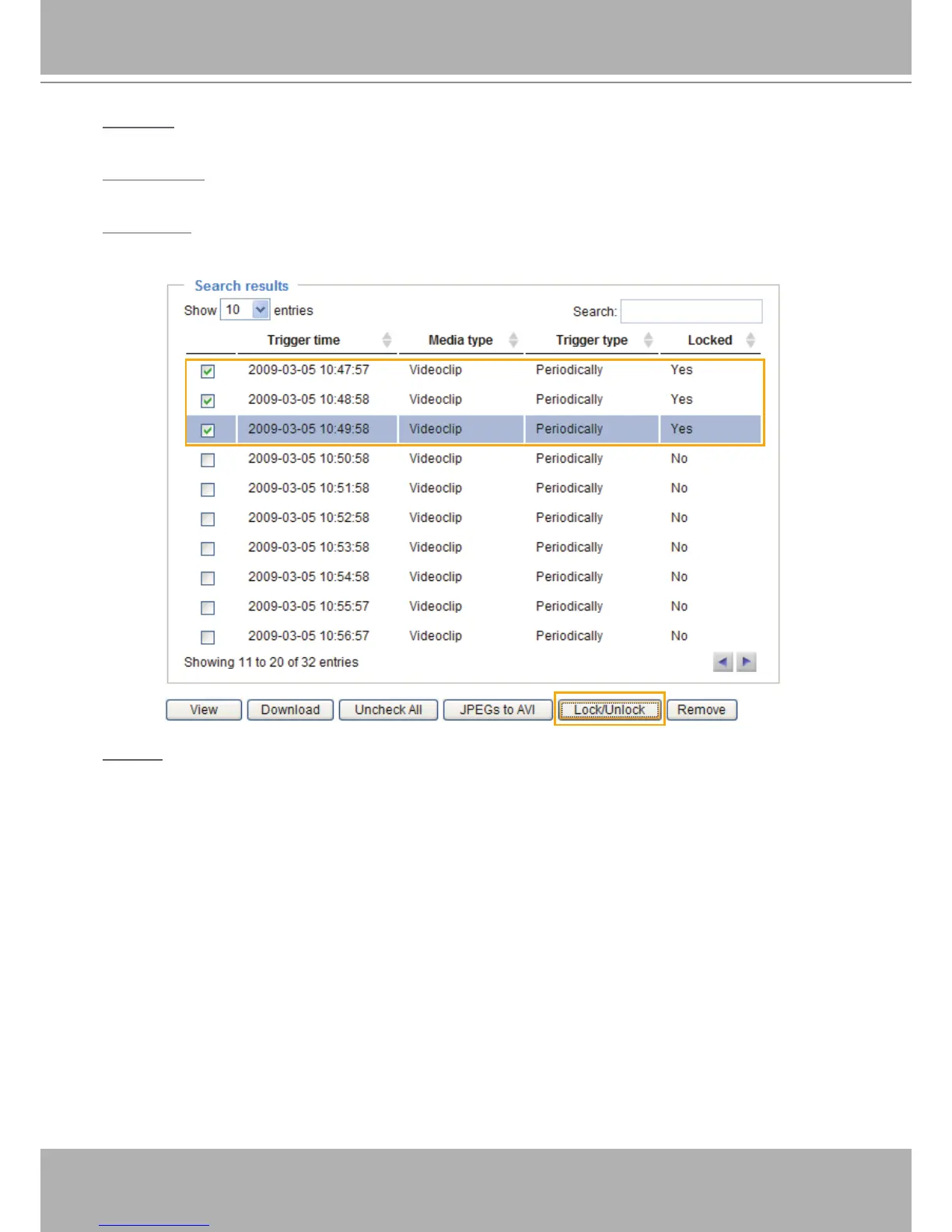
Lock/Unlock: Select the desired search results, then click this button� The selected items will become
Locked, which will not be deleted during cyclic recording. You can click again to unlock the selections.
For example:
Remove: Select the desired search results, then click this button to delete the les.



 To Next Page