VIVOTEK
User's Manual - 109
■ VADP
It is presumed that you already uploaded and enabled the VADP modules before you can
associatee VADP triggers with an Event setting.
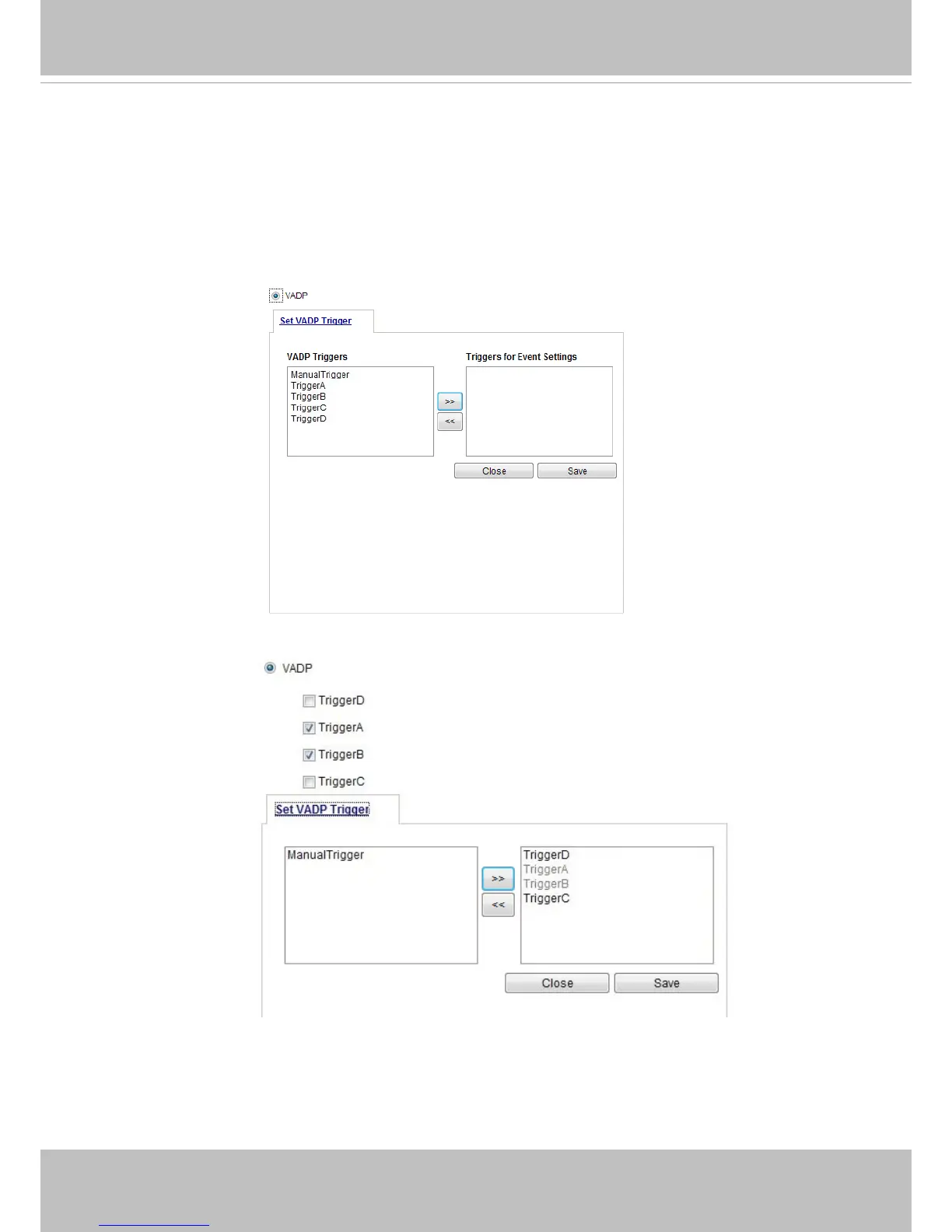
Click on the Set VADP Trigger button to open the VADP setup menu. The triggering conditions
available with 3rd-party software modules known as VADP will be listed. Use the arrow buttons to
select these triggers. Users may implant these modules for different purposes such as triggering
motion detection, or applications related to video analysis, etc. Please refer to page 127 for the
conguration options with VADP modules.
Once the triggers are congured, they will be listed under the VADP option.



 To Next Page