VIVOTEK
User's Manual - 39
Buttons Conguration
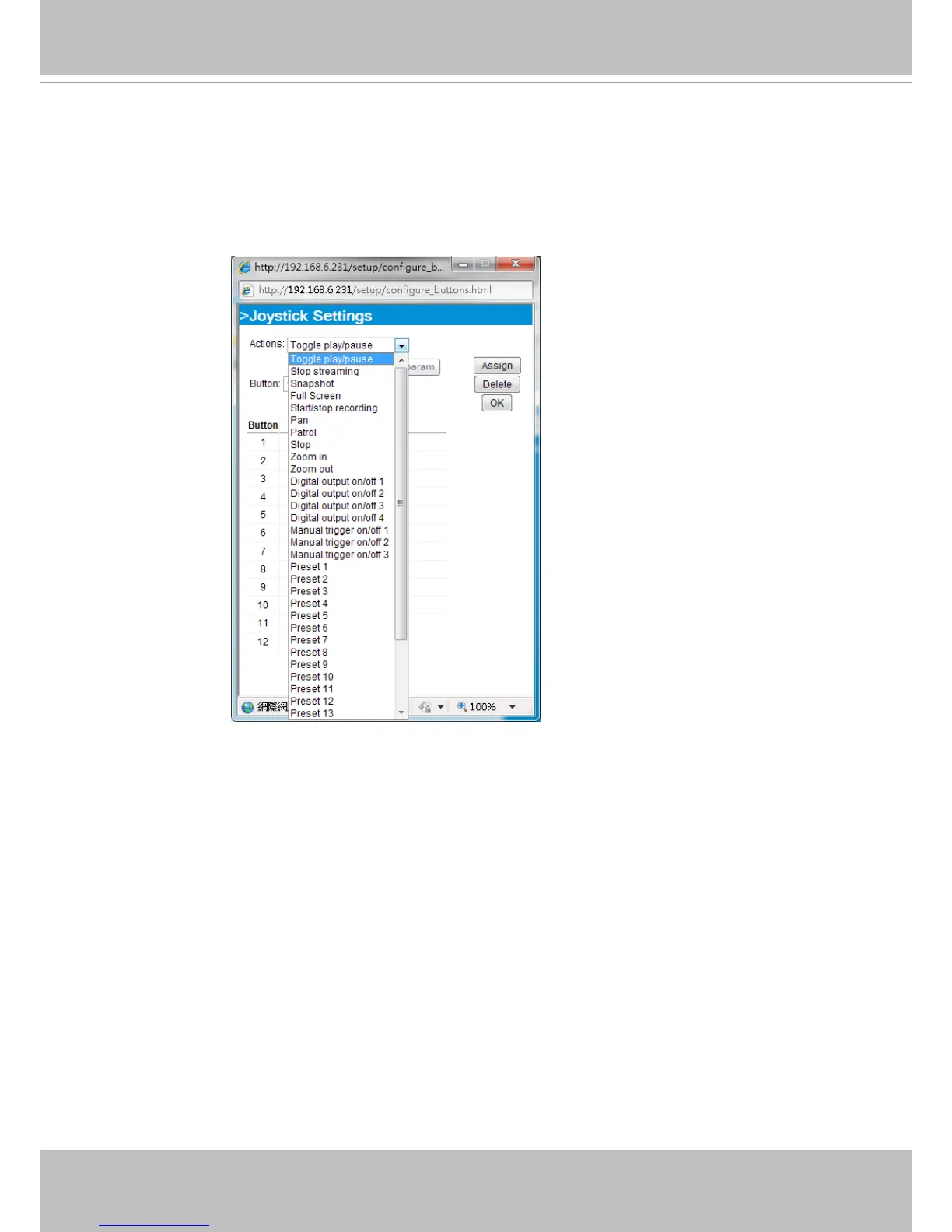
In the Joystick Settings window, you can use the combinations of pull-down menus, Actions and
Button number, to assign joystick buttons with different functions. The number of buttons may differ
from the joystick you attached.
Please follow the steps below to congure your joystick buttons:
1. Select the number of the button you want to congure from its pull-down list.
For example: Assign Preset 1 (move to preset 1 position) to Button 1.
2. Select an action from the Actions menu. Click Assign to associate the button with an action.
3. Your conguration will be automatically saved.
4.
To disable an assignment, select the number of a button, and then click the Delete button. The
associated action will then be cleared.
5. Repeat the above process to assign actions to other buttons.
When done, simply close the
conguration window.



 To Next Page