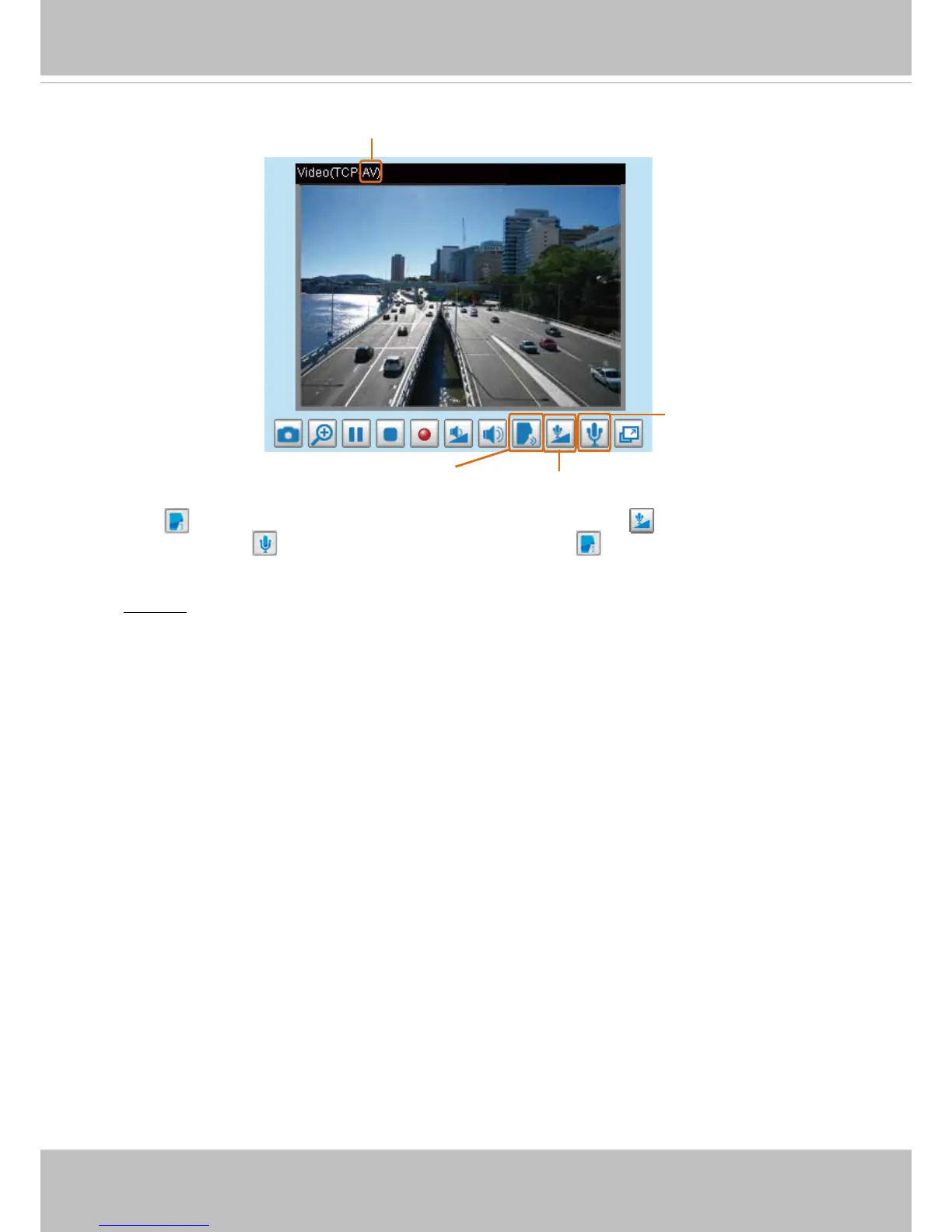
Talk Button
Click to enable audio transmission to the Network Camera; click to adjust the volume of
microphone; click
to turn off the audio. To stop talking, click again.
FTP port: The FTP server allows the user to save recorded video clips. You can utilize VIVOTEK's
Installation Wizard 2 to upgrade the rmware via FTP server. By default, the FTP port is set to 21.
It also can be assigned to another port number between 1025 and 65535.



 To Next Page