VIVOTEK
136 - User's Manual
Local storage > Content management
This section explains how to manage the content of recorded videos on the Network Camera. Here you
can search and view the records and view the searched results.
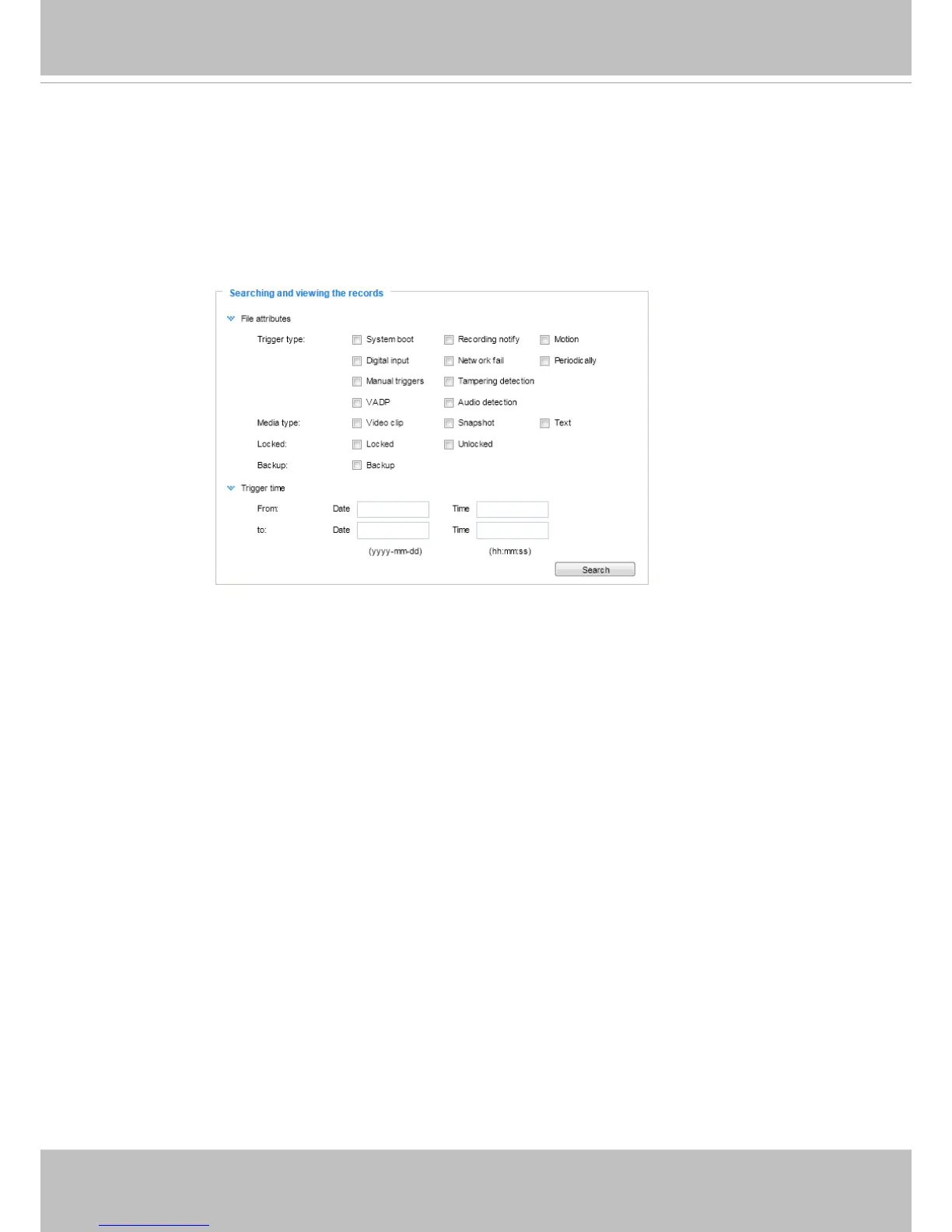
Searching and Viewing the Records
This column allows the user to set up search criteria for recorded data. If you do not select any criteria
and click Search button, all recorded data will be listed in the Search Results column.
■ File attributes: Select one or more items as your search criteria.
■ Trigger time: Manually enter the time range you want to search.
Click Search and the recorded data corresponding to the search criteria will be listed in Search Results
window.



 To Next Page