VIVOTEK
134 - User's Manual
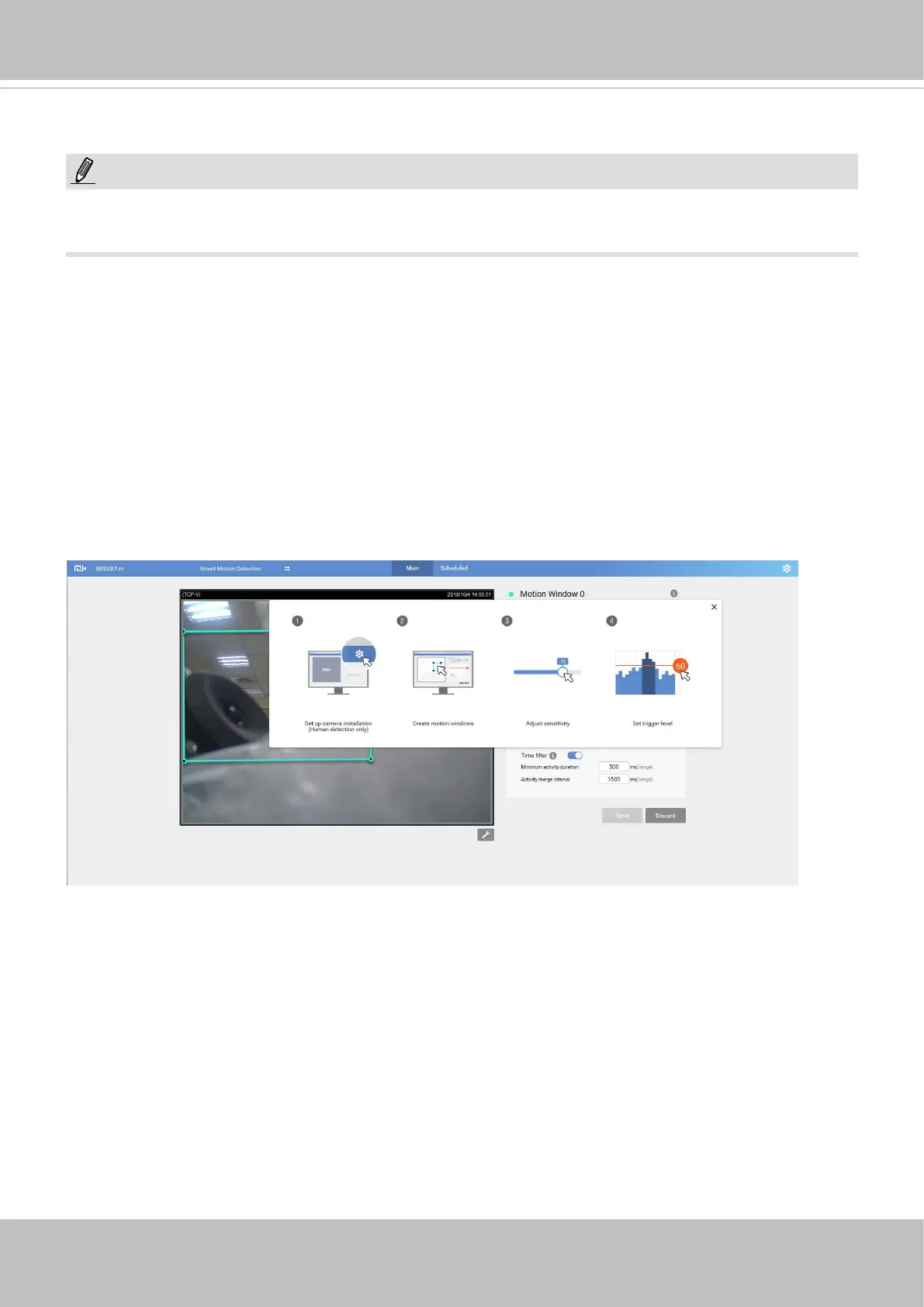
The camera comes with a Smart Motion Detection utility as its pre-loaded VCA package. Please
refer to its User Guide for more information:
http://download.vivotek.com/downloadfile/solutions/vadp/smart-motion-detection-manual_
en.pdf.
Click on Configuration > Applications > Motion detection. The Smart Motion utility will be
automatically started.
If Human detection is applied, make sure you measured the height of your camera at the installation site.
It is important for a correct video analysis. You should enter the installation height in the Motion detection
Settings page.
Applications > Motion detection
NOTE:
• Due to system resources concern, the motion tracking blocks and the Human detection area
will not display when running motion detection on this model.














 To Next Page