VIVOTEK
User's Manual - 31
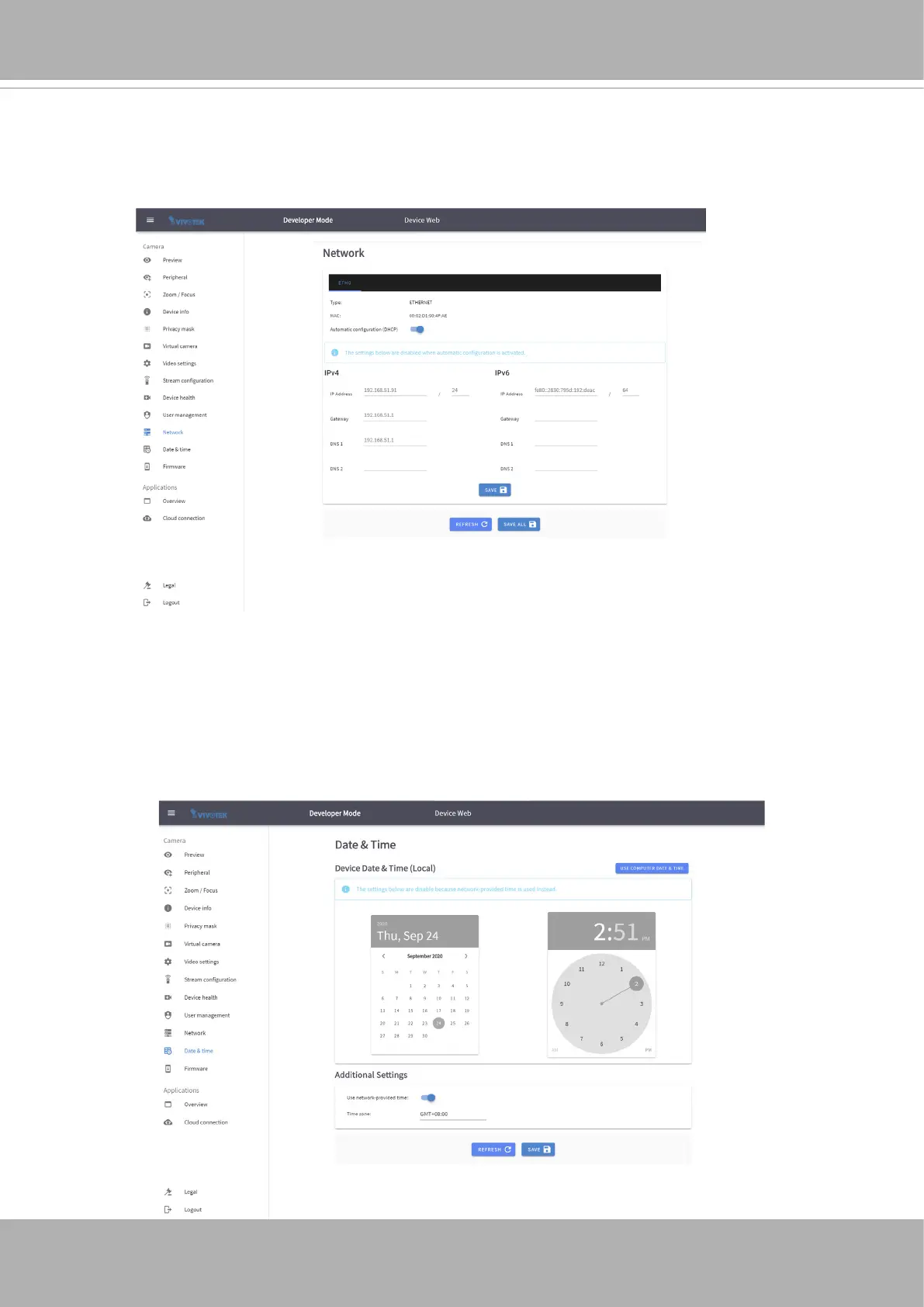
Network
By default, the device has the network setup to receive the IP address via DHCP. On this
page you can change different network parameters, disable the DHCP and set a specic
IP.
Date & Time
This page allows the user to congure the current date/time on the device, synchronize
with computer time and also to enable network time synchronization via an NTP server.
Enabling network time setting is a necessary step when you "
claim
" the camera for
downloading apps.















 To Next Page