HTTP: This protocol allows the same quality as TCP protocol without needing to open specic ports for
streaming under some network environments. Users inside a rewall can utilize this protocol to allow
streaming data through�
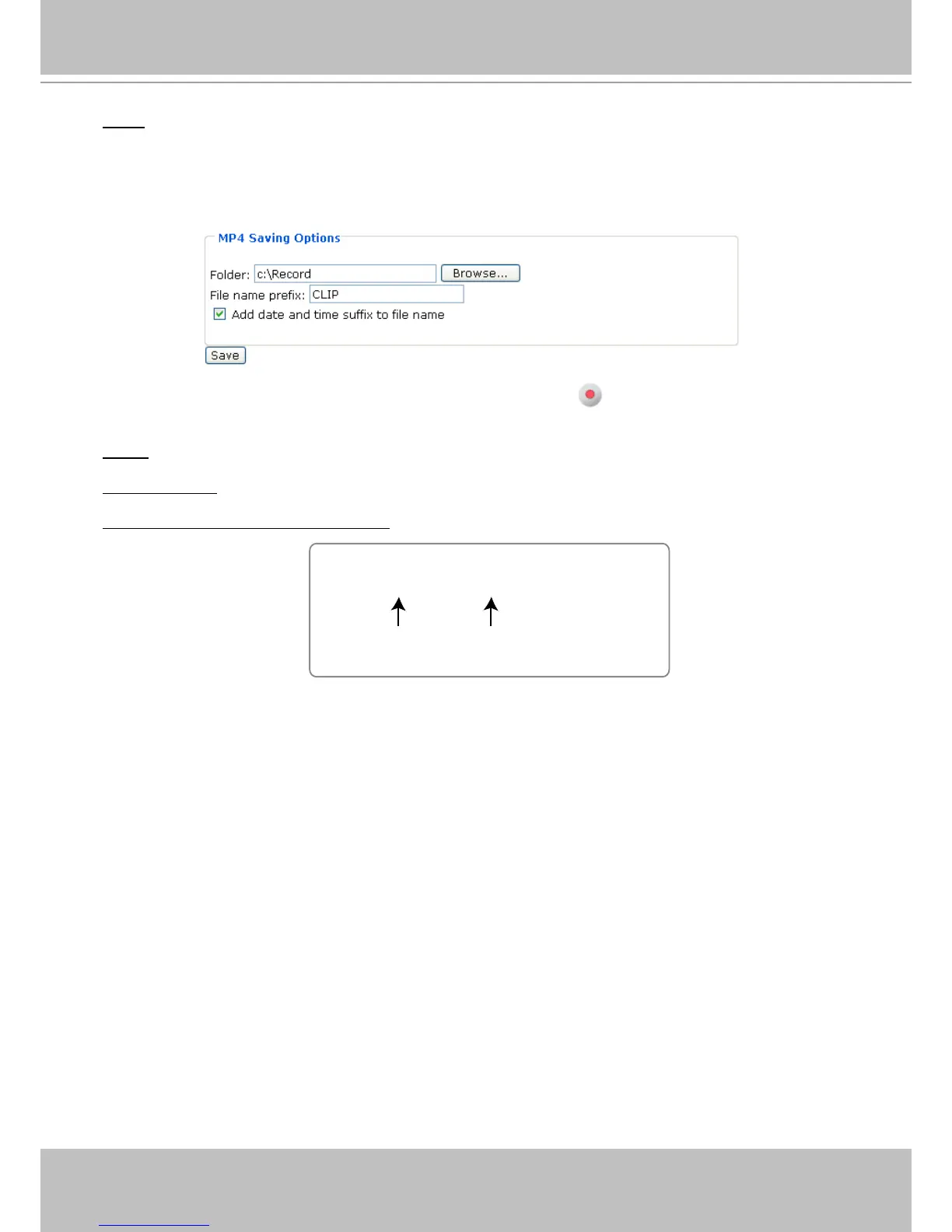
MP4 Saving Options
Users can record the live video as they are watching it by clicking Start MP4 Recording on the main
page. Here, you can specify the storage destination and le name.
Folder: Specify a storage destination for the recorded video les.
File name prex: Enter the text that will be put in front of the video le name.
Add date and time sufx to the le name: Select this option to add date and time to the le name sufx.



 To Next Page