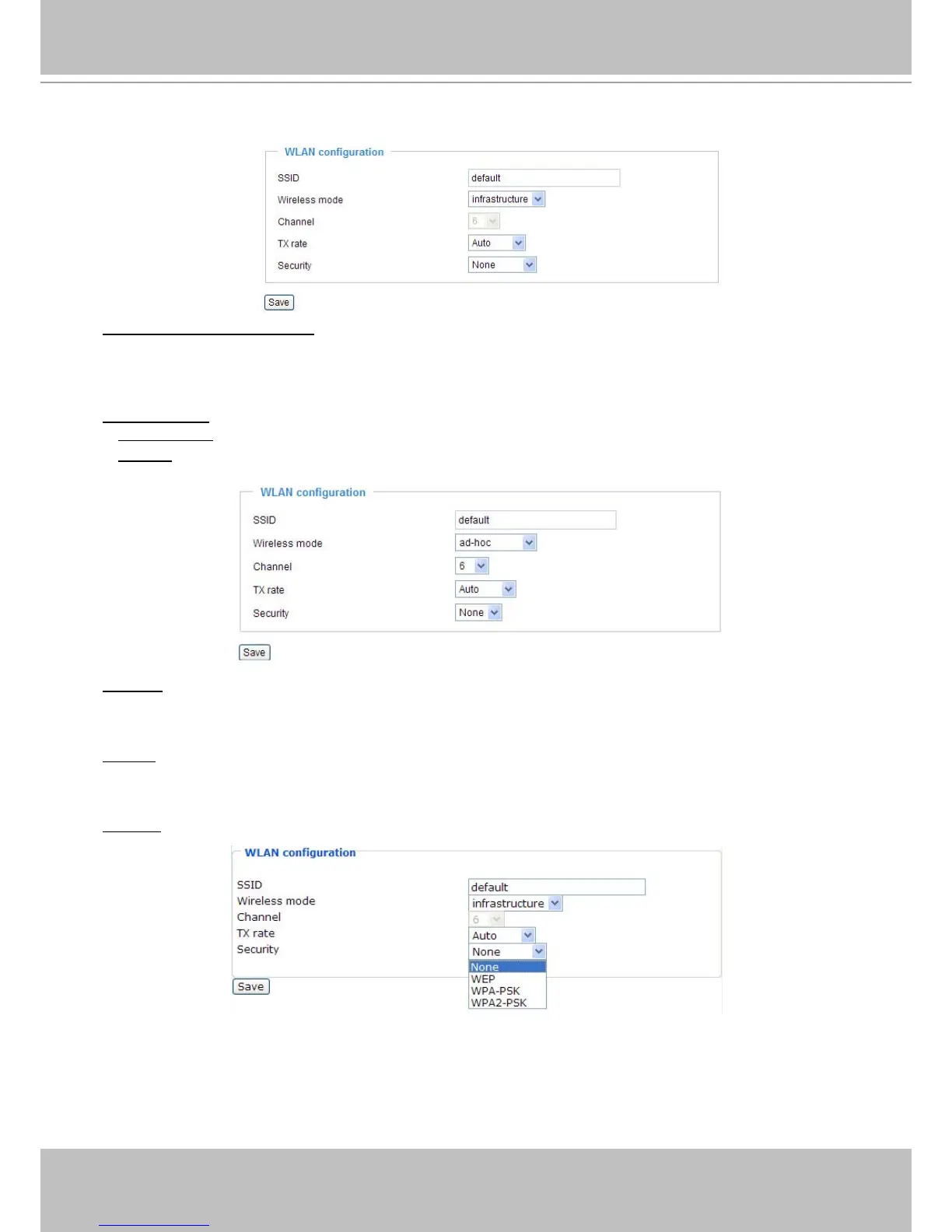
Wireless LAN (IP7139 only)
SSID (Service Set Identifier): This is the name that identifies a wireless network� Access Points and
wireless clients attempting to connect to a specic WLAN (Wireless Local Area Network) must use the
same SSID. The default setting is “default”. Note: The maximum length for an SSID is 32 single-byte
characters and cannot consist of “, <, >, or blank spaces.
Wireless mode: Click on the pull-down menu to select from the following options:
■
Infrastructure: Connect the Network Camera to the WLAN via an Access Point� (default setting)
■
Ad-Hoc: Connect the Network Camera directly to a host equipped with a wireless adapter in a peer-to-
peer environment�
Channel: While in infrastructure mode, the channel is selected automatically to match the channel setting
of the selected Access Point� In Ad-Hoc mode, the channel must be manually set to the same channel for
each wireless adapter� The default channel setting depends on the installed region�
TX rate: This eld is for selecting the maximum transmission rate over the network. The default setting is
“auto”, that is, the Network Camera will try to connect to other wireless devices with highest transmission
rate�
Security: Select the data encrypt method� There are four types, including: none, WEP, WPA-PSK, and
WPA2-PSK�
1�
None: No data encryption�



 To Next Page