Follow the steps below to upgrade the rmware:
1. Download the latest rmware le from the VIVOTEK website. The le is in .pkg le format.
2� Click Browse… and specify the rmware le.
3� Click Upgrade� The Network Camera starts to upgrade and will reboot automatically when the upgrade
completes�
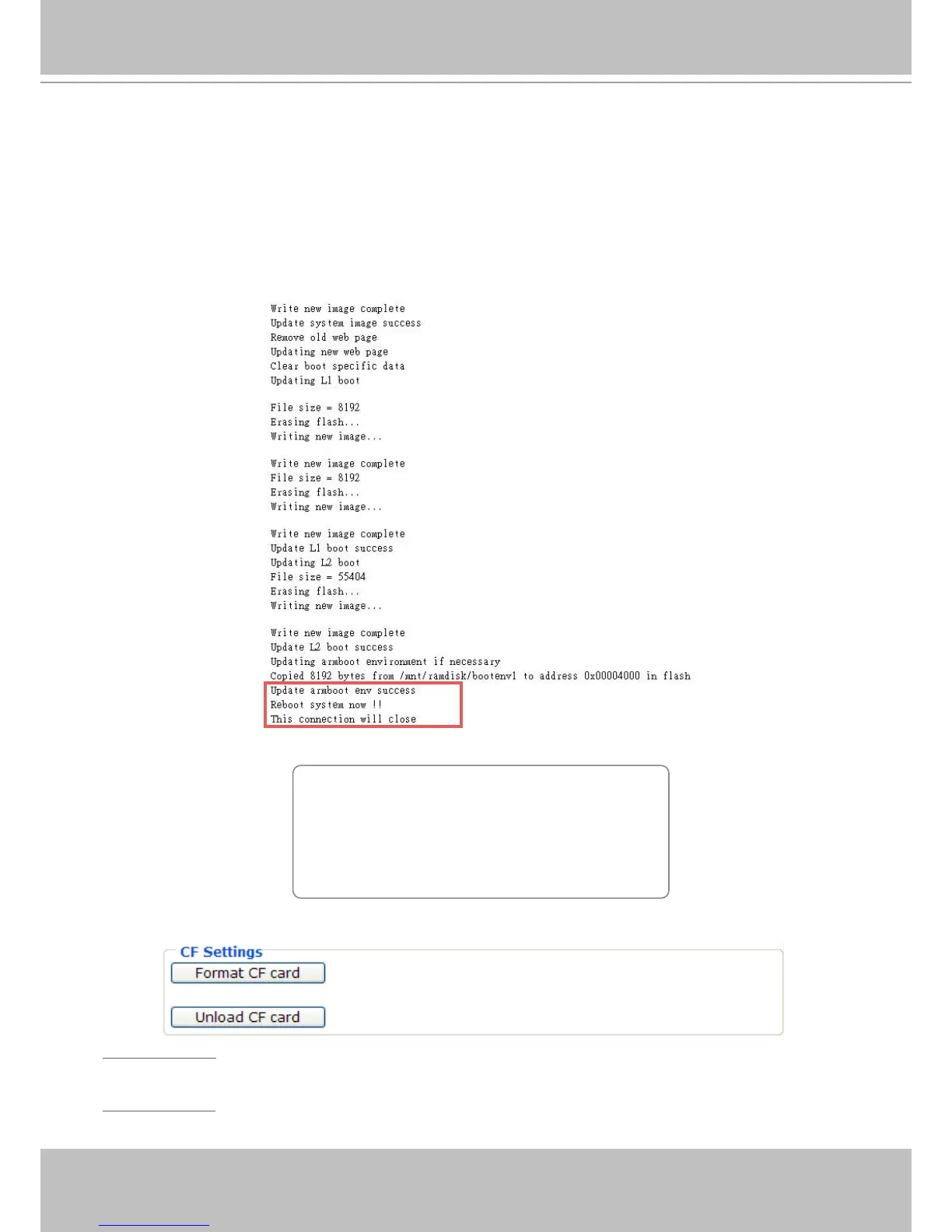
If the upgrade is successful, you will see “Reboot system now!! This connection will close”. After that,
reaccess the Network Camera�
The following message is displayed when the upgrade has succeeded�
The following message is displayed when you have selected an incorrect rmware le.
CF settings
Format CF card: Click the button to format CF card� Please remember to format your CF card before
use�
Unload CF card: Click the button to unload CF card� Please remember to unload it before removing it
from your device�
Starting firmware upgrade...
Do not power down the server during the upgrade.
The server will restart automatically after the upgrade is
completed.
It will takes about 1 - 5 minutes.
Wrong PKG file format
Unpack fail



 To Next Page