Indented reset button
For further setup, please refer to the lens' instruction manual inside the
lens package.
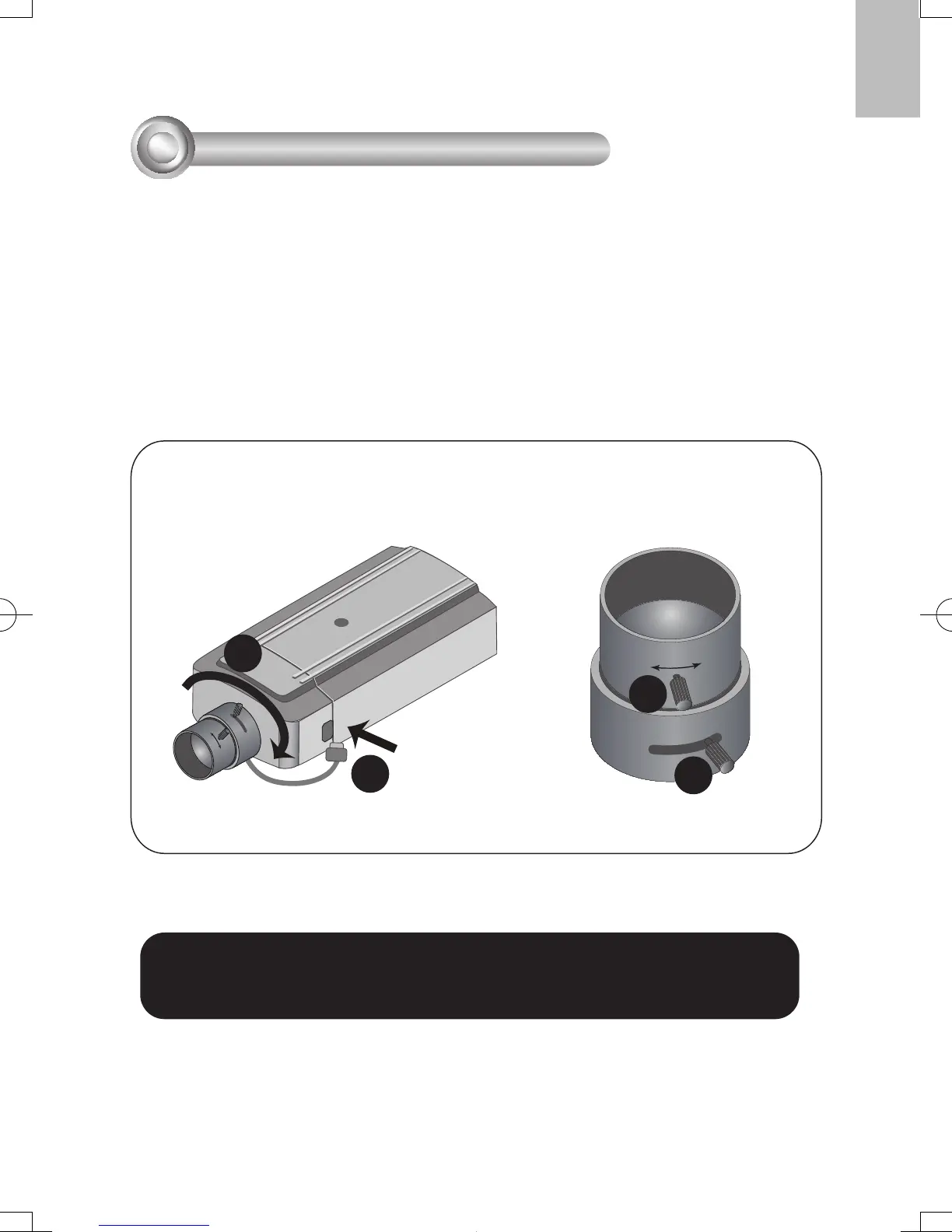
1. Mount the lens by turning it clockwise onto the camera mount until it stops. If
necessary, turn the lens counterclockwise slowly until it gets the best attitude.
2. Connect the lens cable plug to the camera connector
.
3. Unscrew the zoom controller to adjust the zoom factor. Upon completion, tighten
the zoom controller.
4. Unscrew the focus controller to adjust the focus range. Upon completion, tighten
the focus controller
.



 To Next Page