VIVOTEK
8 - User's Manual
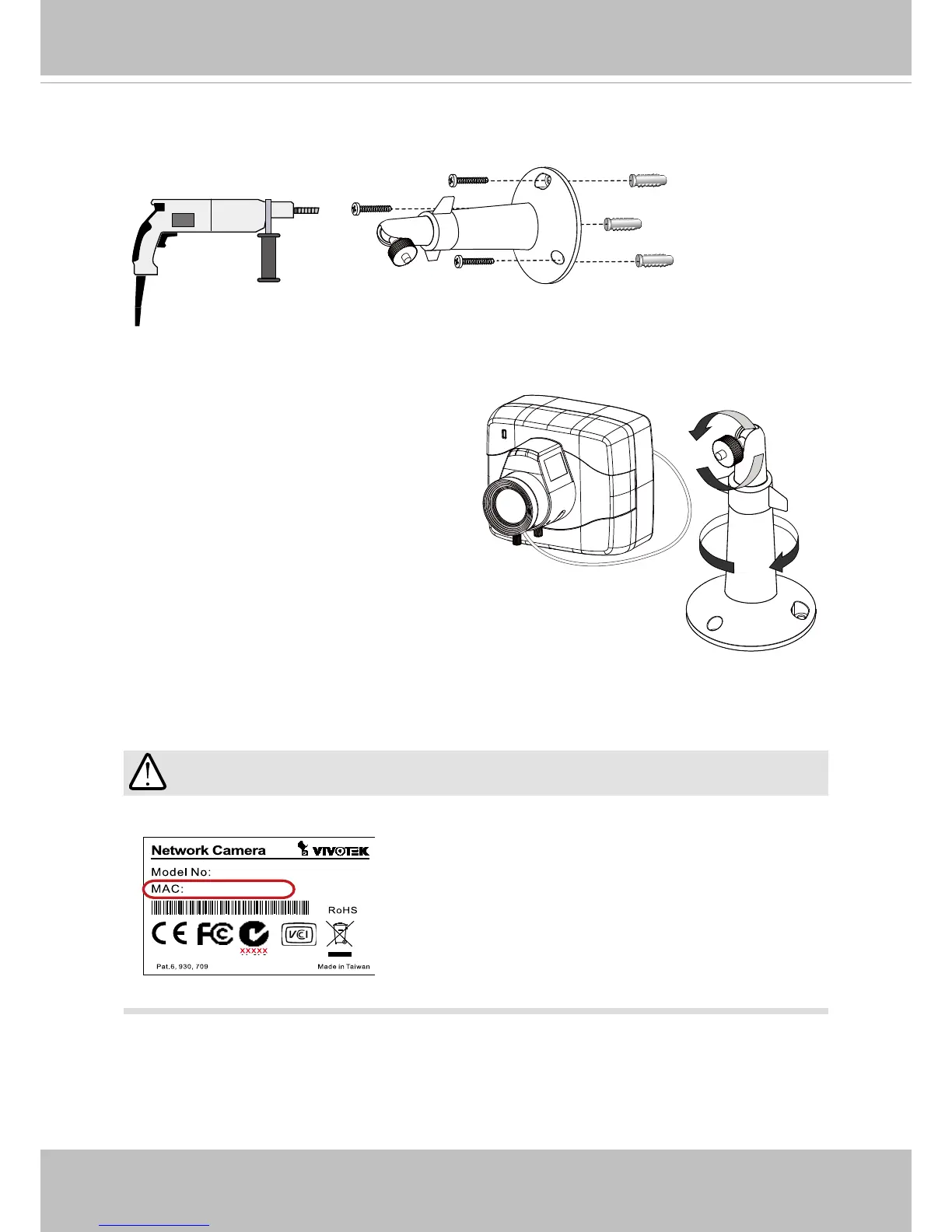
1� Use the holes on the camera stand to mark drill holes on the wall� Drill holes on your
preferred location�
2� Hammer in the included plastic anchors�
3� Install the camera stand to wall or ceiling
by driving screws through it�
4� Attach the camera to stand by turning the
stand and the fastening rings�
Mounting the Camera to Stand
IMPORTANT:



 To Next Page