VIVOTEK
User's Manual - 9
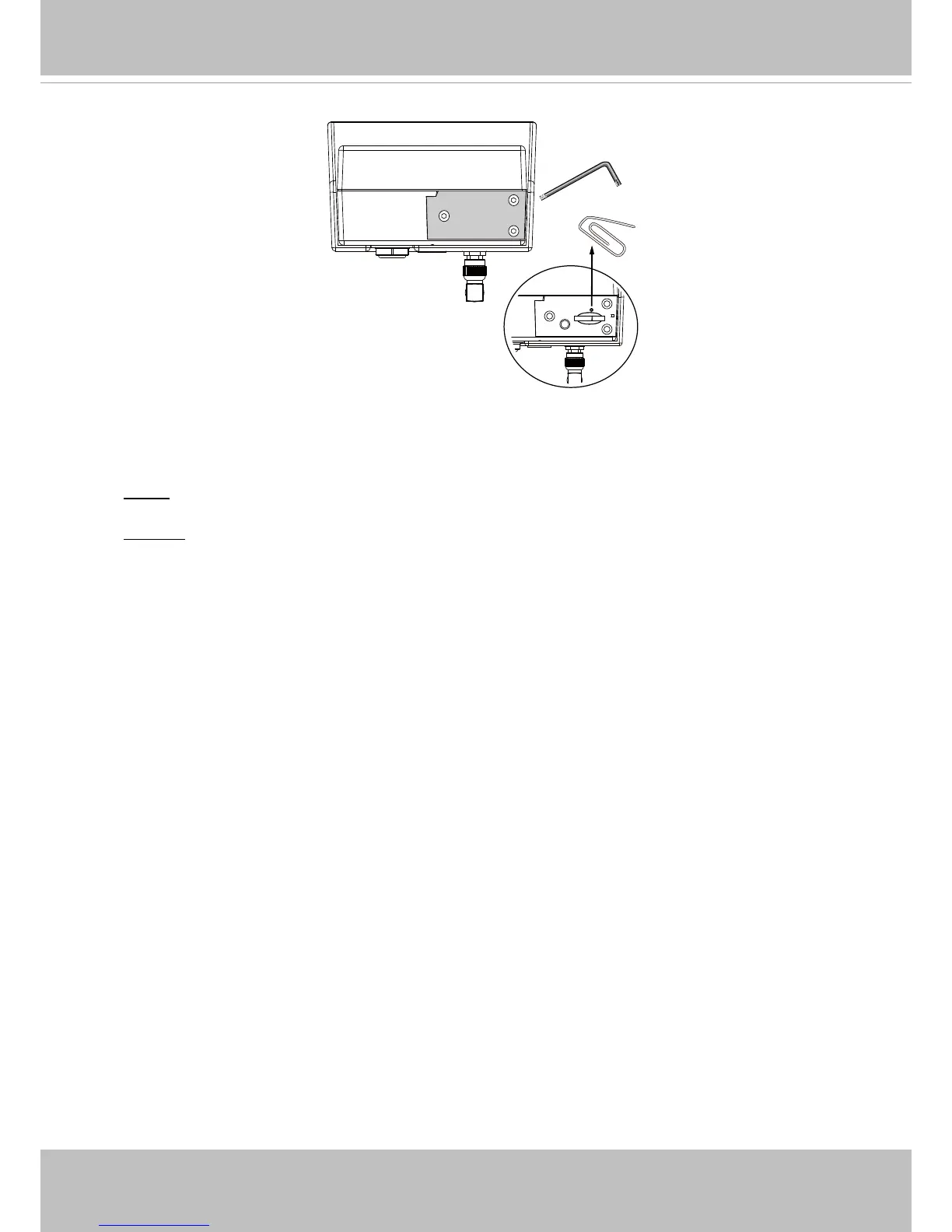
Hardware Reset
The reset button is used to reset the system or restore the factory default settings�
Sometimes resetting the system can return the camera to normal operation� If the system
problems remain after reset, restore the factory settings and install again�
Reset: Press and release the reset button. Wait for the Network Camera to reboot.
Restore: Press and hold the recessed reset button until the status LED rapidly blinks. Note
that all settings will be restored to factory default� Upon successful restore, the status LED
will light constant blue (returned to the AP mode)�
Micro SD/SDHC Card Capacity
This network camera is compliant with Micro SD/SDHC 8, 16, or 32GB and other
preceding standard SD cards�
Reset Button



 To Next Page