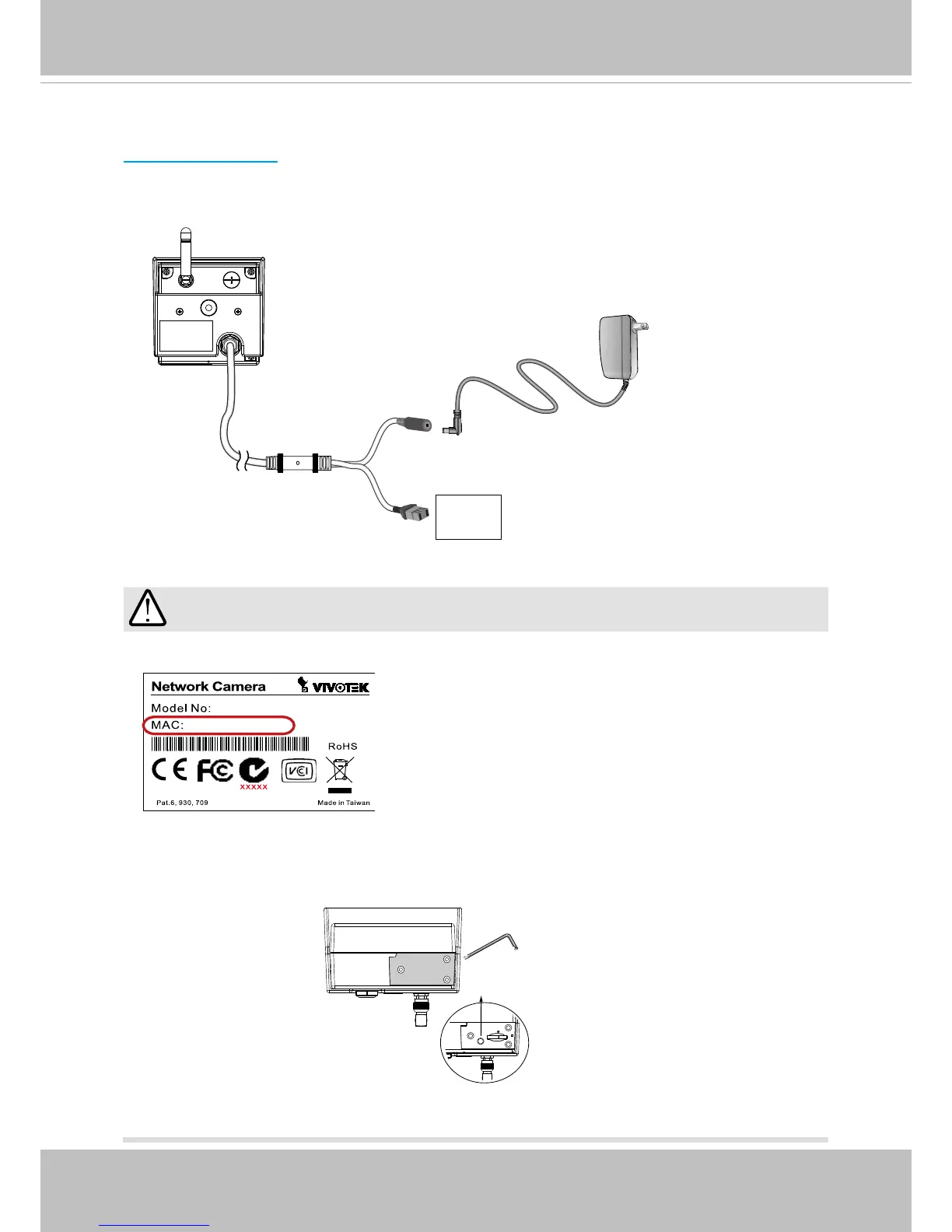
1� Record the MAC address before installing the camera�
1� If you have external devices such as a sensors and alarm, make connections from the
digital input connector�
2� Connect the power line to the power adaptor�
DI+
DI-
Power Connection
2. When you encounter conguration errors, you can press the WPS button for 5 seconds
to restore network settings until the LED lights blue� The camera will then resume the
original AP mode.
WPS



 To Next Page