VIVOTEK
User's Manual - 91
Network storage:
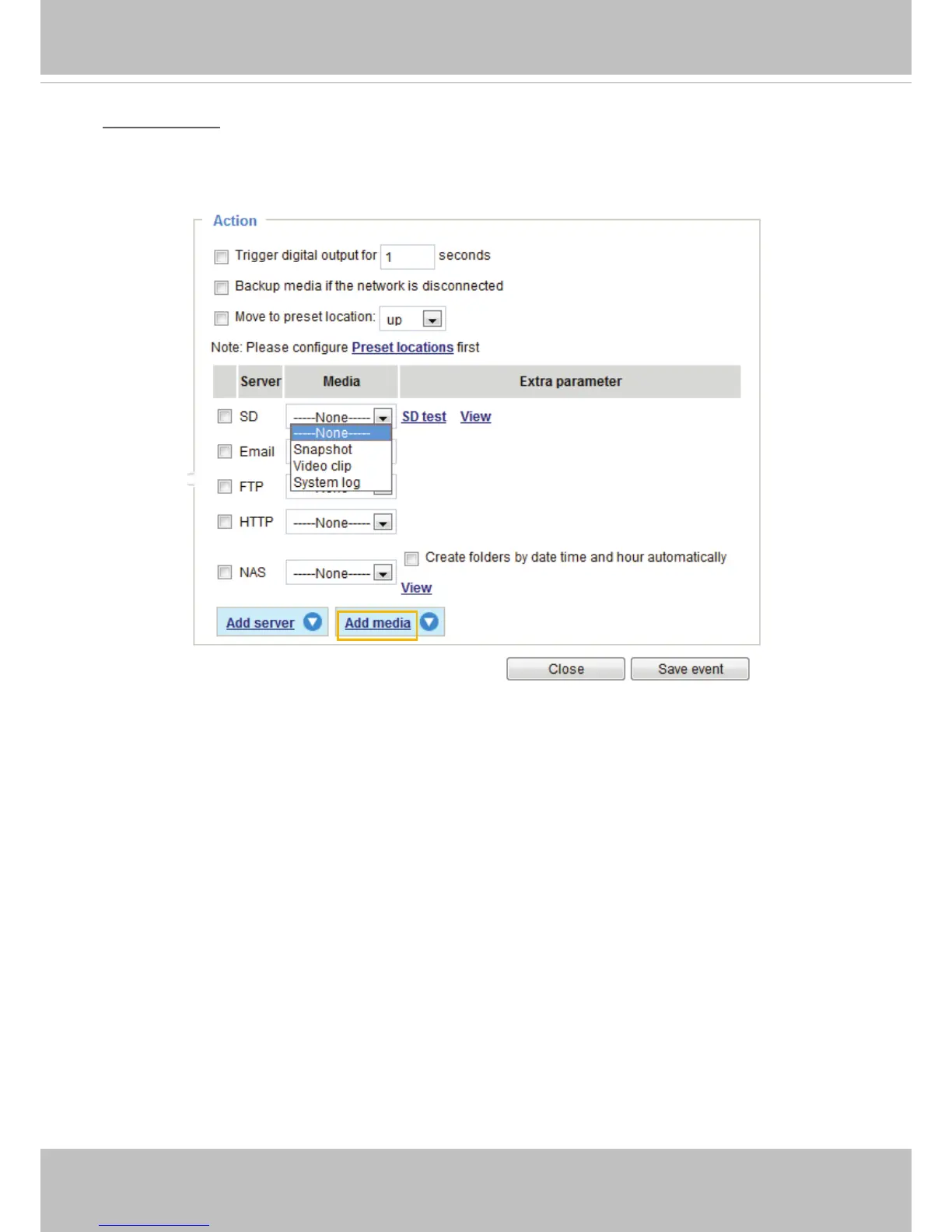
Select to send the media les to a network storage location when a trigger is activated� Please refer to
NAS server on page 104 for details�
Click Save server to enable the settings, then click Close to exit the Add server page�
■ SD Test: Click to test your SD card. The system will display a message indicating success or failure. If
you want to use your SD card for local storage, please format it before use� Please refer to page 107
for detailed information�



 To Next Page