VIVOTEK
22 - User's Manual
Ready to Use
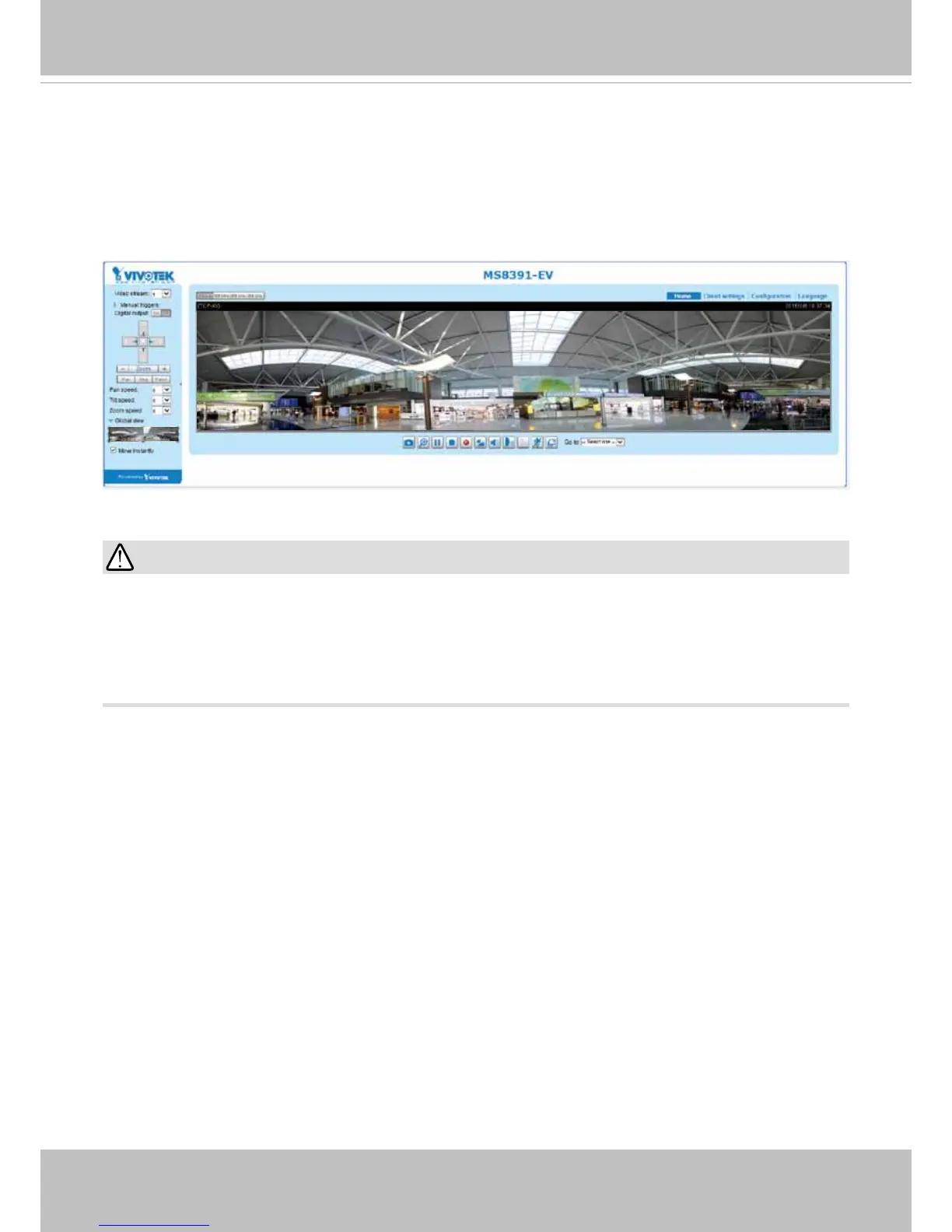
1. A browser session with the Network Camera should prompt as shown below.
2. You should be able to see live video from your camera. You may also install the 32-channel
recording software from the software CD in a deployment consisting of multiple cameras. For
its installation details, please refer to its related documents.
•
The camera is able to operate in low temperature environments. However, when starting
these cameras in a very low termperature condition, e.g., -40ºC, the embedded heater may
take half an hour to warm up the camera. When the temperature within the canister reaches
-10ºC, the camera automatically starts.
IMPORTANT:





 To Next Page