VIVOTEK - Built with Reliability
70 - User's Manual
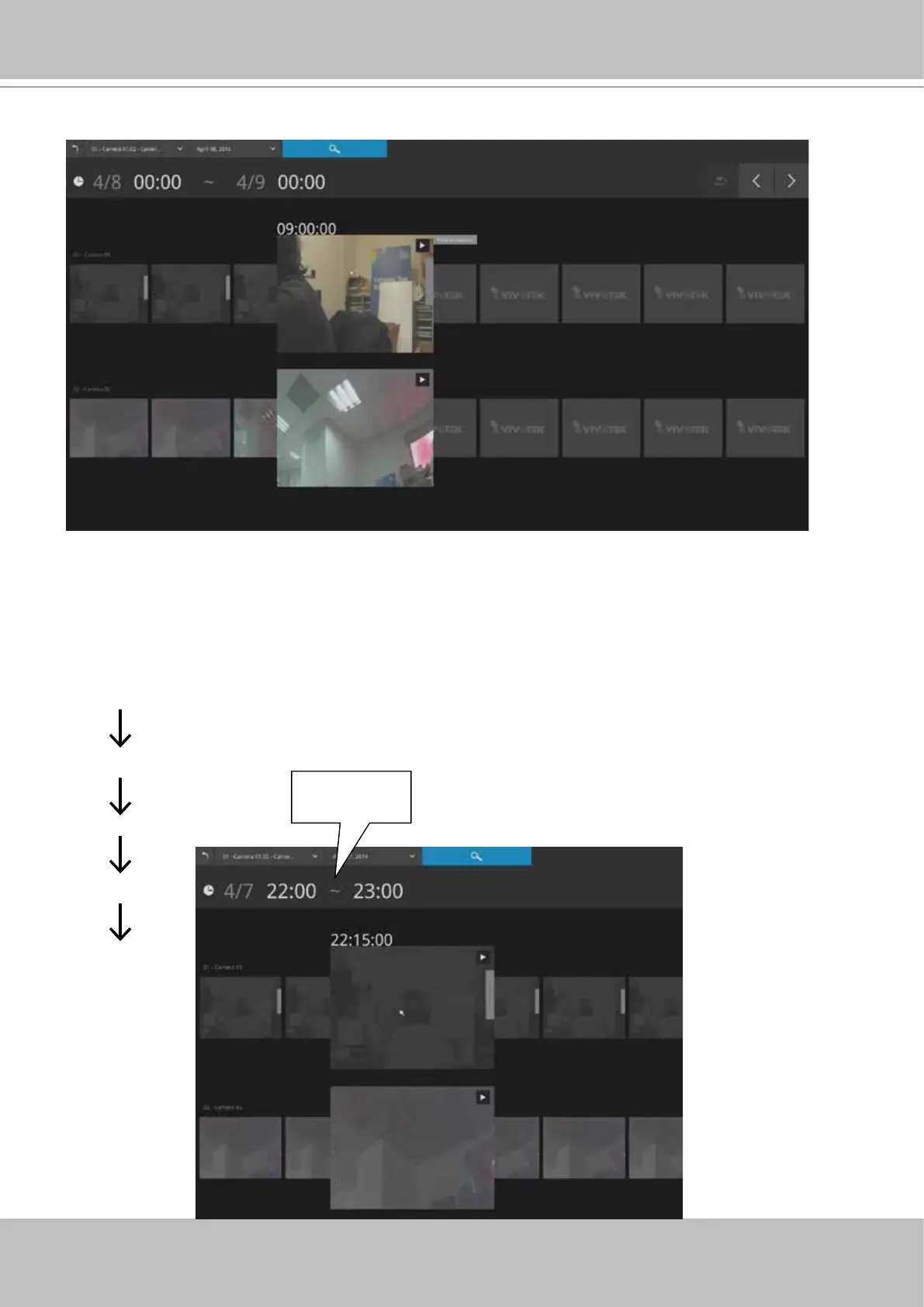
Mouse over the line of snapshots to display its time of recording. Click on a snapshot of your
interest. The time of recording is immediately displayed on top of it.
The detailed search is based on a narrow-down criteria. The search begins from a 24-hour time
span, and then moving in to a 4-hour, 1-hour, 10-minutes, and 2-minutes span. When the screen
displays a 24-hour span, each snapshot represents a 3-hour time span.
Each click on a snapshot brings you deeper into the timeline.
24 hour
4 hour
1 hour
10 mins
2 mins
Time span:
1 hour
22:00:00 22:07:30
22:22:30
22:30:00 22:37:30
Below is a sample screen showing the screen of a one-hour time span. Each
snapshot represents a point in time 7.5 minutes apart. Click on a snapshot of
your interest to get deeper into the timeline.



 To Next Page