- 51 -
www.vivotek.com
T: 886-2-82455282
F: 886-2-82455532
Page URL
The configuration page has a frame layout including an option list frame and an option
page frame. Referenced URLs, except for the configuration page, direct users to the
option page frame only. Some pages, such as image quality setting and preset setting,
are opened in new windows for preview.
Only the Administrator can access these URLs.
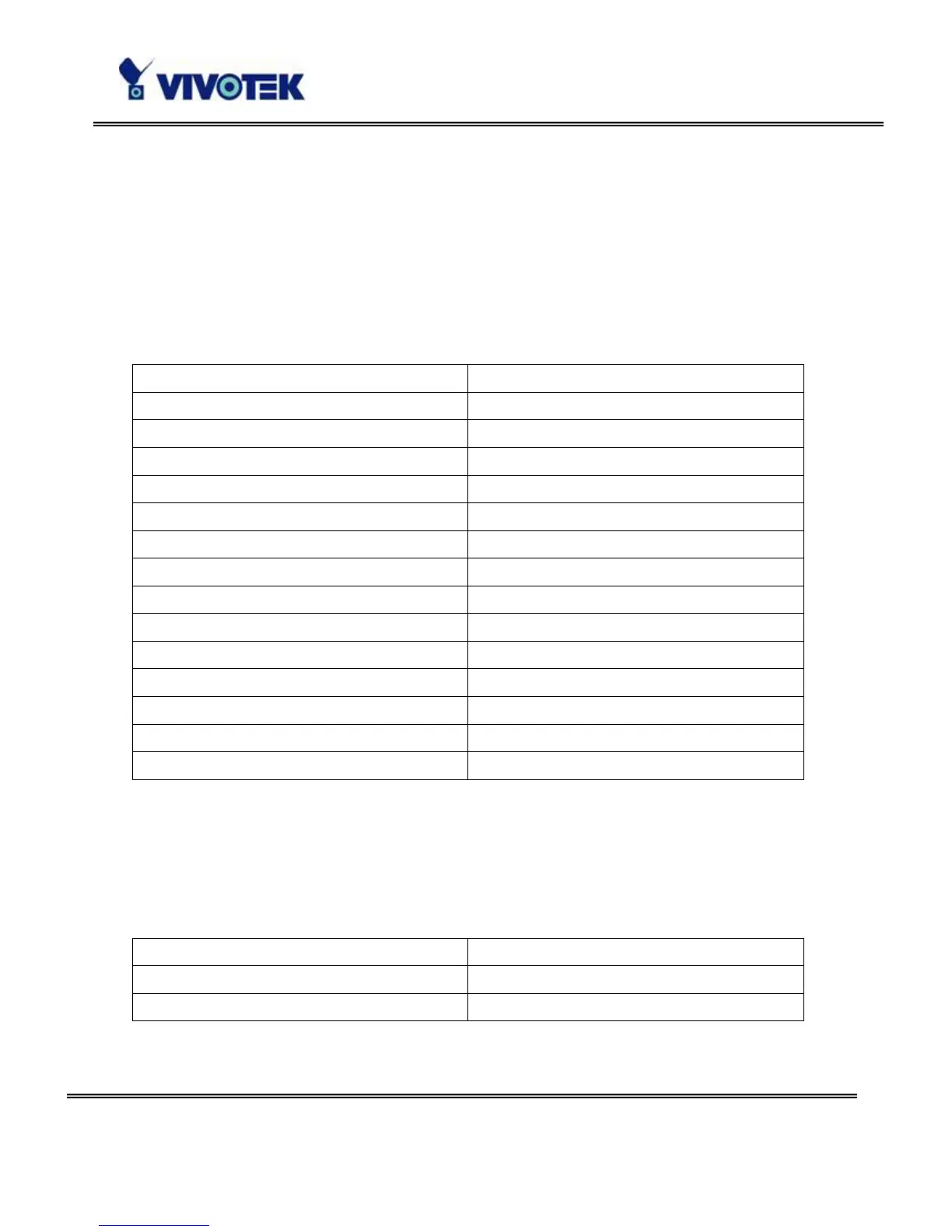
Homepage name Referenced URL
Client settings page /client.html
configuration page /setup/config.html
system option /setup/system.html
security option /setup/security.html
network option /setup/network.html
DDNS & UPnP option /setup/ddns.html
audio/video option /setup/video.html
camera control option /setup/ptframe.html
motion detection /setup/motion.html
image quality option /setup/image.html
application option /setup/app.html
system log /setup/logfile.html
system parameters /setup/parafile.html
set factory default /setup/factory.html
System Resource URL
There are some images used on the homepage when the homepage layout is in image
mode. The Administrator may use the following links to show the images saved in the
Network Camera on another page.
Resource name Referenced URL
system logo image /pic/logo.gif
background image /pic/wallppr.jpg



 To Next Page