VIVOTEK
User's Manual - 19
Pan: Click this button to start the auto pan� When the current position is Home or on the left side of
Home, the camera starts panning from the current position to the left-most position, then to the right-
most position, and nally backward to the original position. When the current position is on the right side
of Home, the camera starts panning from the current position to the right-most position, then to the left-
most position, and nally backward to the original position.
Stop: Click this button to stop the Auto Pan and Auto Patrol functions�
Patrol: Once the Administrator has determined the list of preset positions, click this button to command
the camera to patrol among those positions on the Patrol List� For more information, please refer to
Camera control of Conguration on page 60�
Pan /Tilt speed: Adjust the speed of pan/ tilt�
Conguration Area
Client Settings: Click this button to access the client settings page� For more information, please refer to
Client Settings on page 22�
Conguration: Click this button to access the conguration page of the Network Camera. It is suggested
that a password be applied to the Network Camera so that only the administrator can configure the
Network Camera� For more information, please refer to Conguration on page 24�
Language: Click this button to choose a language for the user interface� Language options are available
in: English, Deutsch, Español, Français, Italiano,
日本語
, Português,
簡体中文
, and
繁體中文
�
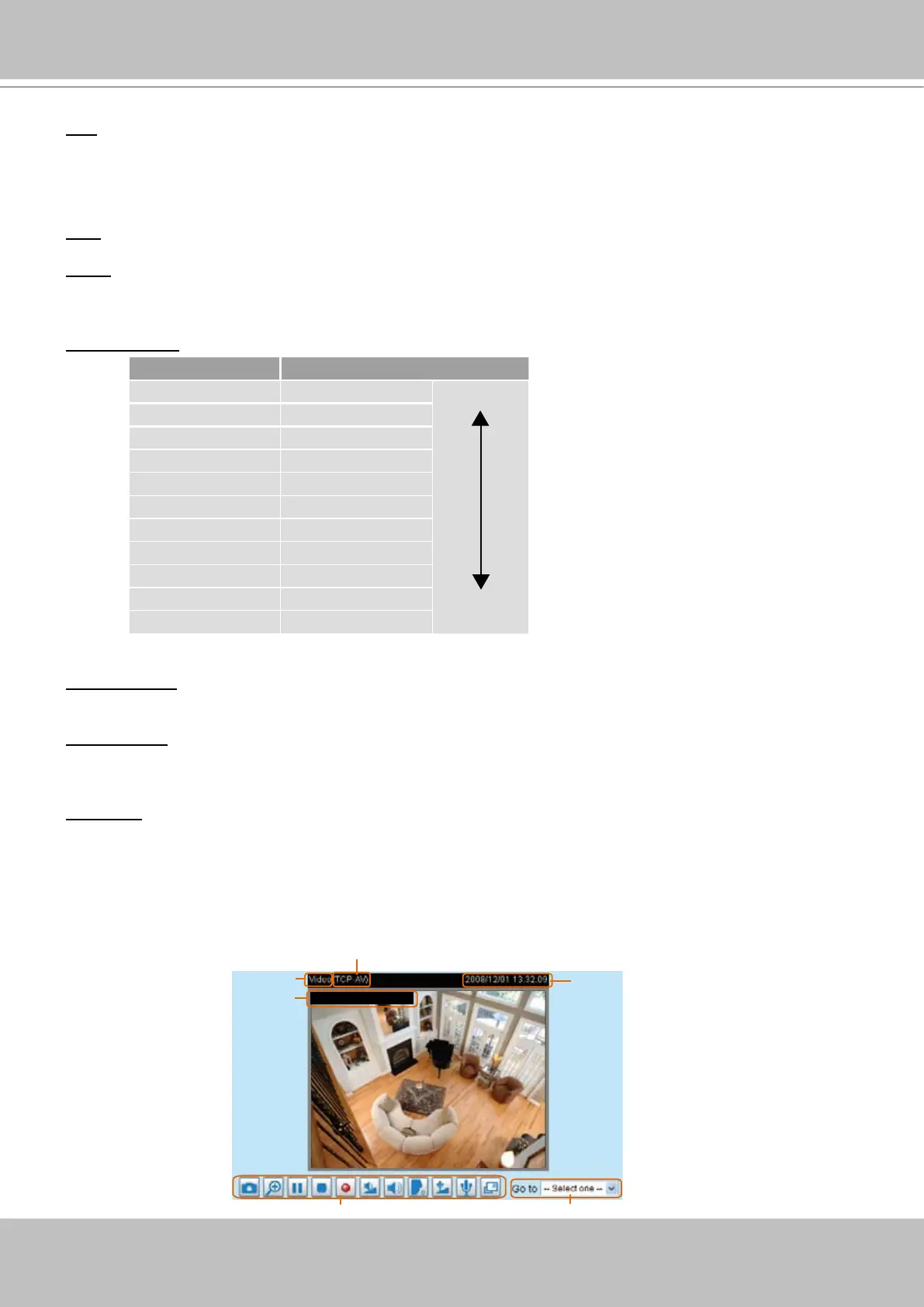
Live Video Window
■ The following window is displayed when the video mode is set to MPEG-4:
Pan speed Tilt speed
-5 -5 Slower
Faster
-4 -4
-3 -3
-2 -2
-1 -1
0 0
1 1
2 2
3 3
4 4
5 5
Video and Audio Control Buttons
Drop-down List of Preset Positions
MPEG-4 Protocol and Media Options
Video Title
Time
Title and Time
Video 13:3 2:09 2008/12/01



 To Next Page