VIVOTEK
4 - User's Manual
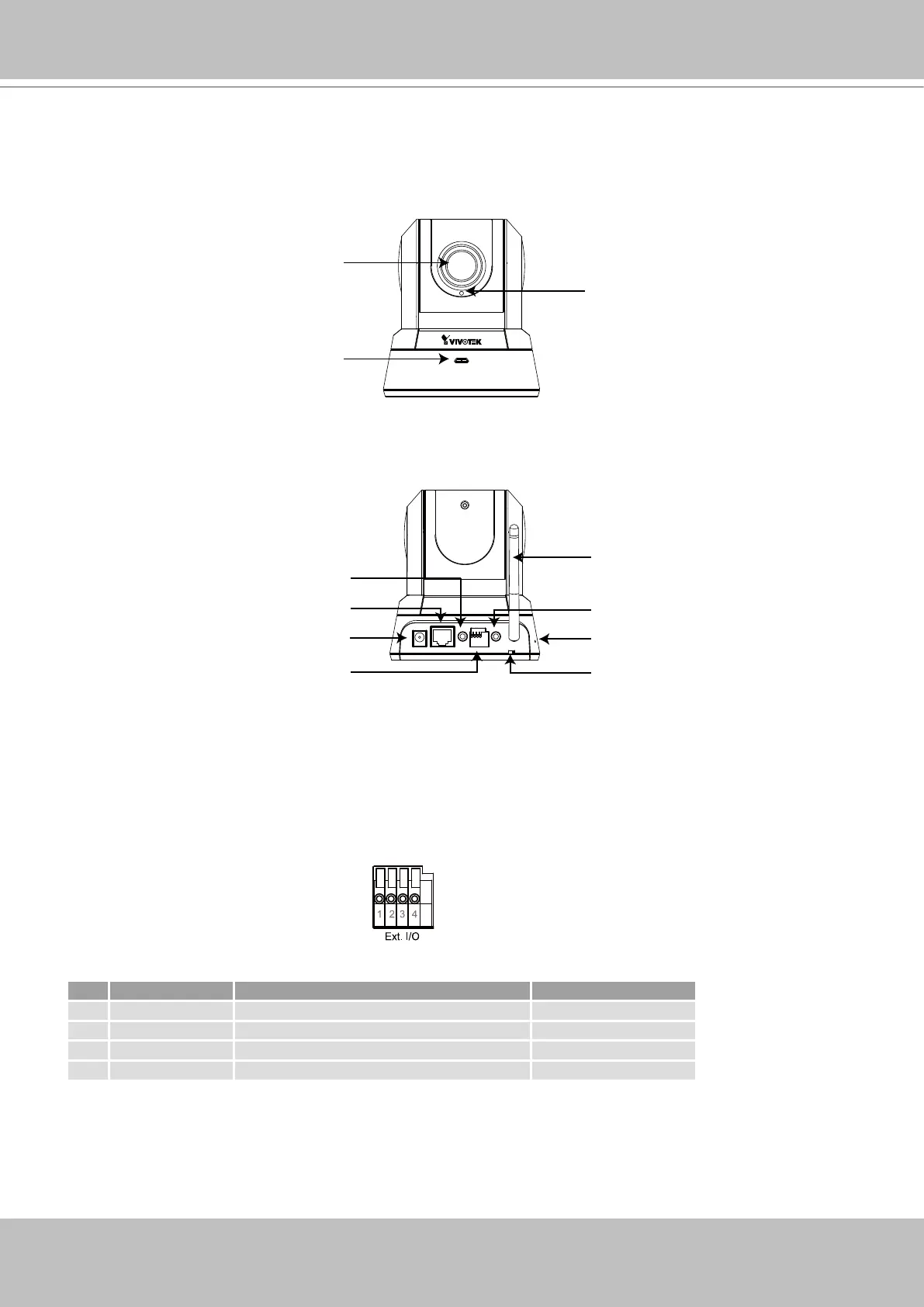
Physical Description
Front Panel
Rear Panel
General I/O Terminal Block
This Network Camera provides a general I/O terminal block which is used to connect external
input / output devices. The pin denitions are described below.
Pin Name Specification Remarks
1 Power 12VDC ± 5%, max� 1�5A Max� rating 2A
2 Digital output Max� 40VDC, max� 400mA, isolation 2kV
3 Digital input OPEN/Short-to-GND, isolation 2kV Internal pull-up
4 Ground
Built-in Microphone
Status LED
Lens
Mic. In
12VDC
Ethernet Ext. I/O
Ext. Int.
Audio
Out
Recessed Reset Button
Ethernet 10/100
RJ45 Socket
External/Internal
Microphone Switch
General I/O
Terminal Block
Audio Out
Microphone In
Power Cord Socket
Antenna
(PZ7132 Only)



 To Next Page