VIVOTEK
User's Manual - 29
Forceful Password Conguration
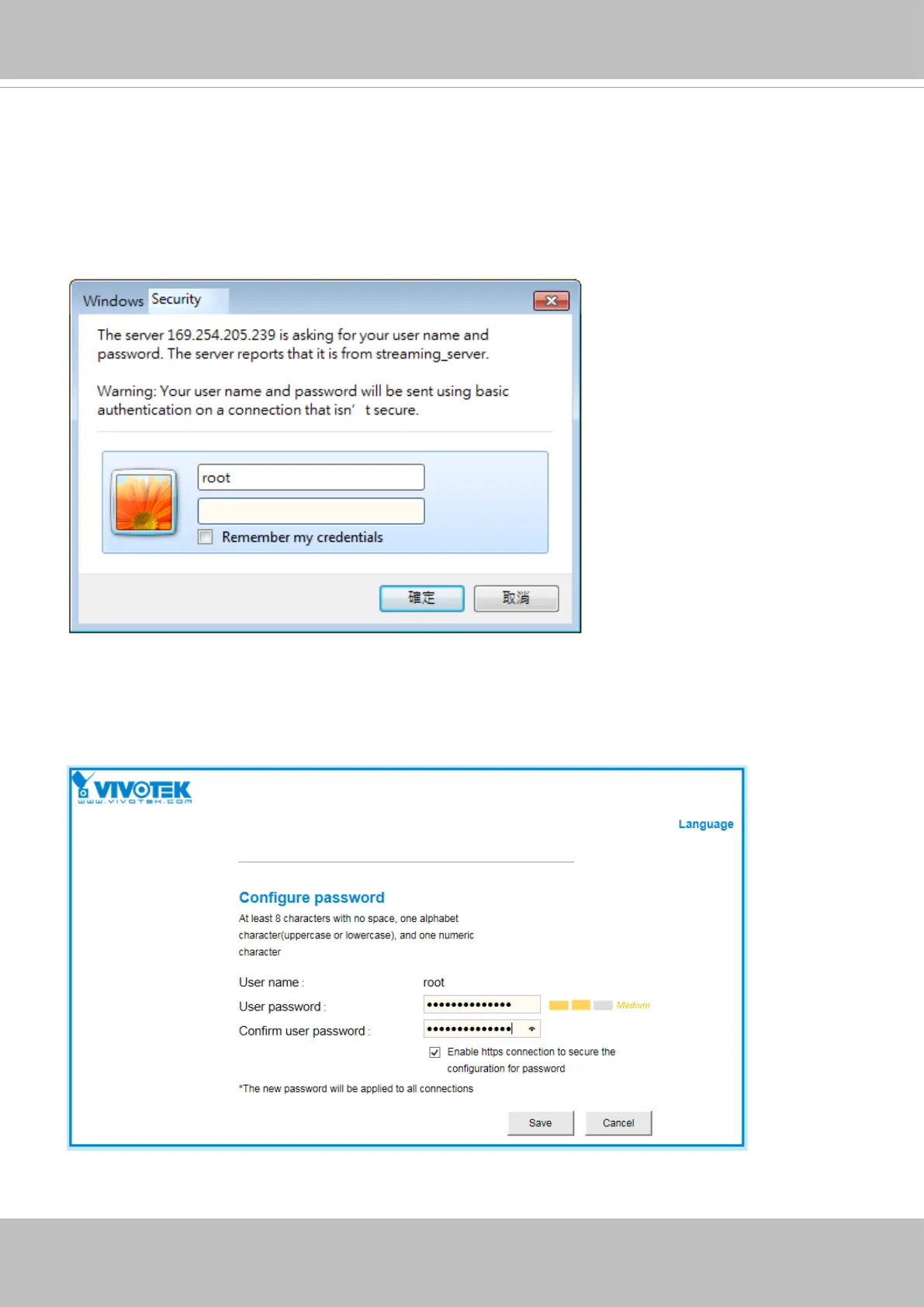
21. The rst time you log in to the camera, the rmware will prompt for a password conguration
for security concerns.
21-1. Since your camera is used for the rst time, there is no password. Enter “root” as the user
name, and nothting for the password.
21-2. Enter the combination of alphabetic and numeric characters to fulfill the password
strength. requirement. The default name for the camera administrator is “root”, and can not
be changed. At least 8 characters, and 8 to 64 characters are allowed.













 To Next Page