VIVOTEK
User's Manual - 63
IMPORTANT:
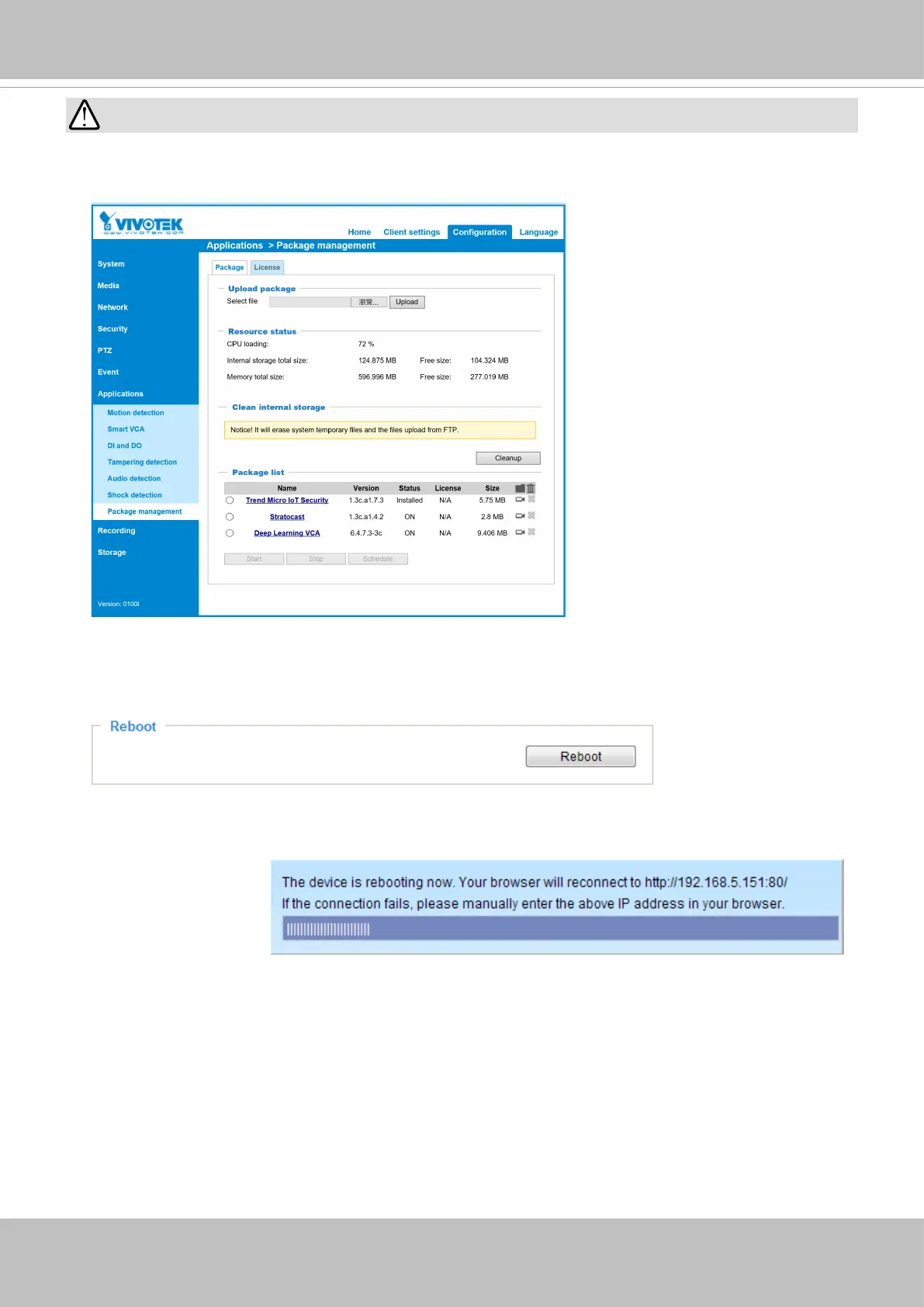
Through extensive use, temporary les may accumulate that disable a rmware upgrade. You can use
the Clean up function in the Application > Package management window to solve this problem.
General settings > Reboot
This feature allows you to reboot the Network Camera, which takes about one minute to complete. When
completed, the live video page will be displayed in your browser. The following message will be displayed
during the reboot process.
If the connection fails after rebooting, manually enter the IP address of the Network Camera in the
address eld to resume the connection.













 To Next Page