VIVOTEK
User's Manual - 27
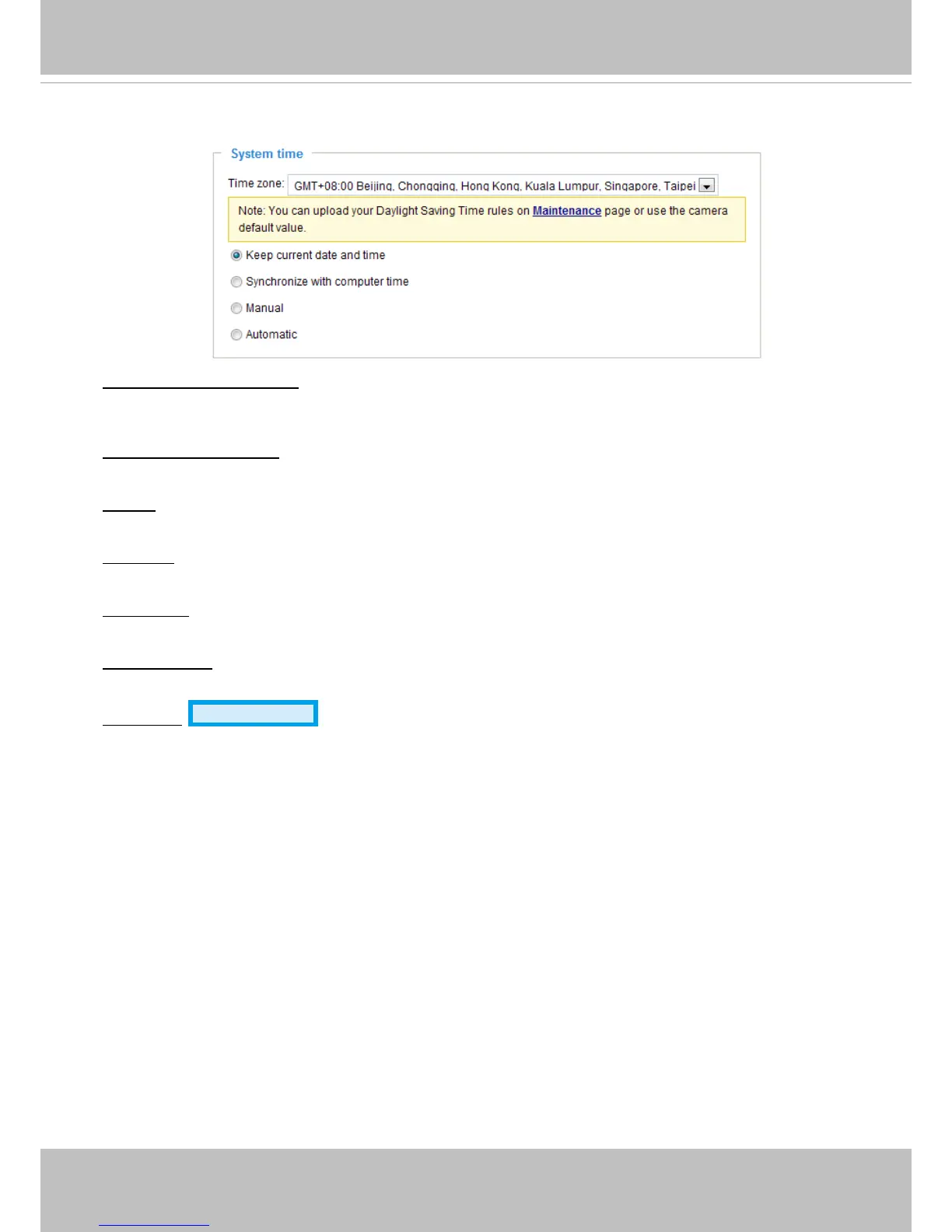
System time
Keep current date and time: Select this option to preserve the current date and time of the Video server.
The video server’s internal real-time clock maintains the date and time even when the power of the
system is turned off.
Sync with computer time: Select this option to synchronize the date and time of the video server with the
local computer. The read-only date and time of the PC is displayed as updated.
Manual: The administrator can enter the date and time manually. Note that the date and time format are
[yyyy/mm/dd] and [hh:mm:ss].
Automatic: The Network Time Protocol is a protocol which synchronizes computer clocks by periodically
querying an NTP Server.
NTP server: Assign the IP address or domain name of the time-server. Leaving the text box blank
connects the video server to the default time servers.
Update interval: Select to update the time using the NTP server on an hourly, daily, weekly, or monthly
basis.
Time zone
Advanced Mode
: Select the appropriate time zone from the list. If you want to upload
Daylight Savings Time rules on the Maintenance page, please refer to Upload / Export daylight saving
time conguration le on page 102 for details.



 To Next Page