VIVOTEK
User's Manual - 99
System log
Advanced Mode
This section explains how to congure the video server to send the system log to the remote
server as backup.
Remote log
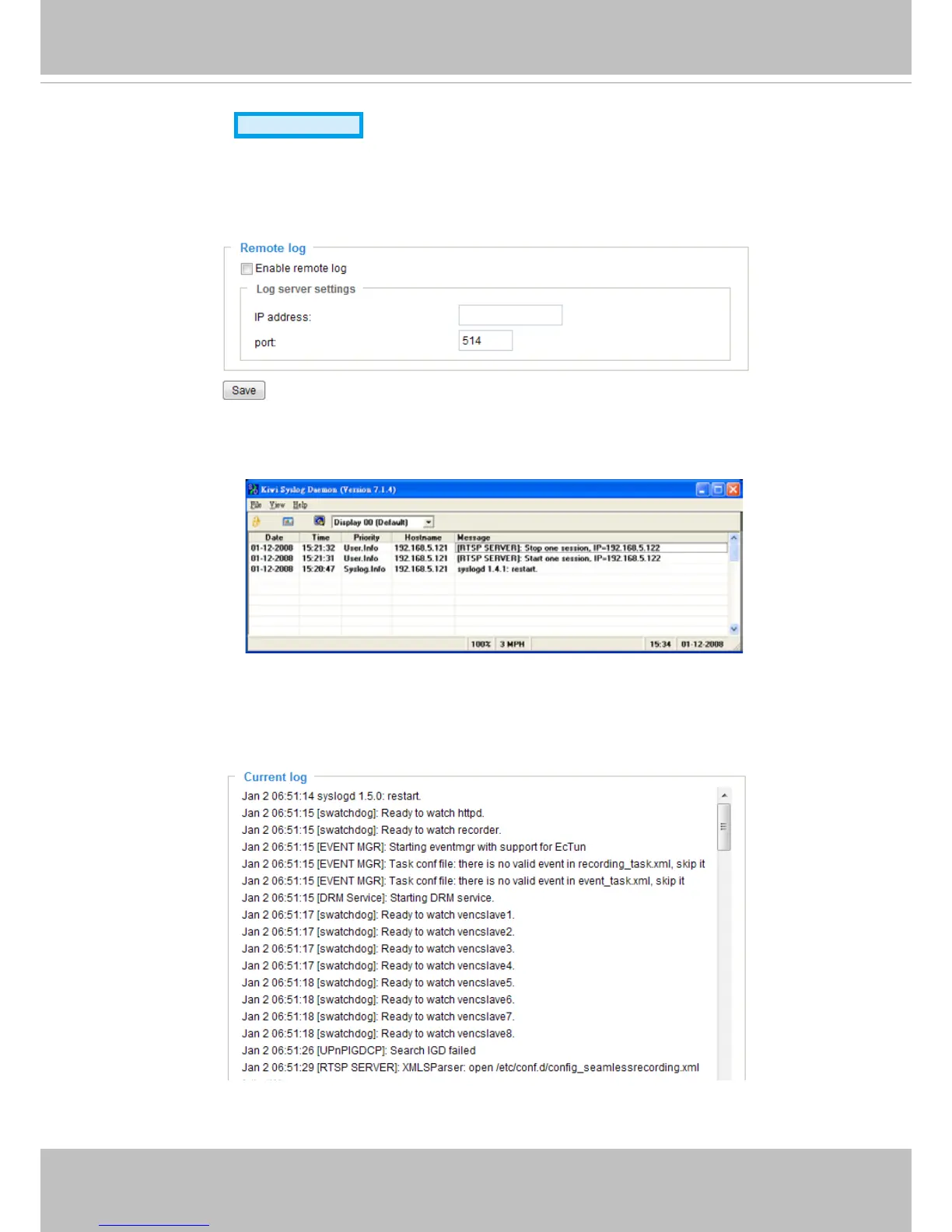
You can configure the video server to send the system log file to a remote server as a log backup.
Before utilizing this feature, it is suggested that the user install a log-recording tool to receive system log
messages from the video server. An example is Kiwi Syslog Daemon. Visit http://www.kiwisyslog.com/
kiwi-syslog-daemon-overview/.
Follow the steps below to set up the remote log:
1. In the IP address text box, enter the IP address of the remote server.
2. In the port text box, enter the port number of the remote server.
3. When completed, select Enable remote log and click Save to enable the setting.
Current log
This column displays the system log in chronological order. The system log is stored in the video server’s
buffer area and will be overwritten when reaching a certain limit.



 To Next Page