VIVOTEK
62 - User's Manual
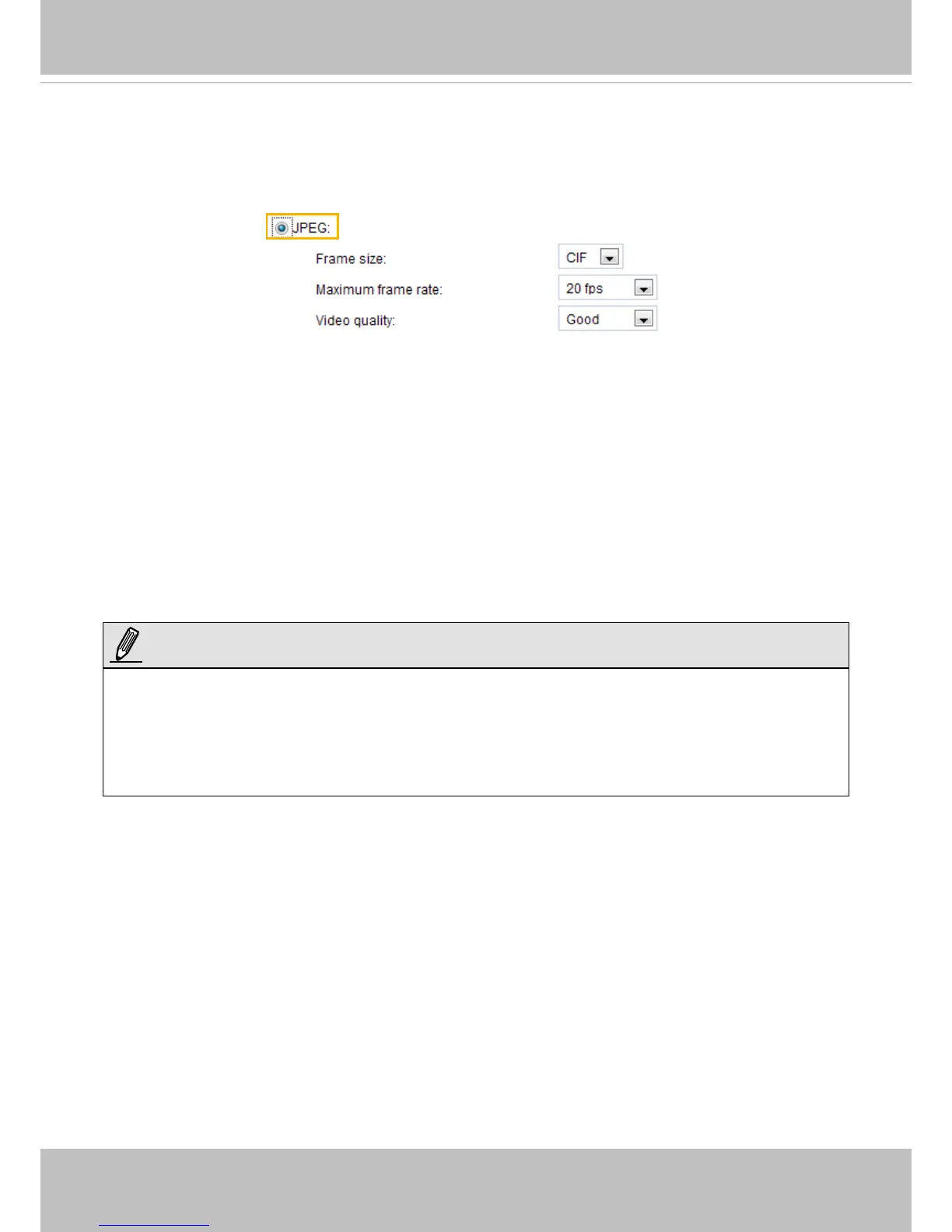
If JPEG mode is selected, the video server continuously sends JPEG images to the client, producing
a moving effect similar to a filmstrip. Every single JPEG image transmitted guarantees the same
image quality, which in turn comes at the expense of variable bandwidth usage. Because the media
contents are a combination of JPEG images, no audio data is transmitted to the client. There are three
parameters provided in MJPEG mode to control the video performance:
■ Frame size
You can set up different video resolution for different viewing devices. For example, set a smaller
frame size and lower bit rate for remote viewing on mobile phones and a larger video size and a higher
bit rate for live viewing on web browsers. Note that a larger frame size takes up more bandwidth. The
frame sizes are selectable in the following resolutions: QCIF, CIF, 4CIF, and D1.
■ Maximum frame rate
This limits the maximum refresh frame rate per second. Set the frame rate higher for smoother video
quality.
You can also select Customize and manually enter a value. The frame rate will decrease if you select
a higher resolution.
■ Video quality
The video quality can be adjusted to the following settings: Medium, Standard, Good, Detailed, and
Excellent. You can also select Customize and manually enter a value.
►
Video quality and fixed quality refers to the compression rate, so a lower value will produce higher
quality.
►
Converting high-quality video may significantly increase the CPU loading, and you may encounter
streaming disconnection or video loss while capturing a complicated scene. In the event of occurance,
we suggest you customize a lower video resolution or reduce the frame rate to obtain smooth video.
NOTE:



 To Next Page