VIVOTEK
User's Manual - 81
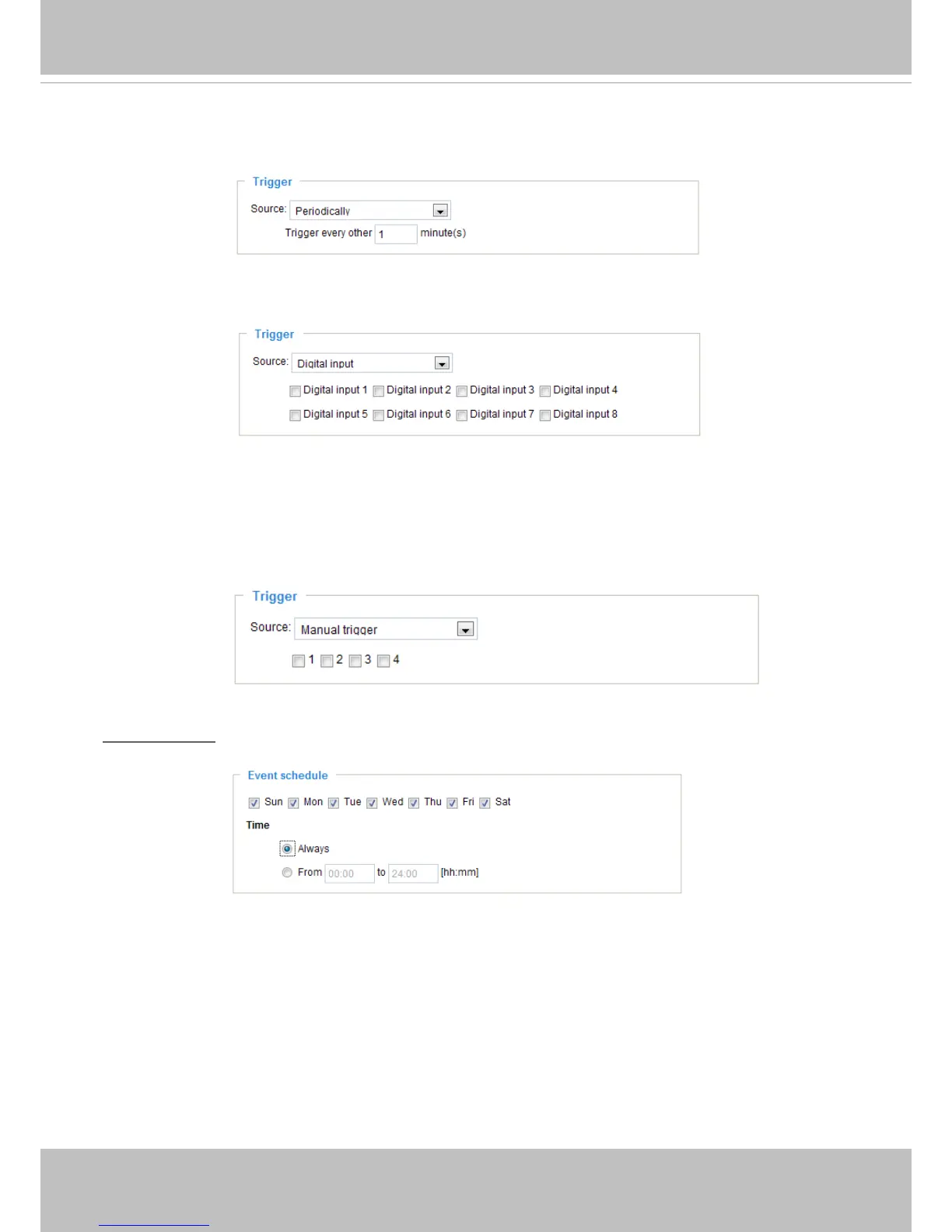
■ Periodically
This option allows the video server to trigger periodically for every other dened minute. Up to 999
minutes are allowed.
■ Digital input
This option allows the video server to use an external digital input device or sensor as a trigger source.
Depending on your application, there are many choices of digital input devices on the market which
helps to detect changes in temperature, vibration, sound, and light, etc.
■ Recording notify
This option allows the video server to trigger when the recording disk is full or when recording starts to
rewrite older data.
■ Manual trigger
This option allows user to enable event triggers manually by clicking the on/off button on the
homepage. Please congure 1 ~ 3 events before using this function.
Event Schedule
Specify the period for the event.
■ Select the days of the week.
■ Select the recording schedule in 24-hr time format.



 To Next Page