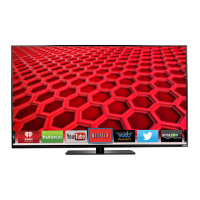
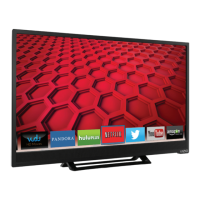
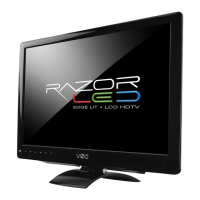
VIZIO E260MV User Manual
32
www.VIZIO.com
To make your own custom label:
1. Select Input Source, and then press OK to show the list of inputs.
2.
Press down navigation button
to select the input label you want to change, and
then press OK.
3. Press down navigation button
to select Custom Label and then press OK.
4. Use the on-screen keyboard and begin typing in a new label name.
5. Press down navigation button to select OK when you have finished changing the
names of the input labels.
Now when you press INPUT, you will see the new name you assigned.


 To Next Page