www.VIZIOCE.com
Version- 10/5/05
38
VIZIO L37 HDTV User Manual
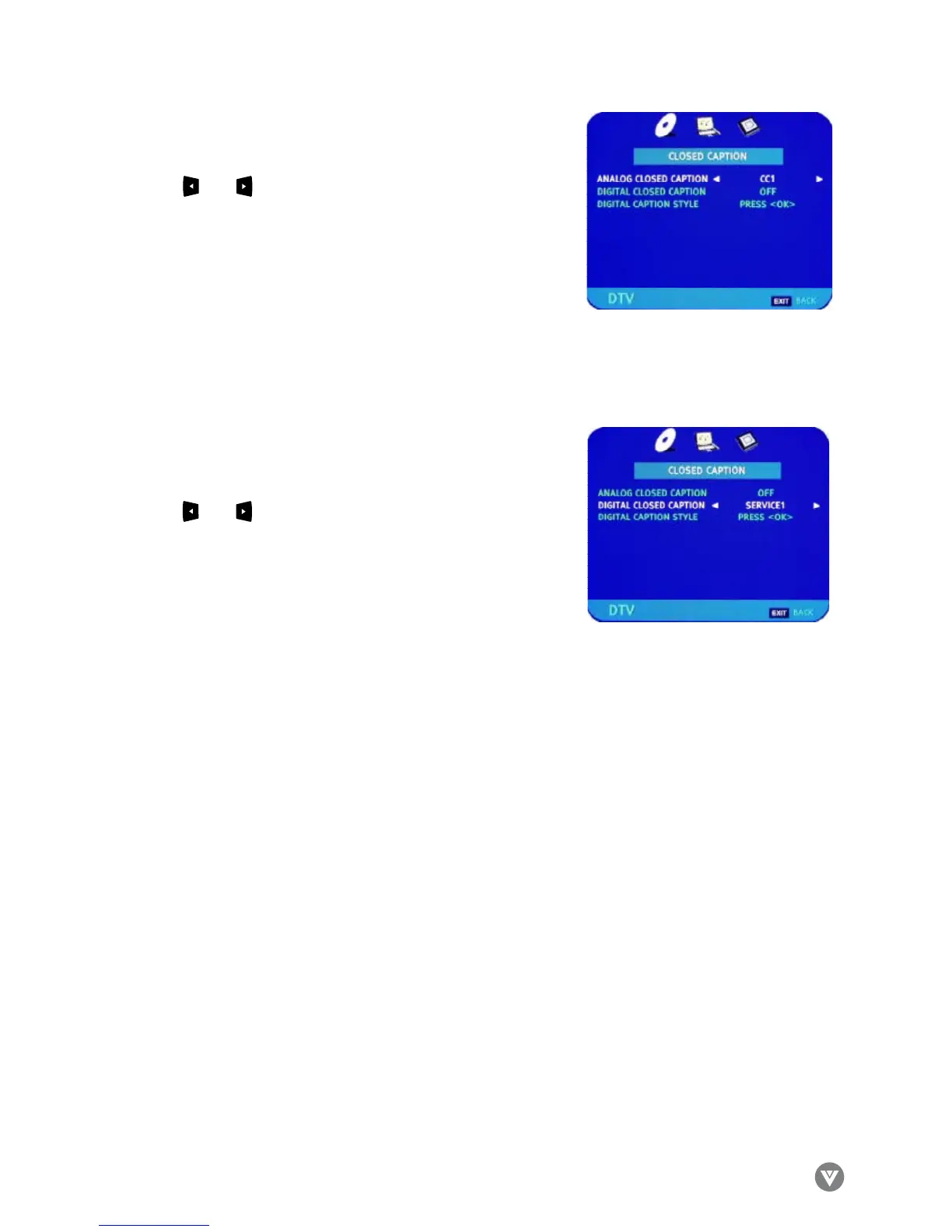
Use the and arrow buttons to select the Analog Closed
Caption, usually CC1. Press EXIT to navigate away from this
screen when finished.
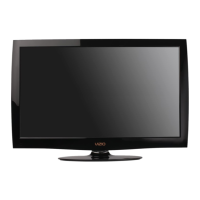
Use the and arrow buttons to select the Digital Closed
Caption, usually SERVICE1. Press EXIT to navigate away
from this screen when finished.



 To Next Page