EasyManua.ls Logo

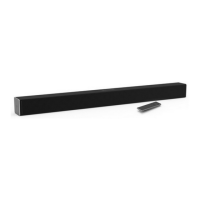
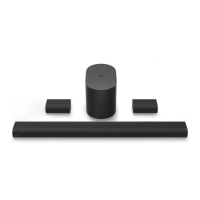
Vizio V 5.1.4 Series - User Manual

Vizio V 5.1.4 Series
45 pages
Print Icon
To Next Page IconTo Next Page
Loading...
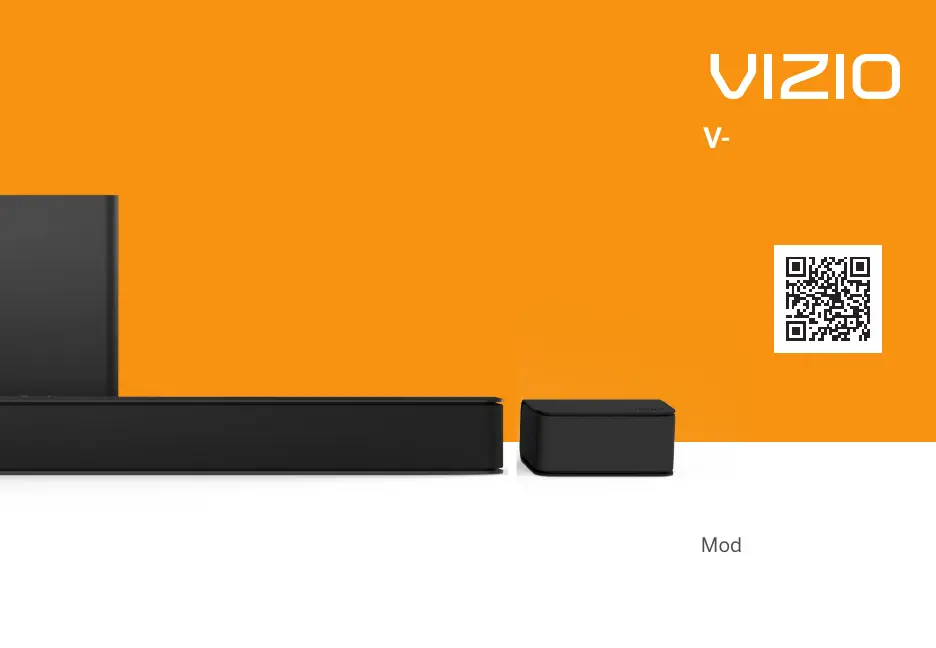
V-Series
5.1.4
User Manual
Scan to
learn more.
Model: V514x-K6
Please read this guide before using the product.

Questions and Answers

Summary

IMPORTANT SAFETY INSTRUCTIONS

Package Contents

Controls & Connections

Back of Sound Bar

Details the ports on the rear of the sound bar, including Power, Digital Optical Audio In, and AUX.

Top of Sound Bar

Identifies the controls on the top of the sound bar, such as Power, Input, Bluetooth, and Volume.

Back of Subwoofer

Shows the connections and buttons on the back of the wireless subwoofer, including Power Port, Surround Speaker Ports, and Power Button.

Back of Surround Speaker

Illustrates the connection port on the back of the surround speaker, which connects to the subwoofer.

First-time Setup

Using the Remote

Proper Placement

Proper Placement-Front Surround Mode

Describes an alternative placement strategy for surround sound speakers to create a virtual surround experience.

Mode & Level Settings

Using Button Combinations

Factory Reset

Resets the sound bar to its default factory settings, erasing all user preferences and paired devices.

VIZIO TV Remote Control

Enables or disables the use of a VIZIO TV remote to control the sound bar's power and volume.

Eco Power Mode

Manages the sound bar's power consumption by automatically turning it off after inactivity or no audio signal.

Programming the Sound Bar

Bluetooth Pairing

Using Bluetooth Mode

Connecting to a Voice Assistant

Using the AUX Port to Connect

Explains how to connect a Voice Assistant device to the sound bar using a 3.5mm audio cable.

Using Bluetooth to Connect

Details the process of pairing a Voice Assistant device with the sound bar via Bluetooth for connectivity.

Advanced Setup

Connecting a Subwoofer

Wall-mounting

Wall-mounting the Surround Speakers

Provides instructions on how to attach the surround speakers to the wall using mounting brackets.

Product Registration and Support

Help & Troubleshooting

Limited Warranty

What This Warranty Does Not Cover

Lists specific conditions and damages that are excluded from the VIZIO limited warranty coverage.

What to Do If You Are Not Satisfied With Service

Outlines the steps to resolve issues informally or file a formal claim, including arbitration procedures.

Binding Arbitration Agreement; Class Action Waiver (U.S. Residents Only)

Explains the mandatory arbitration and class action waiver terms for US residents regarding warranty disputes.

Opt-Out Instructions

Guides users on how to formally opt out of the binding arbitration agreement and class action waiver within a specified period.

Exclusions and Limitations

Details the limitations on express and implied warranties, and exclusions for indirect, special, or consequential damages.

How the Law Applies

Explains that the warranty grants specific legal rights that may vary by state or province.

General

States that VIZIO employees cannot modify the warranty and that unenforceable terms are severed.

Changes to Warranty

Informs users that the warranty may change without notice, but changes won't affect the original warranty.

Legal & Compliance

Specifications

Vizio V 5.1.4 Series Specifications

General IconGeneral
BrandVizio
ModelV 5.1.4 Series
CategorySpeakers
LanguageEnglish

Related product manuals