EasyManua.ls Logo

VMAI V8 Pro - User Manual

VMAI V8 Pro
21 pages
Print Icon
To Next Page IconTo Next Page
Loading...
USER MANUAL
VMAI
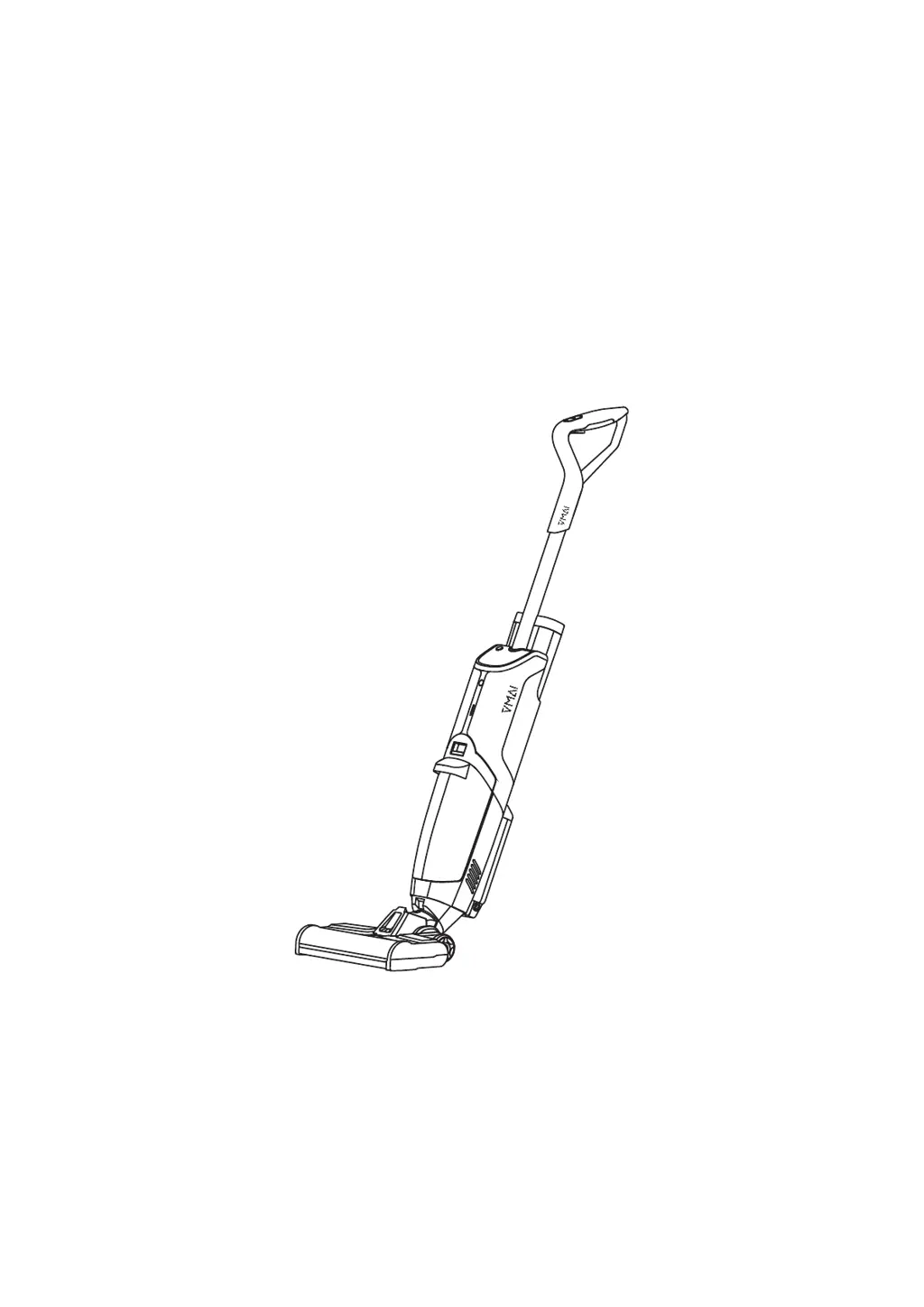
Multi-Surface Floor Cleaner
V8 Pro
Contact: support@vmaitech.com
Please read all instructions before using this product, and keep it properly for
future reference.

Questions and Answers

  • G
    Gail HoganSep 23, 2025
    What does Error Code FF:09 mean on my VMAI V8 Pro?
    • D
      Dawn LaraSep 23, 2025
      If your VMAI Ultrasonic Jewelry Cleaner displays Error Code FF:09, it indicates a low charging temperature. The battery pack temperature is low, please assure battery pack temperature returns to normal before charging.
  • C
    chadolsenAug 23, 2025
    Why does my VMAI Ultrasonic Jewelry Cleaner always say 'Empty the water tank'?
    • B
      boothpatrickAug 23, 2025
      If your VMAI Ultrasonic Jewelry Cleaner always displays the 'Empty the water tank' alarm, the HEPA filter might be blocked. Please clean the HEPA filter. Alternatively, the dirty water tank could be full, so empty it.
  • T
    Tami MooreAug 25, 2025
    Why does no water come out when spraying my VMAI V8 Pro?
    • Z
      Zachary JonesAug 26, 2025
      If no water comes out when spraying with your VMAI Ultrasonic Jewelry Cleaner, the clean water tank might be empty. Please fill it up. Also, ensure the clean water tank is properly installed; reinstall it if necessary.
  • M
    Melanie PerryAug 27, 2025
    Why doesn't my VMAI V8 Pro work in self-cleaning mode?
    • S
      sara63Aug 27, 2025
      If your VMAI Ultrasonic Jewelry Cleaner doesn't work in self-cleaning mode, ensure that it's properly connected to the power supply. Also, check if the dirty water tank is full and empty it if needed. Lack of water can also be the cause, so fill up the clean water tank.
  • J
    jessicareedAug 27, 2025
    Why is the clean water tank leaking on my VMAI Ultrasonic Jewelry Cleaner?
    • S
      Stacey NicholsAug 28, 2025
      If the clean water tank of your VMAI Ultrasonic Jewelry Cleaner is leaking, it could be because the water volume is higher than the snuffle valve. Pour out water until it's below the snuffle valve. Also, make sure the clean water tank is installed correctly; reinstall it if necessary. Finally, ensure that the cap is screwed on tightly.
  • D
    David DelgadoSep 18, 2025
    What does Error Code FF:07 mean on my VMAI Ultrasonic Jewelry Cleaner?
    • W
      wlewisSep 18, 2025
      If your VMAI Ultrasonic Jewelry Cleaner displays Error Code FF:07, it means there's a high discharging temperature. The battery pack temperature is high, please assure battery pack temperature returns to normal before reuse.
  • G
    garretttimothySep 14, 2025
    What does Error Code FF:05 mean on my VMAI Ultrasonic Jewelry Cleaner?
    • H
      hnicholsSep 14, 2025
      If your VMAI Ultrasonic Jewelry Cleaner displays Error Code FF:05, it means the rechargeable battery voltage is too low. Replace the battery pack.
  • M
    Mercedes SmithSep 15, 2025
    What does Error Code FF:06 mean on my VMAI Ultrasonic Jewelry Cleaner?
    • C
      Charles MillerSep 16, 2025
      If your VMAI Ultrasonic Jewelry Cleaner displays Error Code FF:06, it indicates that the rechargeable battery voltage difference is too large. Replace the battery pack.
  • T
    Terry BrownSep 6, 2025
    What does Error Code FF:10 mean on my VMAI Ultrasonic Jewelry Cleaner?
    • V
      Victor LawrenceSep 6, 2025
      If your VMAI Ultrasonic Jewelry Cleaner displays Error Code FF:10, it means there's a roller brush overcurrent. Check if there is any dirt (like pet hair) at the roller brush to be cleaned, then make it clean.
  • S
    samanthacrawfordSep 3, 2025
    How to calibrate the clean water tank indicator on my VMAI V8 Pro?
    • K
      Kelly BurnsSep 3, 2025
      If the indicator display of the clean water tank on your VMAI Ultrasonic Jewelry Cleaner is incorrect, the device might be uncalibrated. Remove the Clean Water tank, then start to clean and spray, turn cleaner off until draining the pipe. Then press the “Switch Button” and “Eco/Max Button “for 5 seconds until the digital display flashes two times, then check again.

Summary

Safety Instructions

Whats in the Package?

Product View - Front

Front View Details

Diagram showing the front view of the cleaner with labeled parts.

Product View - Back and Tank

Back View Details

Diagram showing the back view of the cleaner with labeled parts.

Clean Water Tank Details

Diagram of the clean water tank with labeled components.

Product View - Base and Station

Brush Base Details

Diagram of the brush base with labeled parts.

Charging Station Details

Diagram of the charging station with labeled parts.

Digital Display Indicators

Mode and Working Time Display

Explains indicators for Eco/Max modes and working time.

Water Tank Status Indicators

Indicates low clean water or full dirty water tank.

Self-Cleaning and Battery Indicators

Shows self-cleaning mode and remaining battery capacity.

Operations - Assembly

Filling the Clean Water Tank

Charging and Operation

Charging the Cleaner

Instructions for charging the cleaner and its battery pack.

Cleaning Floor with the Cleaner

Steps for using the cleaner to clean floors.

Cleaner Operation Details

Switching Modes and Spraying

Details on using switch, max mode, spray button, and priming.

Cleaning Technique and Tips

Guidance on handle tilt, cleaning motion, and rug warnings.

Dirty Water Tank Maintenance

Instructions for cleaning the dirty water tank after use.

Self-Cleaning and Maintenance

Self-Cleaning Process

Steps to perform automatic self-cleaning of the roller brush and pipeline.

Daily Care and Maintenance

Guidance on wiping the main body, station, and brush base.

Roller Brush Cleaning

Instructions for removing and cleaning the roller brush.

Component Cleaning

Dirty Water Cleaning

Steps for emptying and cleaning the dirty water tank and HEPA filter.

Charging Station & Drying Tray Cleaning

Instructions for cleaning the charging station and drying tray.

Storage and Contact Information

Storage Instructions

Guidance on drying and storing machine parts and battery pack.

Contact Us

Information on how to get assistance or report problems.

Maintenance Schedule

Troubleshooting Guide

Error Code Solutions

Hazardous Substances Content

Recycling and Compliance

VMAI V8 Pro Specifications

General IconGeneral
BrandVMAI
ModelV8 Pro
CategoryUltrasonic Jewelry Cleaner
LanguageEnglish