26
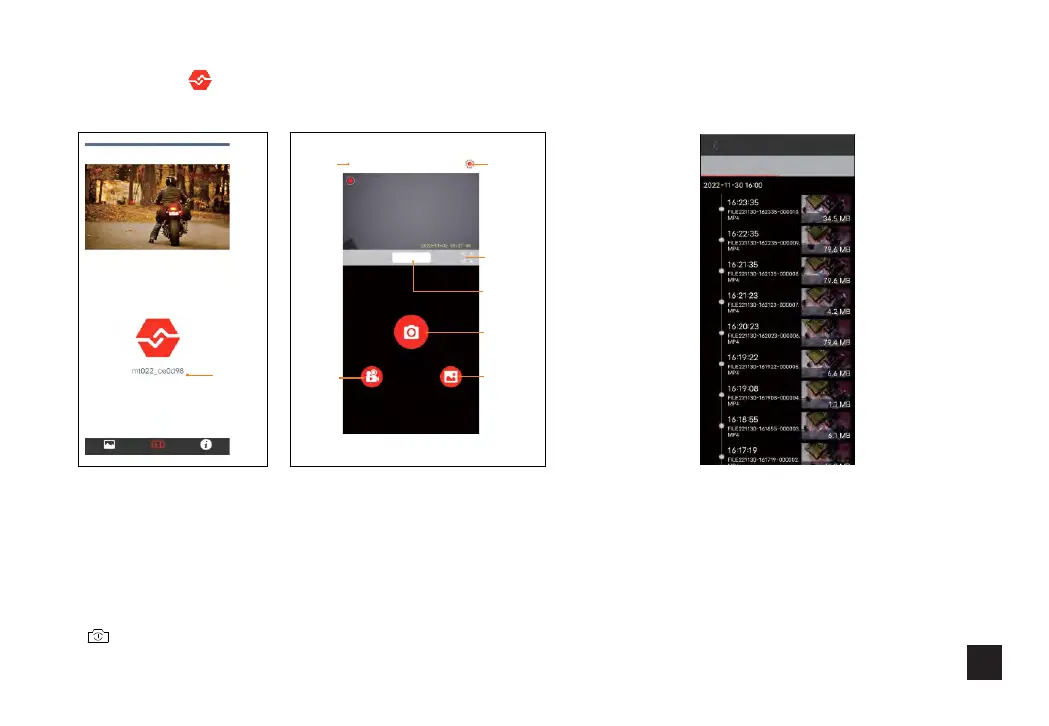
2.Click icon " " Enter the main interface of the app:
3.Ordinary video and emergency video viewing.
In the stop recording state, click "Device V ideo" to display a
normal video; Press and hold to slide up is a normal video,
slide to the left is an emergency video.
When the icon is switched to another video, view another video
file " ".
File download: Long press the file you want to
download in the file browsing interface, and then
click download after the download interface pops up.
The downloadedfile is savedin the downloads folder
under the roadcam path.
Connected
recorder
album
Recorder
about
Recor de r Vid eo
break
Stop re co rdi ng
Recor de r pho to
Video
viewing
Photo
viewing
Take
pictures
Start/stop
Video recording
Full screen
DetDisconnect
video
Loop video Emergency video
album
Recorder
about



 To Next Page