2
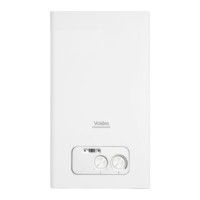
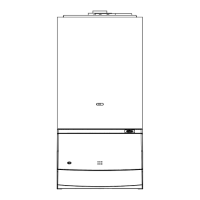
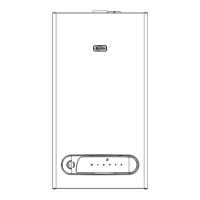
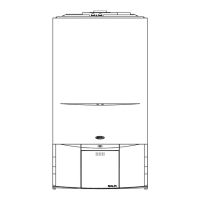
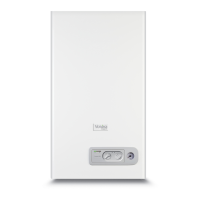
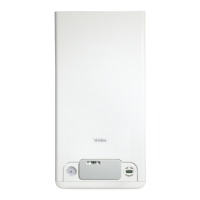
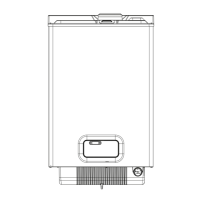
Fig. 1A
Boiler at reset/standby Select this position if/when the boiler requires to be reset
Boiler switched OFF Select this position if you want the boiler to remain OFF (this will over-ride any
heating/hot water request from the time-clock/programmer)
Boiler switched ON Select this position when you want the boiler to respond to a heating/hot water
request from the time-clock/programmer
Temperature selector Move the temperature selector clockwise to increase the boiler outlet temperature,
or counter-clockwise to reduce the outlet fl ow temperature
2-digit LED display Displays the current outlet temperature of the boiler. During a fault condition,
the appropriate fault code will be displayed (refer to the users handbook
for instructions regarding fault codes)
Green LED lit Boiler is working/responding to a heating/hot water request
Red LED lit Boiler has identifi ed a fault and has failed-safe. Refer to users handbook for
instructions on how to reset
MODE SELECTOR
SWITCH
RED LED
GREEN LED
TEMPERATURE SELECTOR
2-digit LED
display
°C


 To Next Page
 Loading...