CENTAURI-200 User Guide
VT-ENG-TMP-UG | Rev 1.1 | 31-Jul-19
Volansys-Confidential Page
14
of
21
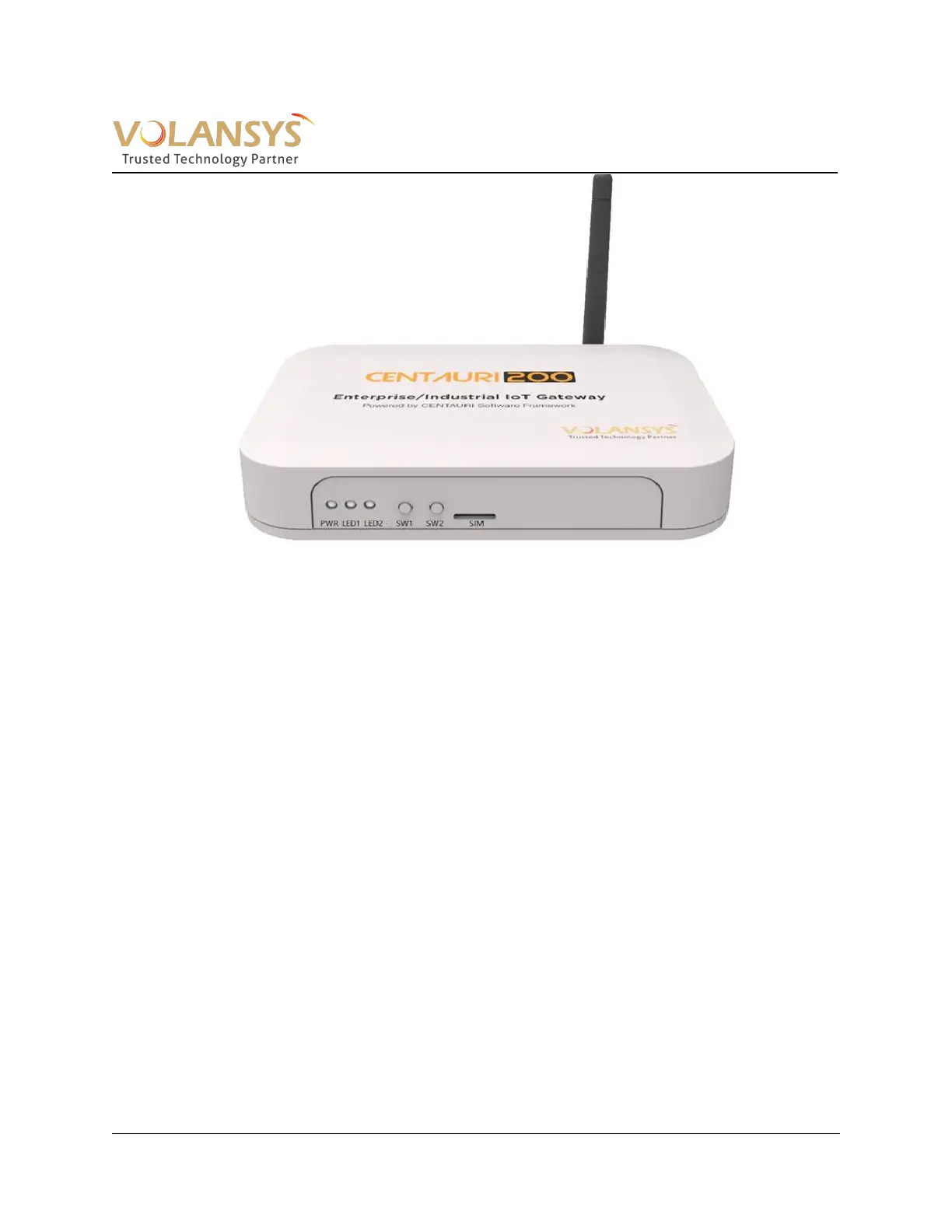
Figure 4- 1 CENTAURI-200 Gateway
3.4 Gateway Commissioning [Registration]
A user needs to register the gateway using the mobile application to use the gateway to control and
monitor end devices. To register the gateway, follow below ste
ps.
3.4.1 Gateway Registration
1. Open the mobile application and log in using user id. User can see below screen in mobile
application if none of the gateway is registered previously with same user id.
2. User can add Gateway by touching “+” on top right corner. It will show below screen. Follow the
instruction given on screen. On Wi-Fi setting, user shall connect to SSID Centauri_XXXX
(XXXX=Last 4 digit of Gateway MAC). User should enter the Wi-Fi Password as centauri_XXXX
(XXXX=Last 4 digit of Gateway MAC, e.g. “centauri_D1A5”)
o
If user is commissioning gateway for the first time, user does not need to reset Wi-Fi on
GW by pressing SW2.
o If user wants to factory reset the gateway, press SW2 for long duration (more than 5
seconds) as mentioned Table 2.


 To Next Page