CENTAURI-200 User Guide
VT-ENG-TMP-UG | Rev 1.1 | 31-Jul-19
Volansys-Confidential Page
15
of
21
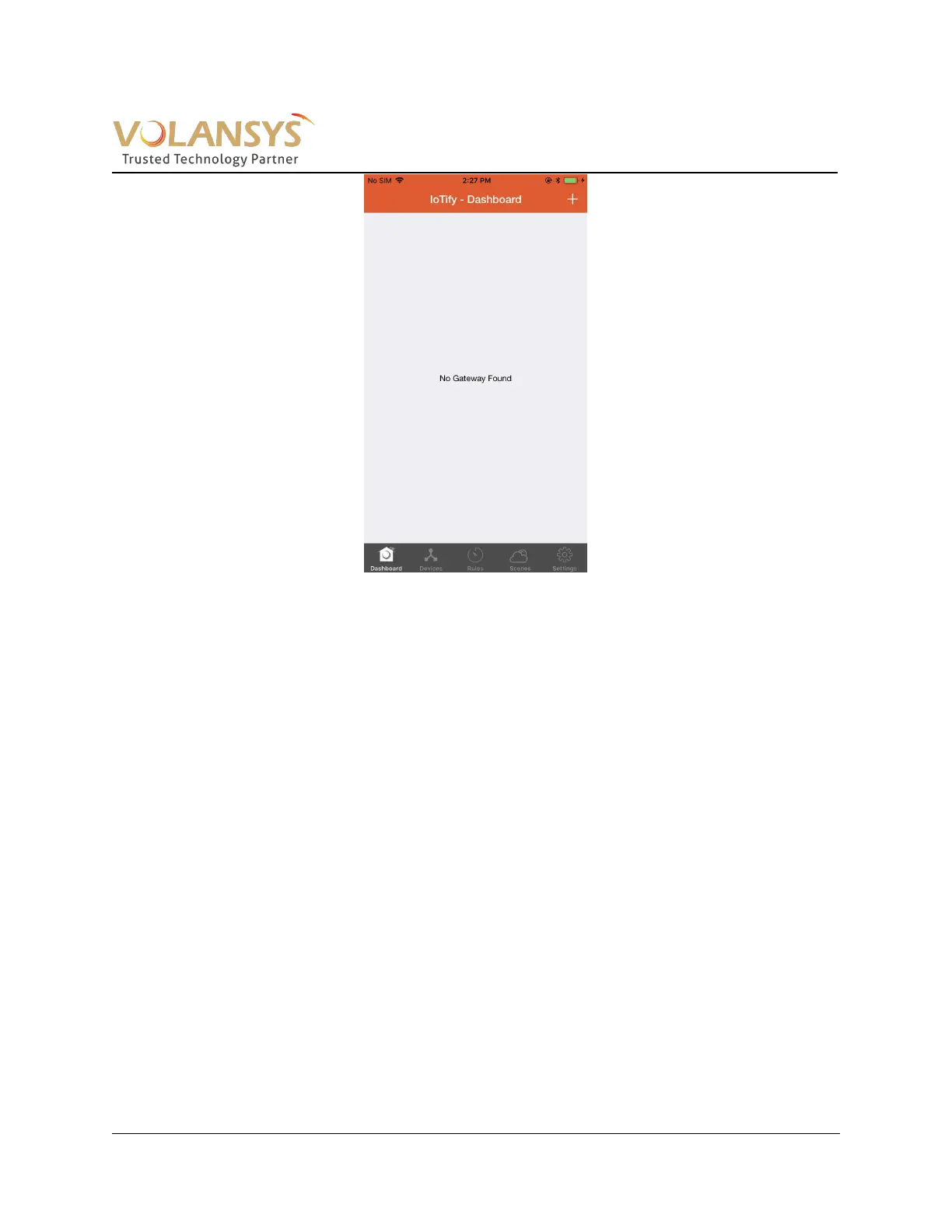
Figure 4- 2 IoTify Dashboard
Once user connects to access point of the GW, the user needs to enter the Wi-Fi password as
centauri_XXXX (XXXX=Last 4 digit of Gateway MAC, e.g. “centauri_D1A5”). After the user comes
back to this application, user will see below screen. In this screen, user shall select an Access point
that GW will use for getting an internet connectivity. (E.g. Home Wi-Fi router access point). User will
be prompted to enter passphrase if that is configured on selected SSID)


 To Next Page