CENTAURI-200 User Guide
VT-ENG-TMP-UG | Rev 1.1 | 31-Jul-19
Volansys-Confidential Page
9
of
21
2.3 Initial setup and User registration
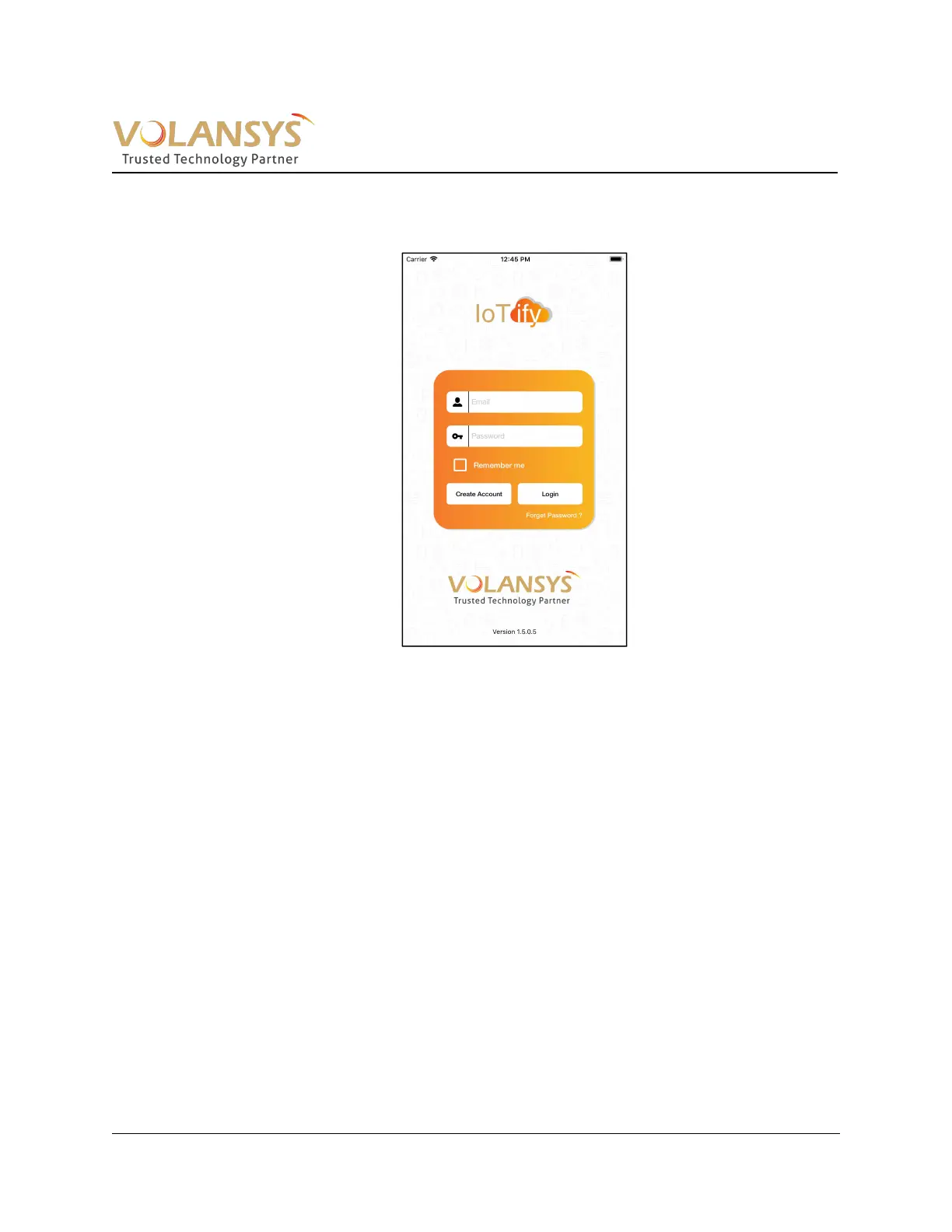
1. Launch/open installed application in the mobile. User can see below screen
Figure 3- 1 Mobile Application Launch Page
2. If prompted for any permission, please allow.
3. Follow user registration process for creating account. Enter verification code received on email
to complete registration process.


 To Next Page