02 Instruments and controls
Parking brake
02
64
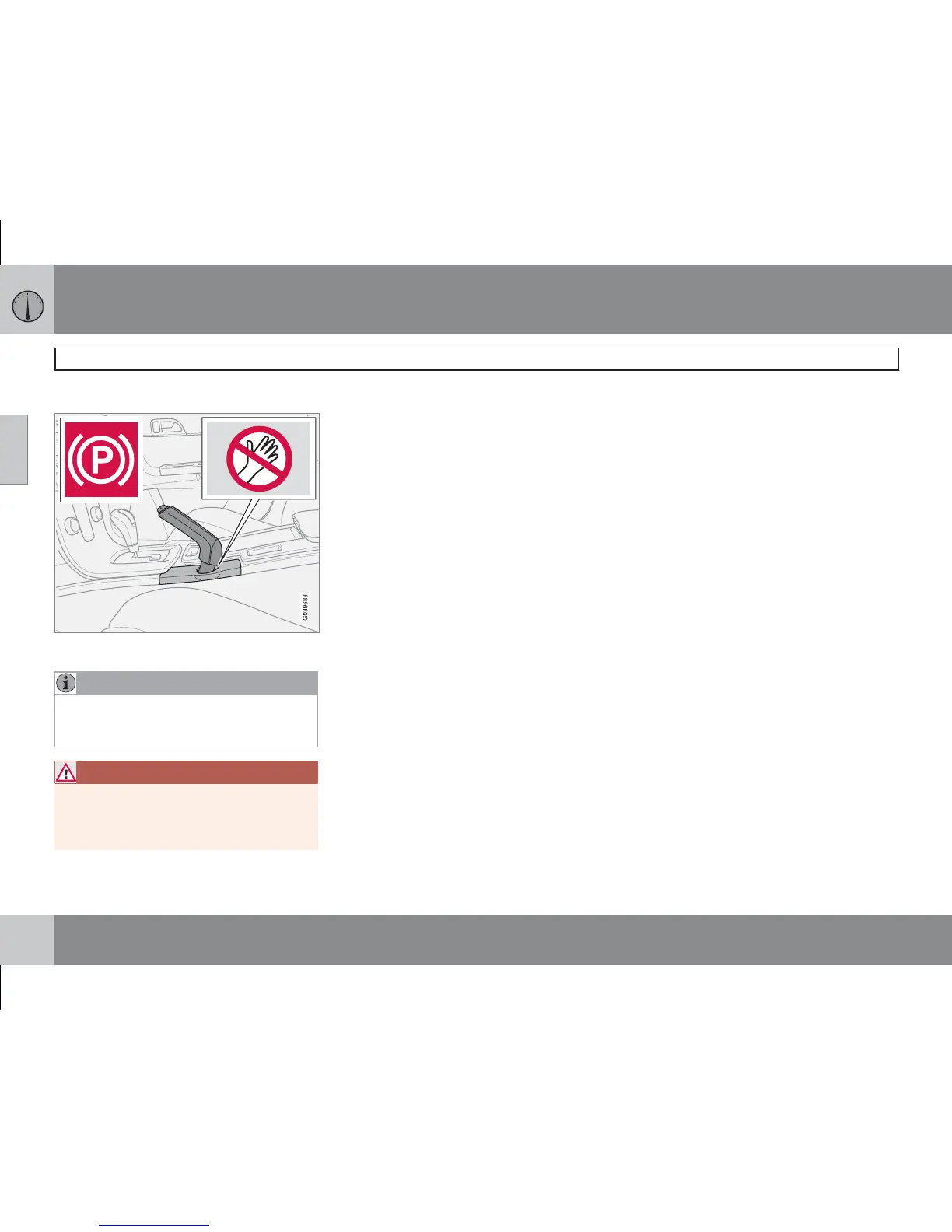
Parking brake (handbrake)
The lever is located between the front seats.
NOTE
The warning lamp symbol in the combined
instrument panel illuminates irrespective of
how hard the parking brake is applied.
WARNING
Make sure that children, other passengers
or objects are not in danger of becoming
trapped in any way when the parking brake
is applied or released by the driver.
How to Apply the parking brake
1. Fully depress the foot brake pedal.
2. Pull the lever firmly.
3. Release the foot brake pedal and make
sure that the car is at a standstill position.
4. If the vehicle moves then the parking brake
lever must be pulled more firmly.
When parking a vehicle always put the gear
selector in position 1 (for manual transmission)
or P (for automatic transmission)
Parking on a hill
If the car is parked facing uphill; turn the wheels
away from the kerb.
If the car is parked facing downhill; turn the
wheels toward the kerb.
How to release the parking brake
1. Press the foot brake pedal down firmly.
2. Pull the parking brake lever up slightly,
press the button, release the parking brake
lever and release the button.









 To Next Page