||
03 Instruments and controls
03
108
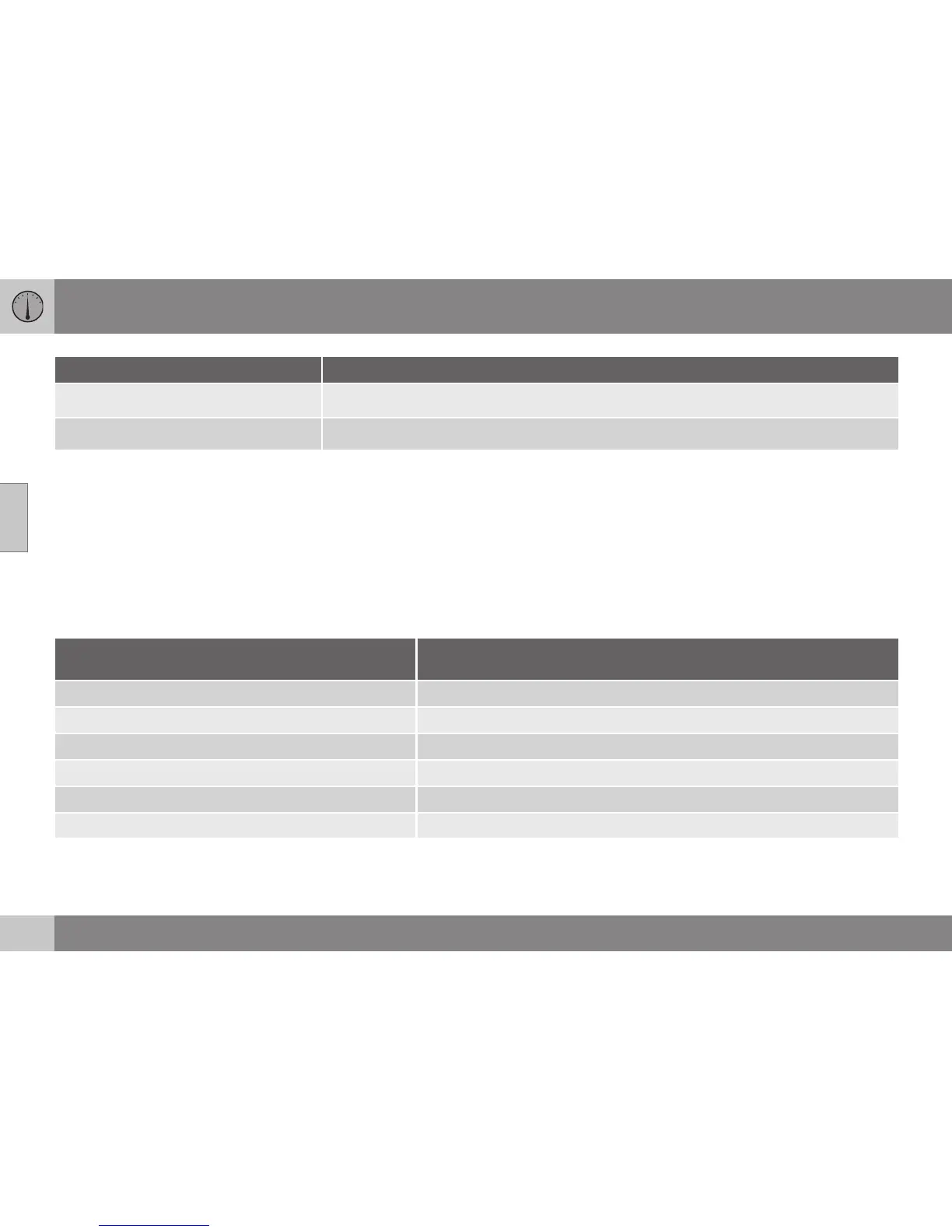
Functions Information
Oil level
A
For more information, see Engine oil - checking and filling (p. 331).
Messages (##)
For more information, see Messages - handling (p. 104).
A
Certain engines.
Headings
One of the headings in the following table can
be selected for constant display in the com-
bined instrument panel. Proceed as follows to
determine which:
1. To ensure that no control is in the middle
of a sequence - "Reset" them first with
2 presses on RESET.
2. Turn the thumbwheel - selectable head-
ings for the trip computer are shown in a
loop.
3. Stop on desired heading.
Trip computer heading in combined instrument
panel
Information
Trip meter T1 and total dist.
•
Long press on RESET resets trip meter T1.
Trip meter T2 and total dist.
•
Long press on RESET resets trip meter T2.
Distance to empty
For more information - see the section "Range - distance to empty tank" (p. 113).
Fuel consumption
Current consumption.
Average speed
•
Long press on RESET resets
Average speed.
No trip computer information. This option shows a blank display - it also marks the beginning/end of the loop.
The combined instrument panel's trip com-
puter can be changed to another option at
any time during the journey. Proceed as fol-
lows:
– Turn the thumbwheel - stop on the
desired heading.



 To Next Page