128 Graphic Display
Clock format
MENU: Set-up mode, Clock format
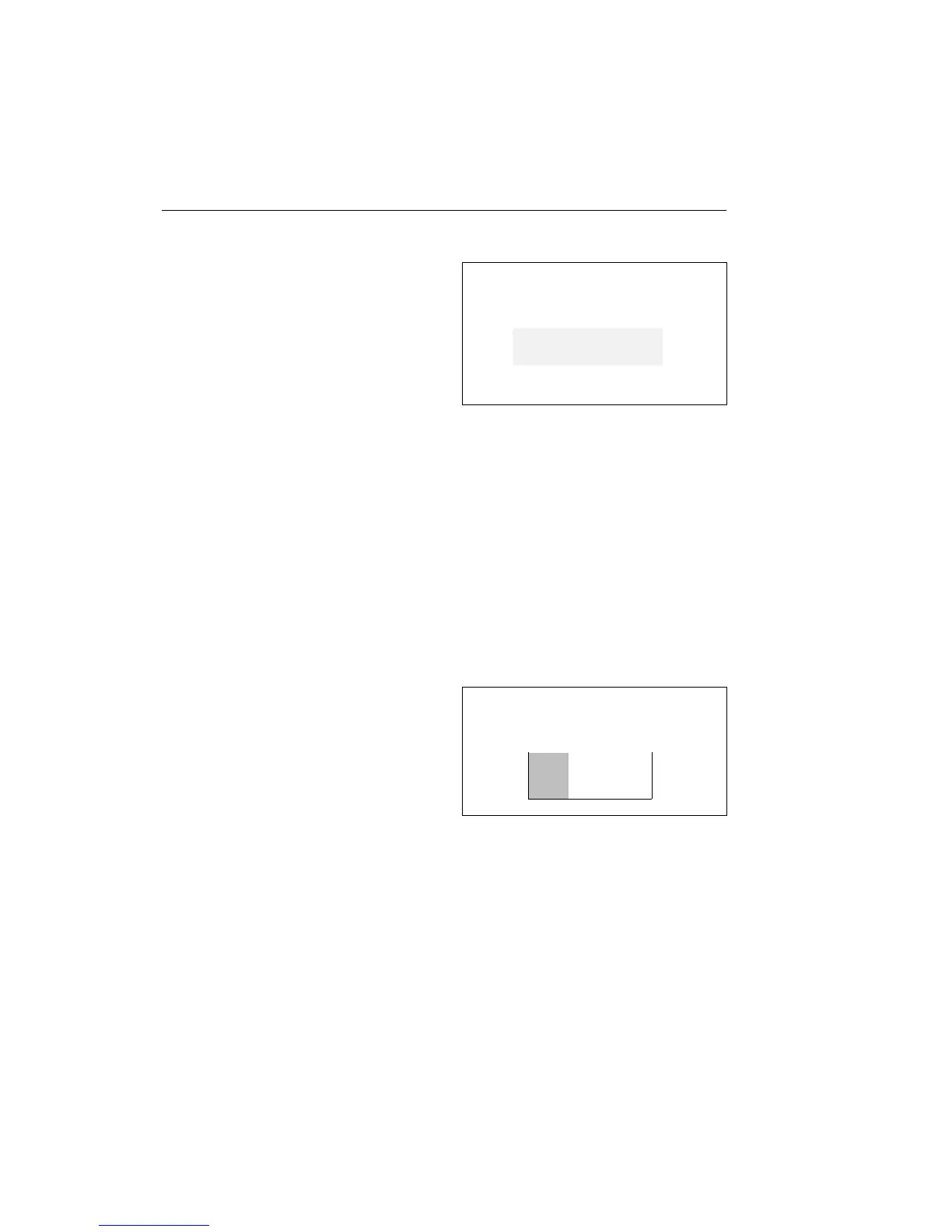
1 Select the menu Set-up mode, Clock
format and the following diagram is
shown on the graphic display (with the
particular setting highlighted):
2 The up/down buttons move the cursor
between the alternatives. Confirm the
choice with SELECT.
AM/PM is the 12 hour display (AM =
morning and PM = evening).
Cancel setting
Press Esc in order to cancel the setting.
AM/PM
24 h
Contrast
MENU: Set-up mode, Contrast
1 Select the menu Contrast and the fol-
lowing diagram is shown on the
graphic display. The bar shows the
particular setting in relation to
max/min. contrast:
The up arrow increases the contrast.
The down arrow reduces the contrast.
2 Confirm the choice with SELECT.
Cancel setting
Press Esc in order to cancel the setting.
Adjust contrast



 To Next Page