03 Planning your trip
Setting a destination
03
48
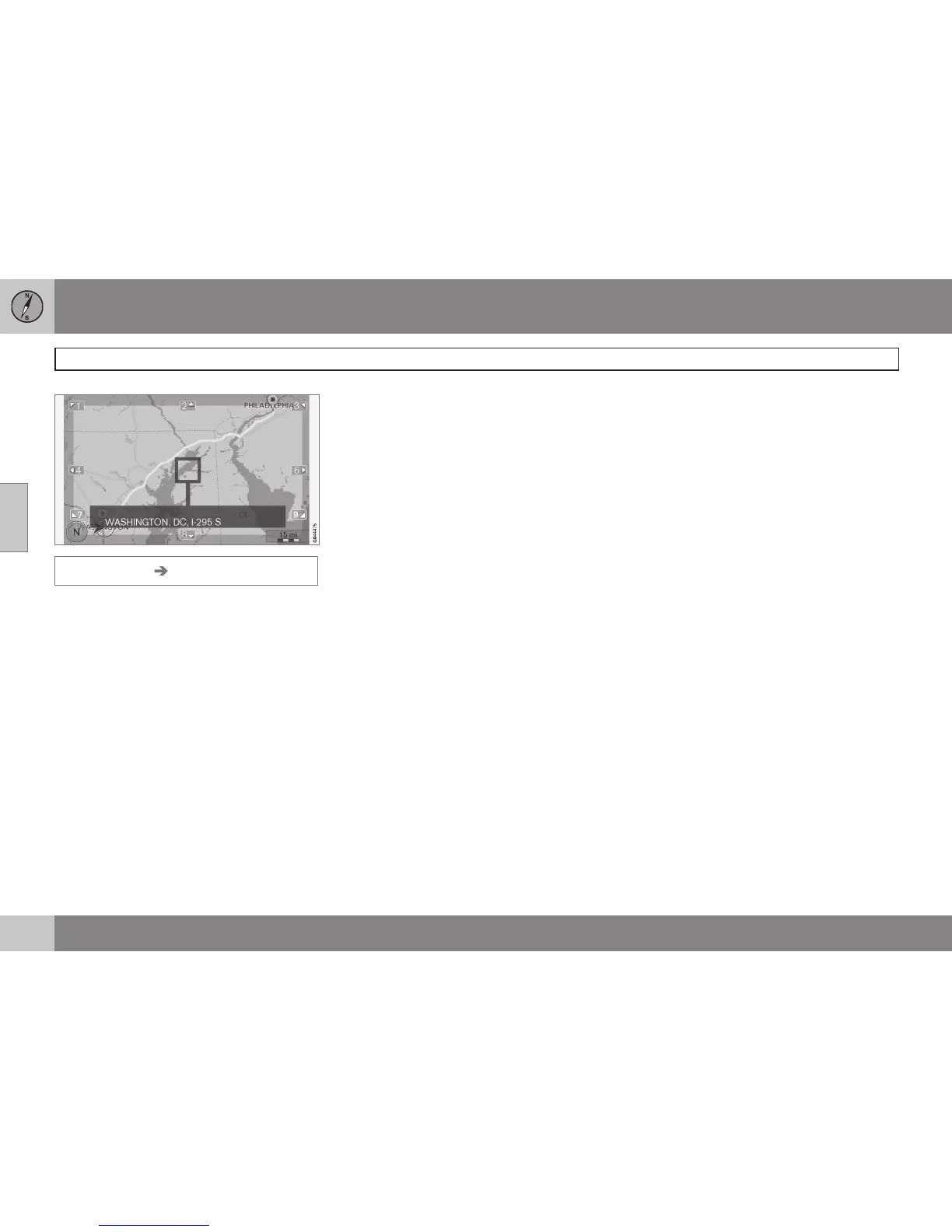
Set destination Select point on map
This displays a map with the current location
marked. See also "Scroll menu" on page 35.
•
Turn TUNE to change the map scale.
1. Move the crosshairs using the number
keys on the center console ((6 MNO) to
move right, (8 TUV) to move down, etc).
2. When you have moved to the desired
location, press OK.



 To Next Page