03 Planning your trip
Settings
03
53
Traffic information
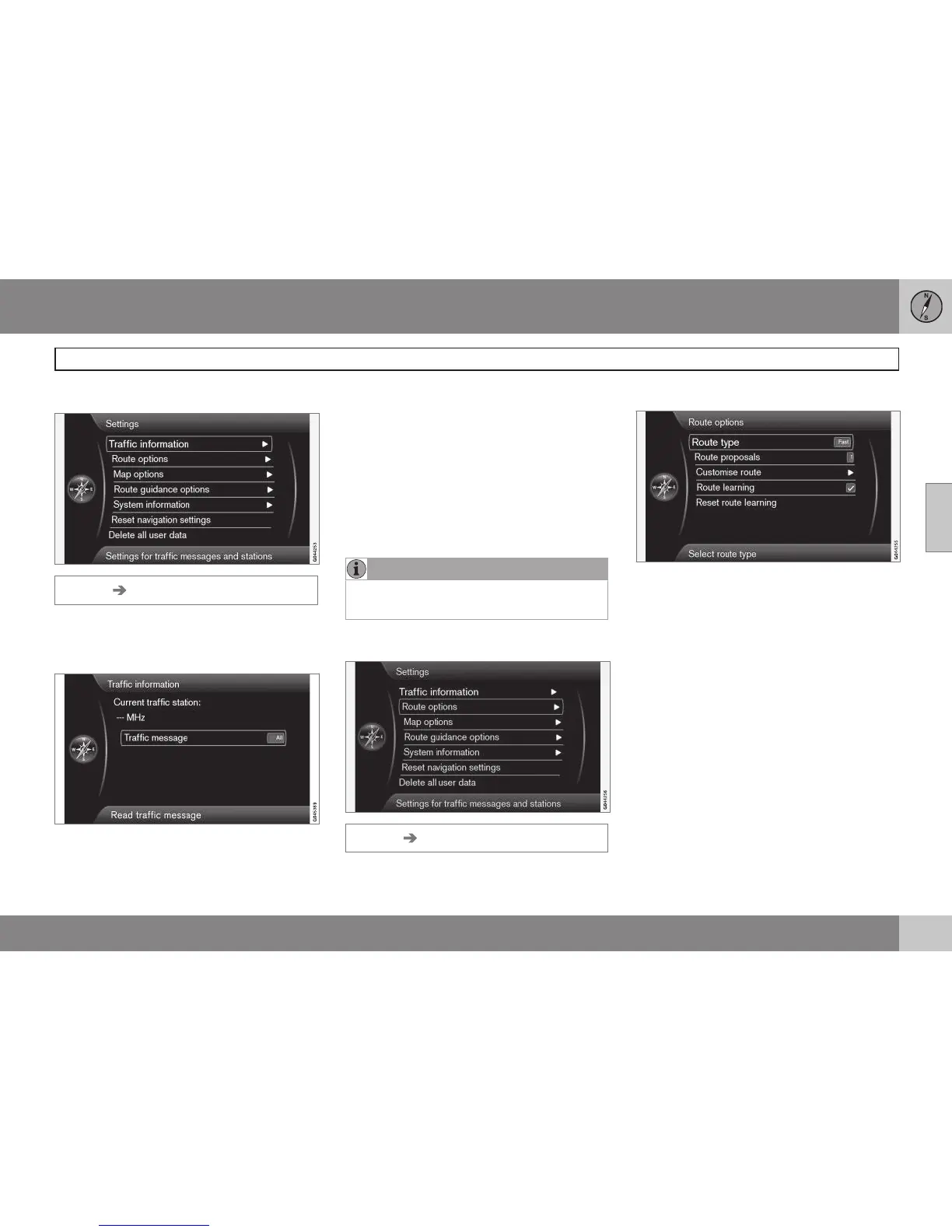
Settings Traffic information
Additional settings that can be made for Traf-
fic information, see also page 66.
Traffic messages
Traffic message
Several selections can be made here for dis-
playing traffic messages.
•
All: information about all reported traffic
disruptions will be displayed.
•
Most serious: this will display informa-
tion about e.g., closed roads due to acci-
dents or other serious problems.
•
None: No traffic messages will be dis-
played.
NOTE
This setting affects the way that the sys-
tem calculates a route.
Route options
Settings Route options
Route type
The following types of routes can be
selected:
•
Fast: Major roads such as highways are
prioritized. In some cases, this may not
offer the shortest travel time or route
•
Short: the shortest route is prioritized. In
some cases, the route may use secon-
dary roads
•
Easy: the system will prioritize roads that
do not entail difficult driving situations or
numerous intersections



 To Next Page