04 Traffic information
Dealing with traffic problems
04
69
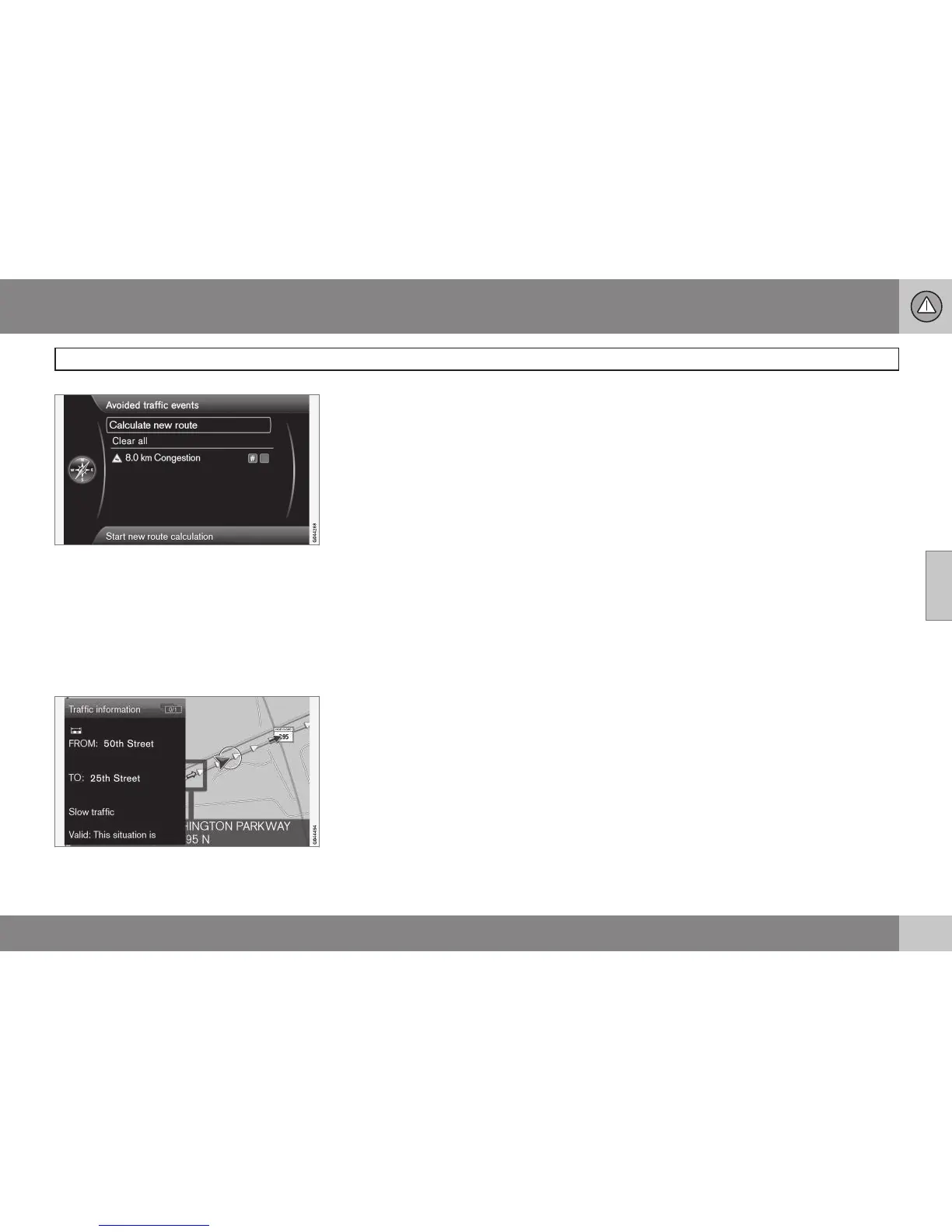
A list with one alternative that can be edited.
The following can be done:
•
Clear all: unmark all alternatives.
•
Select one of the alternatives + OK: the
alternative will be unmarked.
•
Select one of the alternatives + # INFO:
detailed information and a map will be
displayed.
Detailed information, return to the menu by
pressing EXIT.
•
Return to the map by pressing EXIT or
select
Calculate new route + OK: the
itinerary will be adjusted according to the
changes made.



 To Next Page